
AI-powered assistants are artificial intelligence systems designed to understand, process, and respond to human input. AI virtual assistants technology has become core infrastructure for how people work, search, and create now.
They are no longer standalone tools based on machine learning systems or local models, but software programs inside productivity suites, search engines, design platforms, and smart devices.
Market data shows rapid growth of 44.63%, where AI tools continue expanding across industries, including systems powered by generative AI.
Choosing between them now depends less on raw capability and more on workflow fit, ecosystem integration, and real-time usefulness using natural language processing in the broader AI assistant space.
Key Takeaways
- AI assistants now function as workflow-native intelligence layers embedded directly into the tools people already use. They are driven by machine learning systems and generative AI workflows.
- There is no single dominant platform anymore, users rely on multi-assistant stacks.
- AI is now deeply integrated into major ecosystems, from platforms like Microsoft, Notion, and ClickUp to smart home devices, creating AI-assisted environments.
- Search behavior has shifted toward answer engines with citations and AI search, where users expect direct responses in plain language.
- Design and coding tools are evolving into agent-driven creation systems that can perform tasks and generate, refine, and iterate on outputs with minimal manual input.
- Most AI tools in our post follow a consistent model across the market, whether voice assistants or text-based chatbots, offering free tiers, subscription plans, enterprise options, and cross-platform access as part of modern AI virtual assistant ecosystems.
All-in-One AI Assistants
All-in-one AI assistants are the most flexible tools in 2026. Only in enterprise environments has adoption scaled extremely fast, across both large and small businesses.
Companies reached 75% license adoption of tools like ChatGPT in a single week, while another organization deployed 30,000 Copilot and other tools licenses across employees, enabling systems to analyze data at scale and train models through real-world usage.
They also act as AI personal assistants that perform structured reasoning to support daily workflows. In everyday life, they are used for planning trips, learning new topics, writing messages, organizing schedules, and getting quick answers through systems that complete tasks efficiently.
1. ChatGPT
Source: ChatGPT
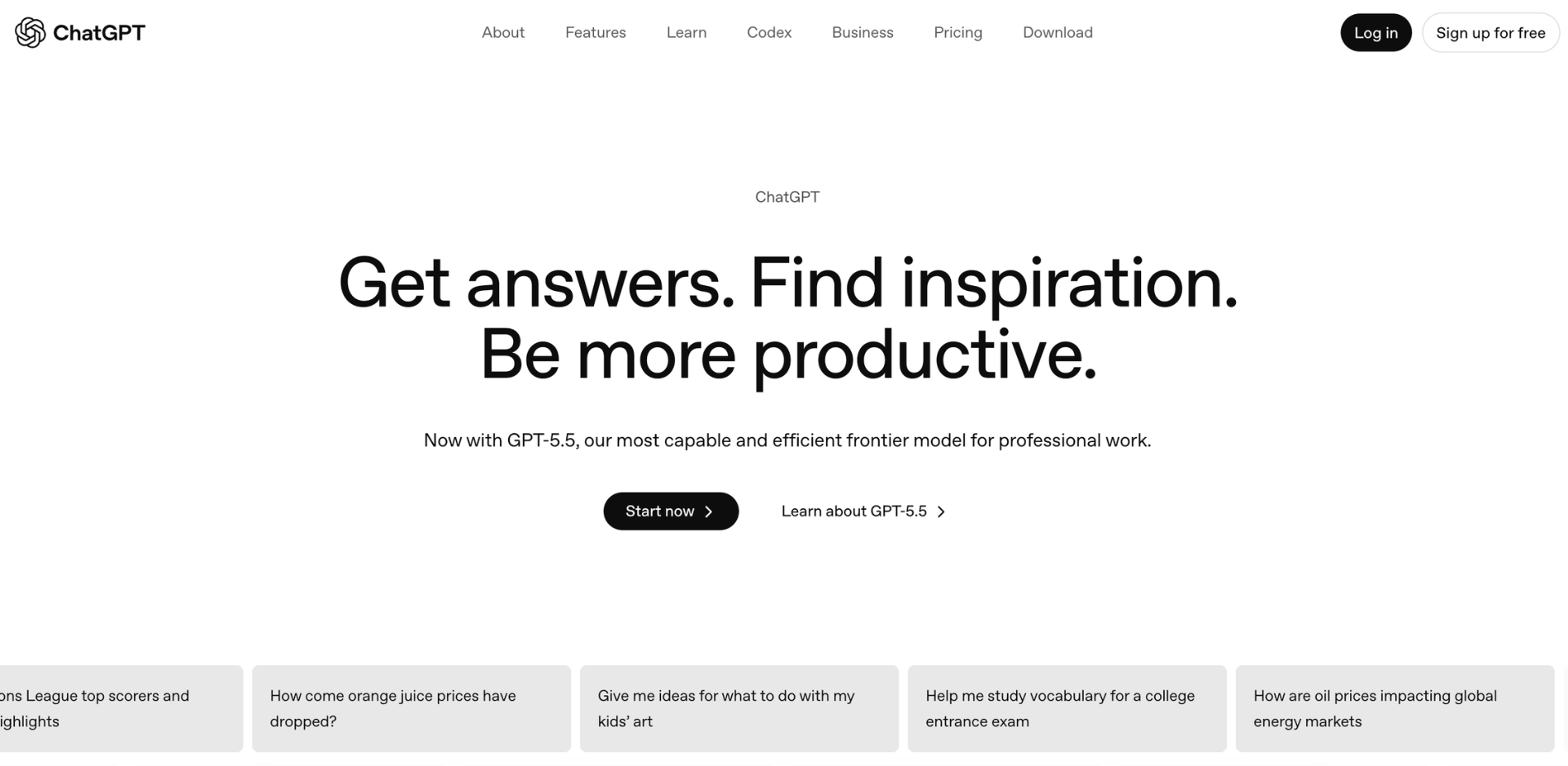
Most people don’t treat ChatGPT like a chatbot, unlike other AI assistants. They use it as a practical thinking tool powered by artificial intelligence.
It helps turn half-formed ideas into something usable, and the assistant performs structured reasoning to turn those ideas into a clear email or follow-up, a structured document, or a solution to a problem that felt unclear a few minutes earlier, including handling everyday simple tasks.
In day-to-day use, it often sits alongside other apps rather than replacing them. It’s less about asking perfect questions and more about working through thoughts in real time, refining as you go using plain language.
Key Points:
- Pricing: free, paid plans from $8/month to $100/month
- Usage Caps: free tier has message limits and reduced access to advanced models
- Availability: web, mobile, desktop, API
- Voice Assistant: yes, it supports voice commands
- Pros: answers messy real-world questions better than structured search engines, adapts quickly to changing context
- Cons: advanced tools and features are only available in paid plans
2. Google Gemini
Source: Google
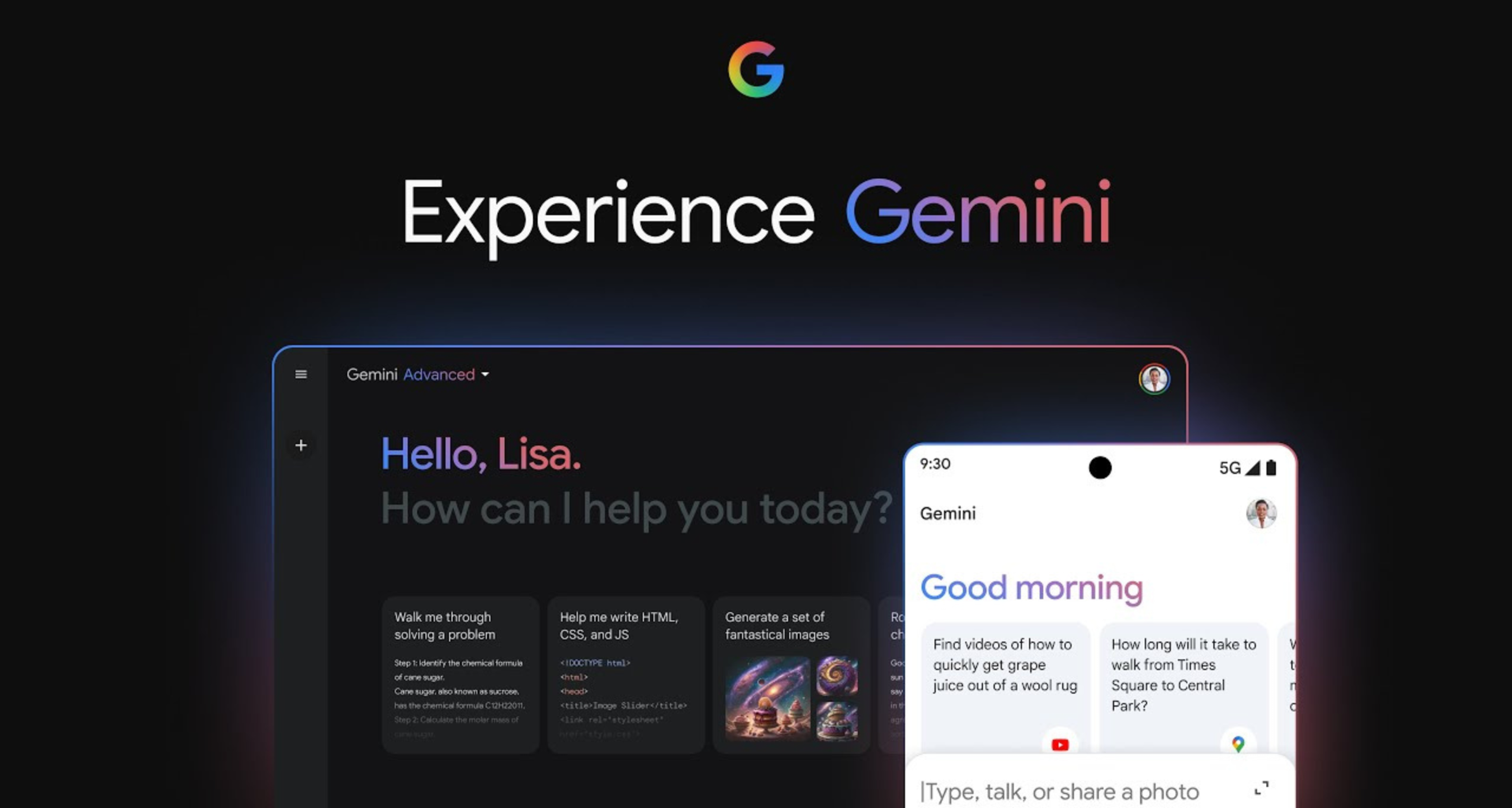
Gemini is rarely used as a standalone app. Most people encounter it inside tools they already use, especially Google Docs, Search, and Gmail.
It shows up in moments where they would normally switch tabs, skim results, or rewrite content manually.
It works best inside the Google ecosystem. Outside of it, people rarely open it directly, but within Google apps, it blends into everyday workflows almost automatically, delivering an instant answer experience.
Key Features:
- Pricing: free plan, paid from $7.99/month to $249.99/month
- Usage Caps: free tier has limited access to advanced features
- Availability: web, Android, Google Workspace apps
- Voice Mode: yes, voice commands are available, especially in apps where they’re most useful, like Google Maps and Google Search
- Pros: strong real-time web grounding for fast, up-to-date information access
- Cons: best experience is tied to the Google ecosystem
3. Claude
Source: Claude
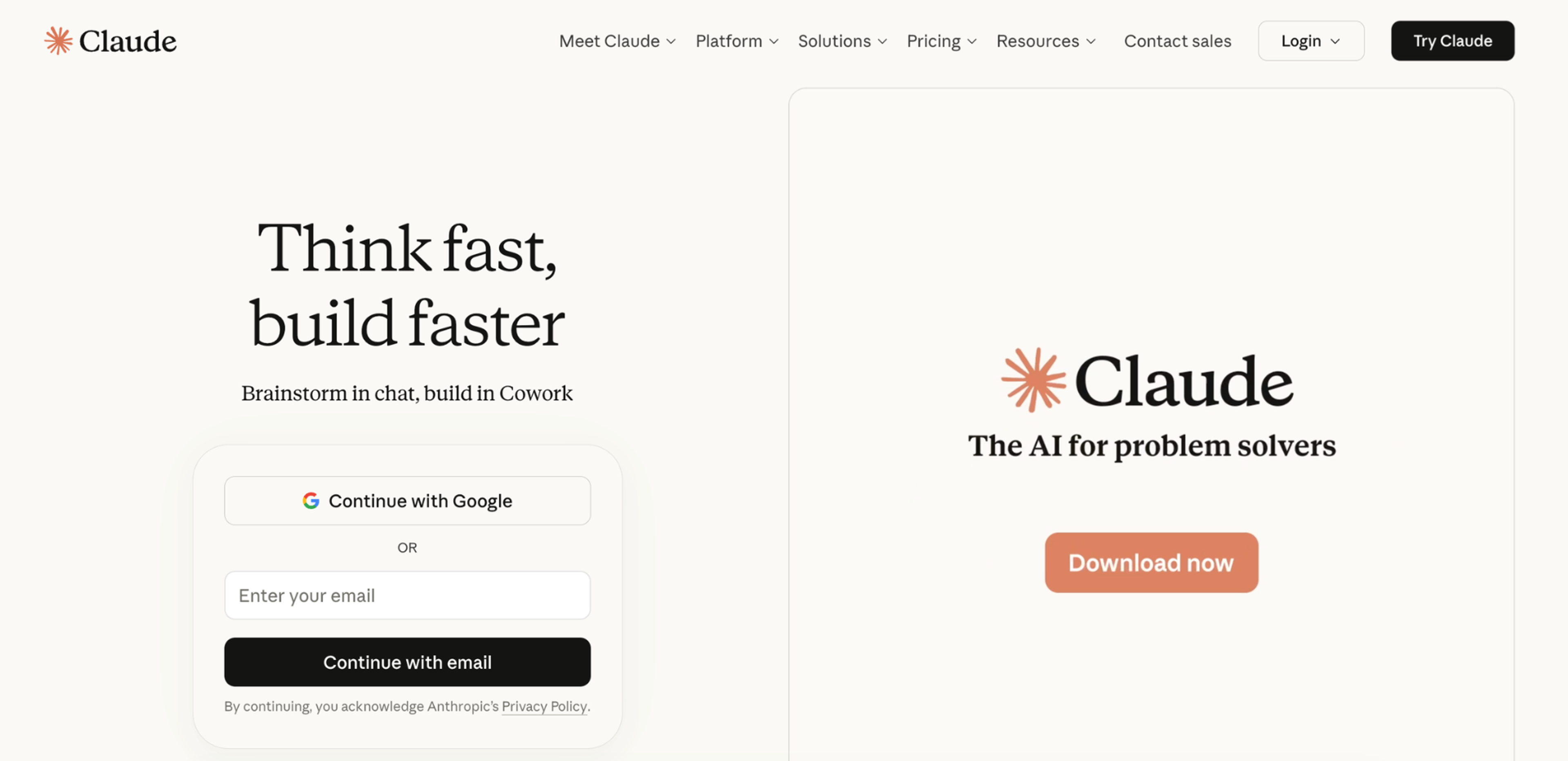
Claude is often used when people need to slow down and make sense of complex requests. Instead of focusing on quick replies, it tends to be used for reading, refining, and restructuring longer text, using strong natural language processing.
It can also help reduce the learning curve when working with complex requests. Many users turn to it when other tools feel too fast or less precise, especially when working with plain language.
Unlike other AI assistants, Claude also allows users to create reusable Skills, so they can tailor outputs to their needs without the need to train models each time.
For those who need more advanced workflows, Claude Codе helps developers work more efficiently with large codebases and technical tasks, while Claude Design extends these ideas into product experience and interface design.
Key Points:
- Pricing: free plan, paid plans from $17/month to $100/month
- Usage Caps: free plan has strict daily message limits
- Availability: web, API
- Voice Assistant: limited
- Pros: produces clean, structured long-form output with minimal prompting needed, and stays consistent across long chats
- Cons: fewer integrations than competitors
4. Microsoft Copilot
Source: Microsoft
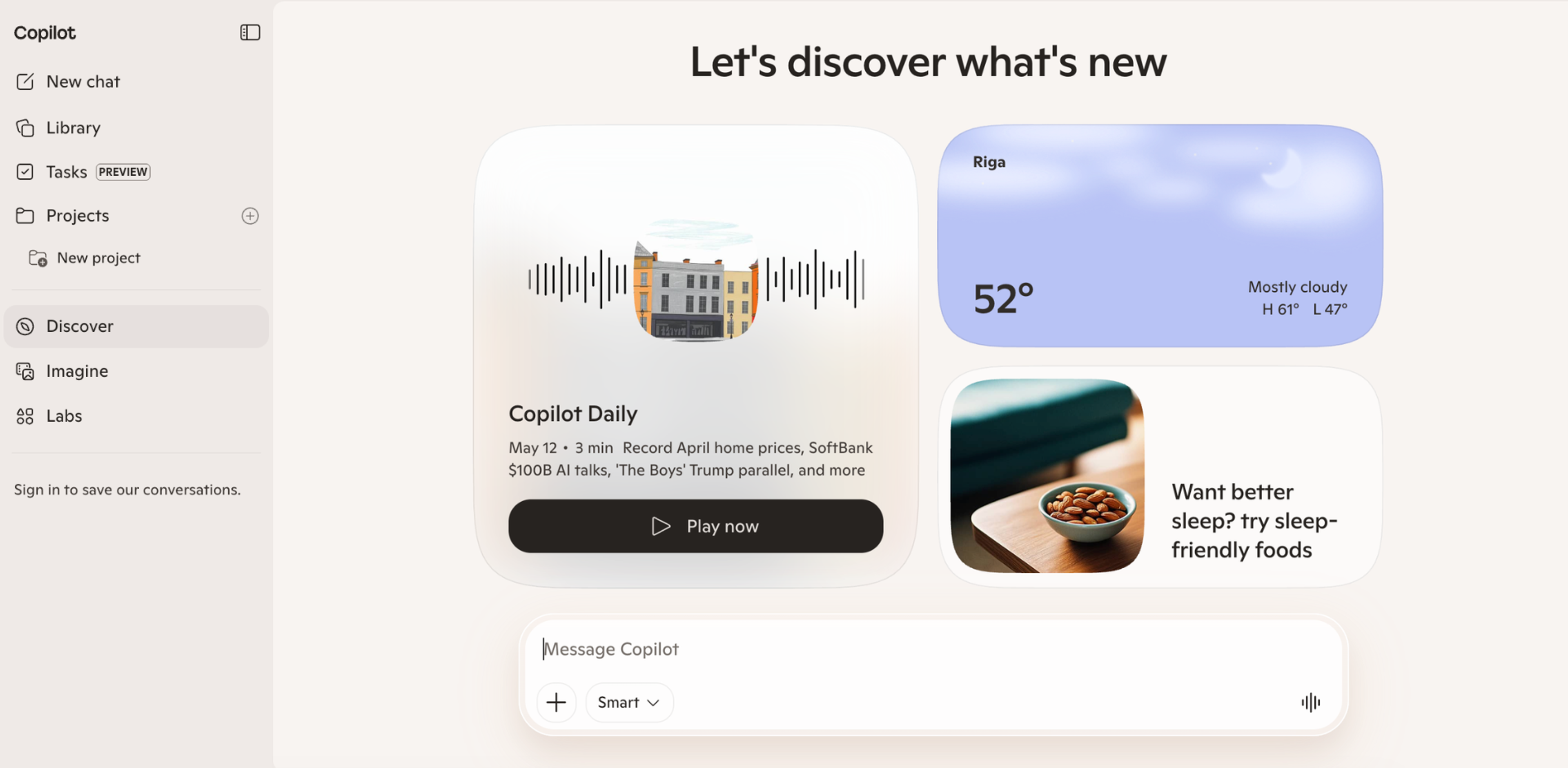
Microsoft Copilot is best understood as a fast, on-demand thinking layer people use to complete tasks while already doing something else online.
Its usage is lightweight. People open it mid-task, paste or type whatever they are dealing with, and expect an immediate cleanup or explanation. That might be a rough email draft, a confusing paragraph from a website, a decision they are trying to make, or a need to summarize conversations.
Key Features:
- Pricing: free
- Usage Caps: no strict limits, but it may slow down or become restricted during high-traffic periods
- Availability: web, Android, iPhone, macOS, Windows, Microsoft Edge
- Voice Assistant: yes
- Pros: simple chat for everyday questions and brainstorming tasks, cited web answers for fast verification
- Cons: can feel less powerful for users who need highly detailed, structured reasoning or end-to-end content creation using complex requests
Work & Productivity AI Assistants
Work and productivity AI assistants are becoming essential tools in modern workflows, designed to streamline how individuals and teams get things done. Unlike single-purpose apps, these systems combine capabilities such as writing support, coding help, research, data analysis, and task automation in one environment, reducing context switching and improving overall efficiency.
5. Notion AI
Source: Notion
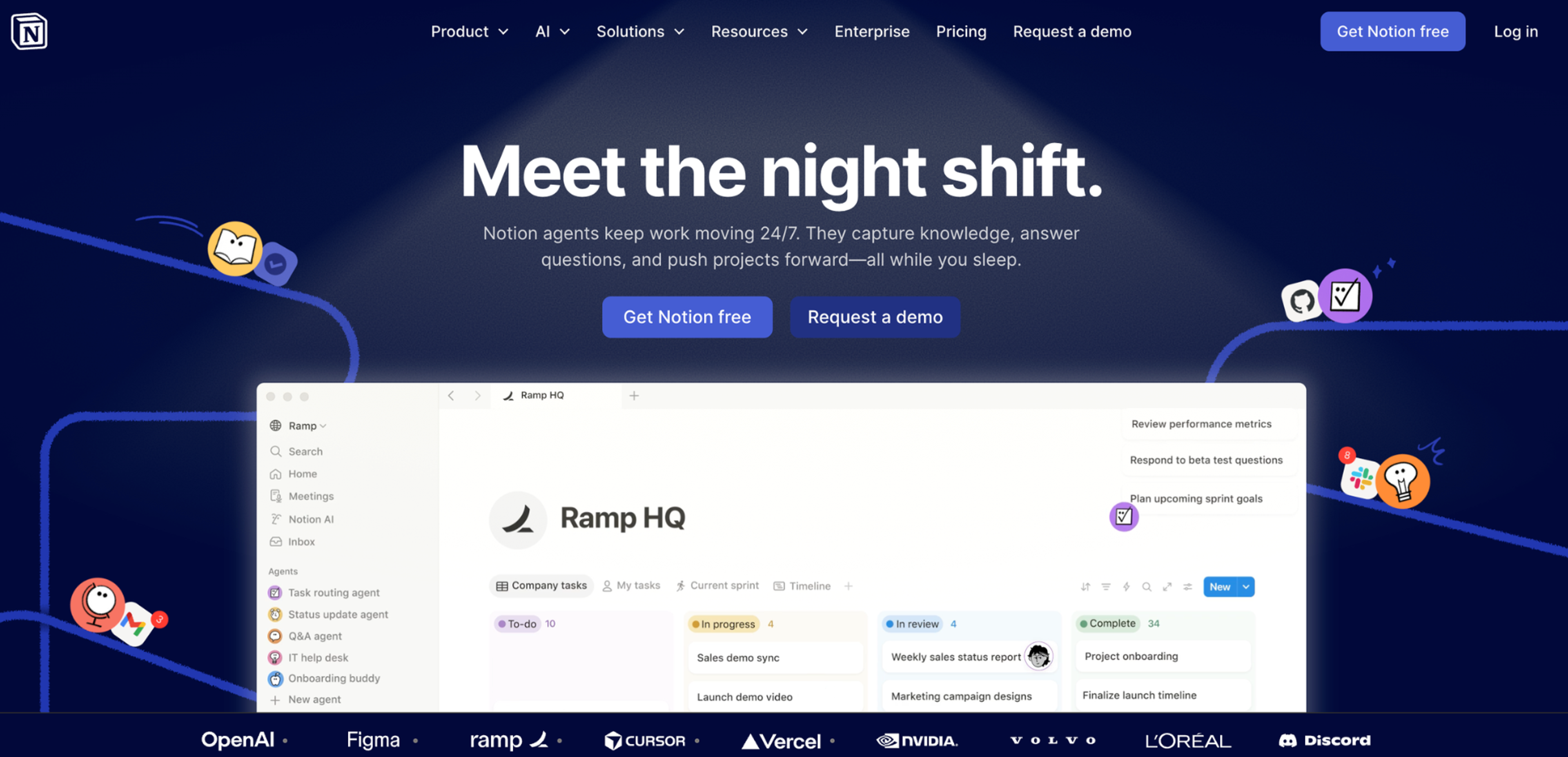
Notion AI usually comes into play when notes are messy or a page has become disorganized inside the workspace. Instead of starting from a blank prompt, users typically highlight existing content and ask AI to rewrite, summarize, or restructure it.
In real workflows, it quietly replaces a lot of manual editing. Meeting notes get turned into readable summaries, long project pages get condensed into key points, and scattered brainstorms get reshaped into something that resembles a proper document.
Key Points:
- Pricing: free plan, paid plans start from $12/month
- Usage Caps: AI features are available on the free plan in a limited trial-like capacity
- Availability: web, mobile, desktop
- Voice Assistant: no
- Pros: works directly inside pages where users already organize everything
- Cons: only works effectively if your workflow already lives inside Notion, limited standalone usefulness outside the Notion ecosystem
6. Otter AI
Source: Otter
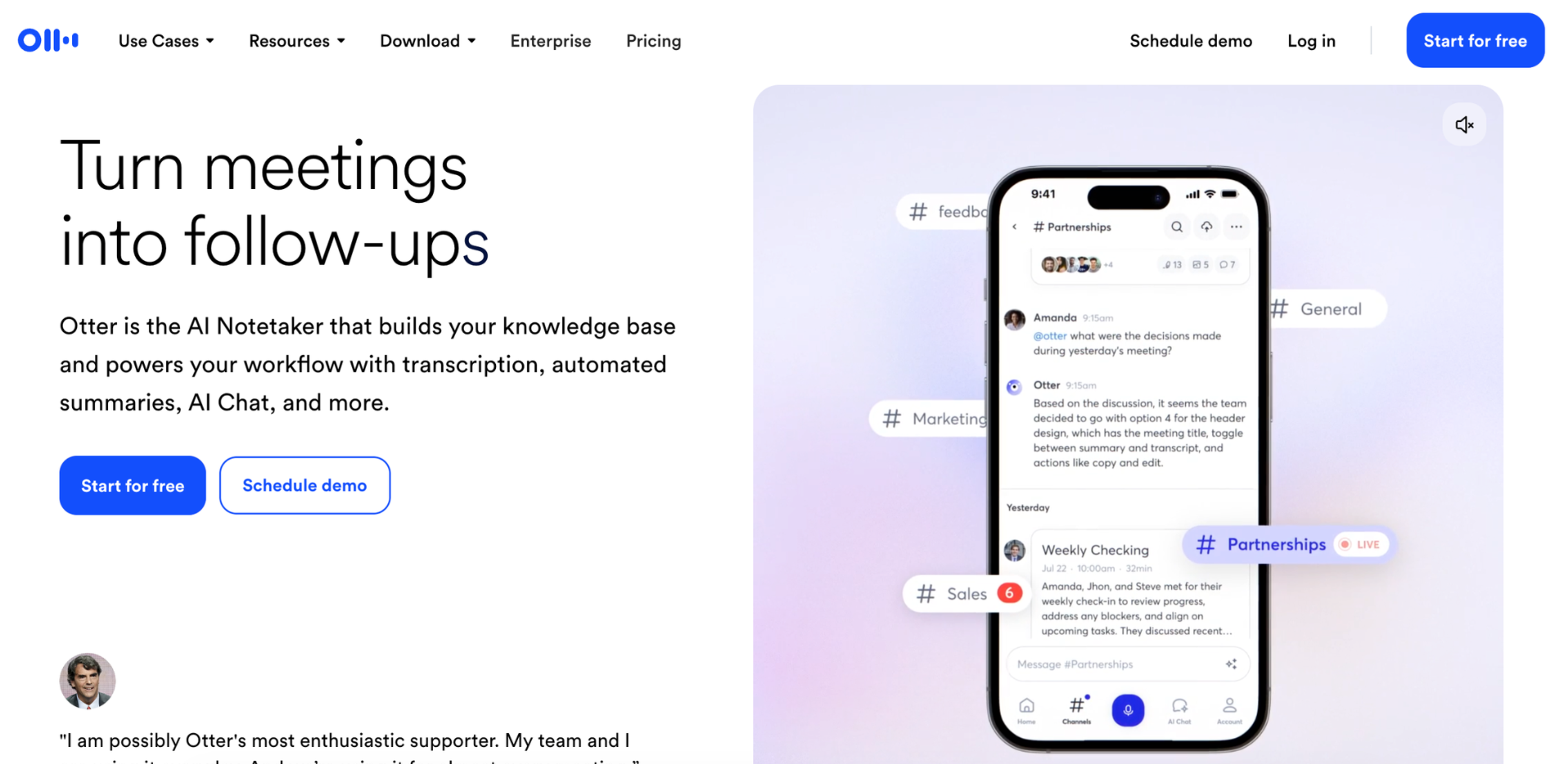
Otter AI is mainly used as a backup memory layer during meetings. People turn it on at the start of calls and stop actively thinking about it, trusting it to capture everything they might miss while multitasking or not taking notes.
The real value shows up after the meeting, when users search the transcript for decisions, tasks, or exact wording instead of reading the whole thing. Over time, it replaces manual note-taking rather than improving it.
Key Features:
- Pricing: free, paid plans start from $16.99/month
- Usage Caps: free tier works as an occasional-use allowance, and frequent meeting users typically need paid plans for sufficient monthly transcription time
- Availability: web, mobile, Zoom/Google Meet integrations
- Voice Assistant: yes (live transcription)
- Pros: accurately transcribes meetings in real time without manual note-taking, and offers searchable transcripts
- Cons: accuracy drops with noise, accents, or overlapping speakers, the value depends on users actually revisiting transcripts
7. Lindy
Source: Lindy
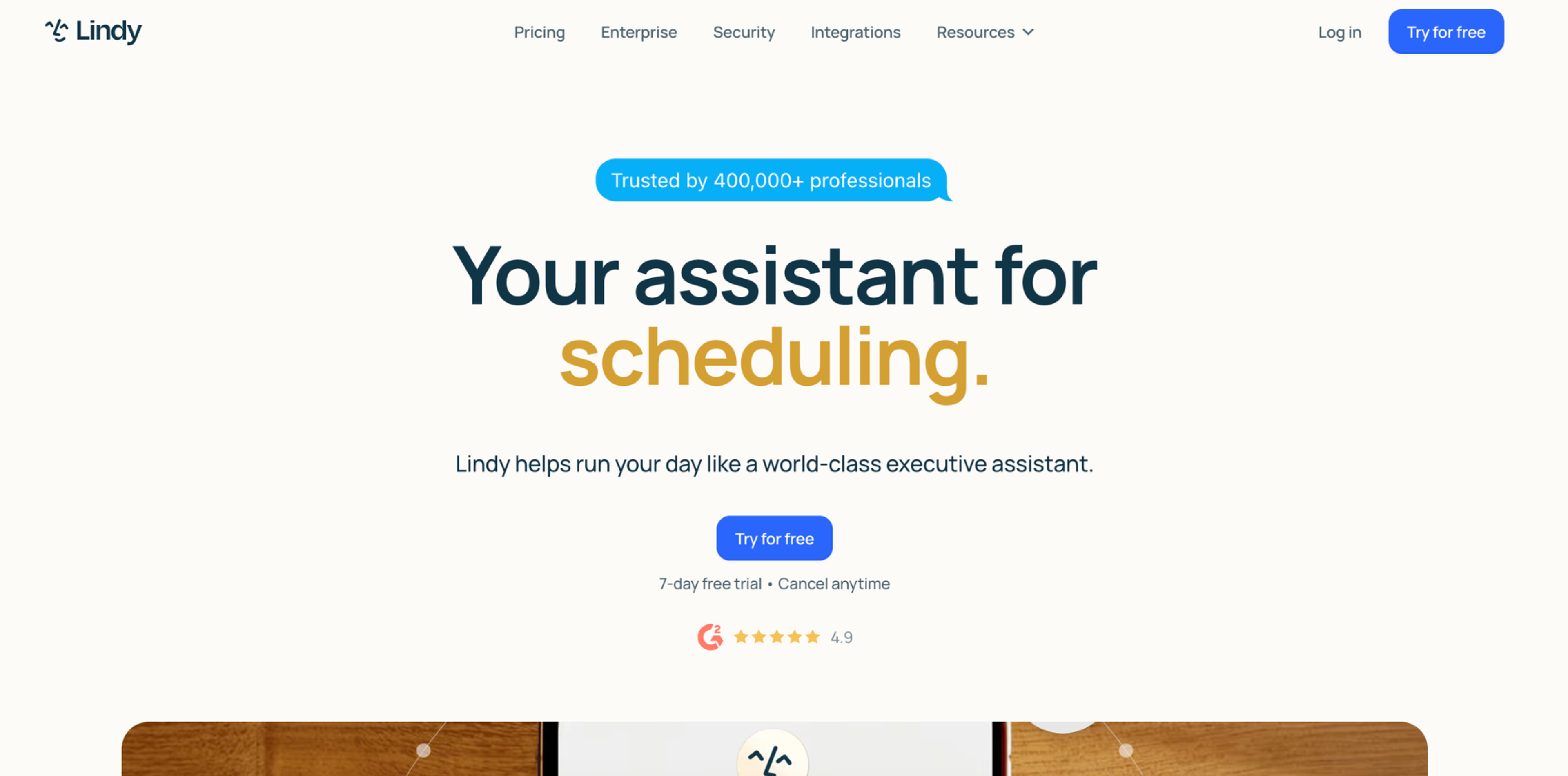
Lindy is used less as a chat and more as a lightweight operator for repetitive administrative tasks. In practice, people don’t constantly talk to it, they set it up once to handle things like follow-ups, scheduling, or small workflow updates, then expect it to run in the background.
It’s most useful when it replaces tasks users already know they keep delaying, like chasing replies or coordinating meeting times across busy calendars.
Key Points:
- Pricing: free tier, paid plans start from $49.99/month
- Usage Caps: limited number of automated actions on lower tiers, expanded execution limits on paid plans
- Availability: web-based with integrations for email, calendars, and business tools
- Voice Assistant: no
- Pros: automates repetitive workflows without coding or setup friction
- Cons: relies heavily on clear instructions, struggles with ambiguous tasks that require human judgment
8. ClickUp
Source: ClickUp
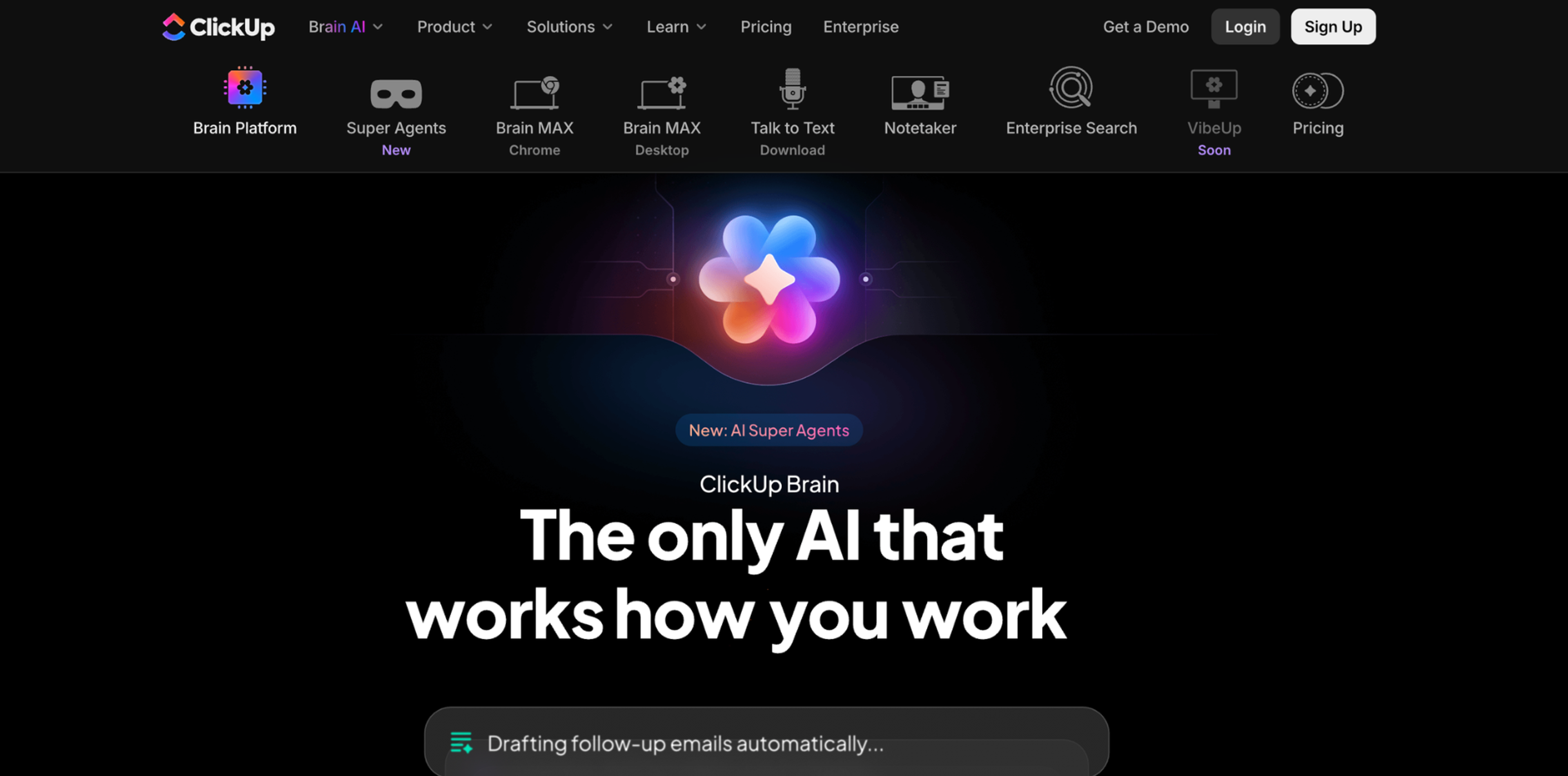
The usage pattern for ClickUp’s AI tools is very grounded. Someone inherits a cluttered project or returns to a neglected board, and instead of manually rewriting everything, they use AI to summarize, restructure, or rewrite task content so it makes sense again. It’s also commonly used to turn vague task titles into something actionable.
It’s most useful for aligning messy inputs from different team members into clear, structured project communication that others can follow without extra clarification.
Key Features:
- Pricing: free plan available, AI features require paid plans that start from $14/month
- Usage Caps: limited AI usage on lower tiers
- Availability: web, mobile
- Voice Assistant: no
- Pros: turns messy tasks into structured plans and priorities instantly
- Cons: works best only when teams already use ClickUp consistently, struggles to add value in poorly structured or inconsistently maintained workspaces
AI Search & Research Engines
AI search and research assistants help users find and understand information faster by combining web search with AI-generated answers. Instead of returning only links, they summarize information from multiple sources, highlight key points, and present structured responses that reduce the need to manually compare dozens of web pages.
9. Perplexity
Source: Perplexity
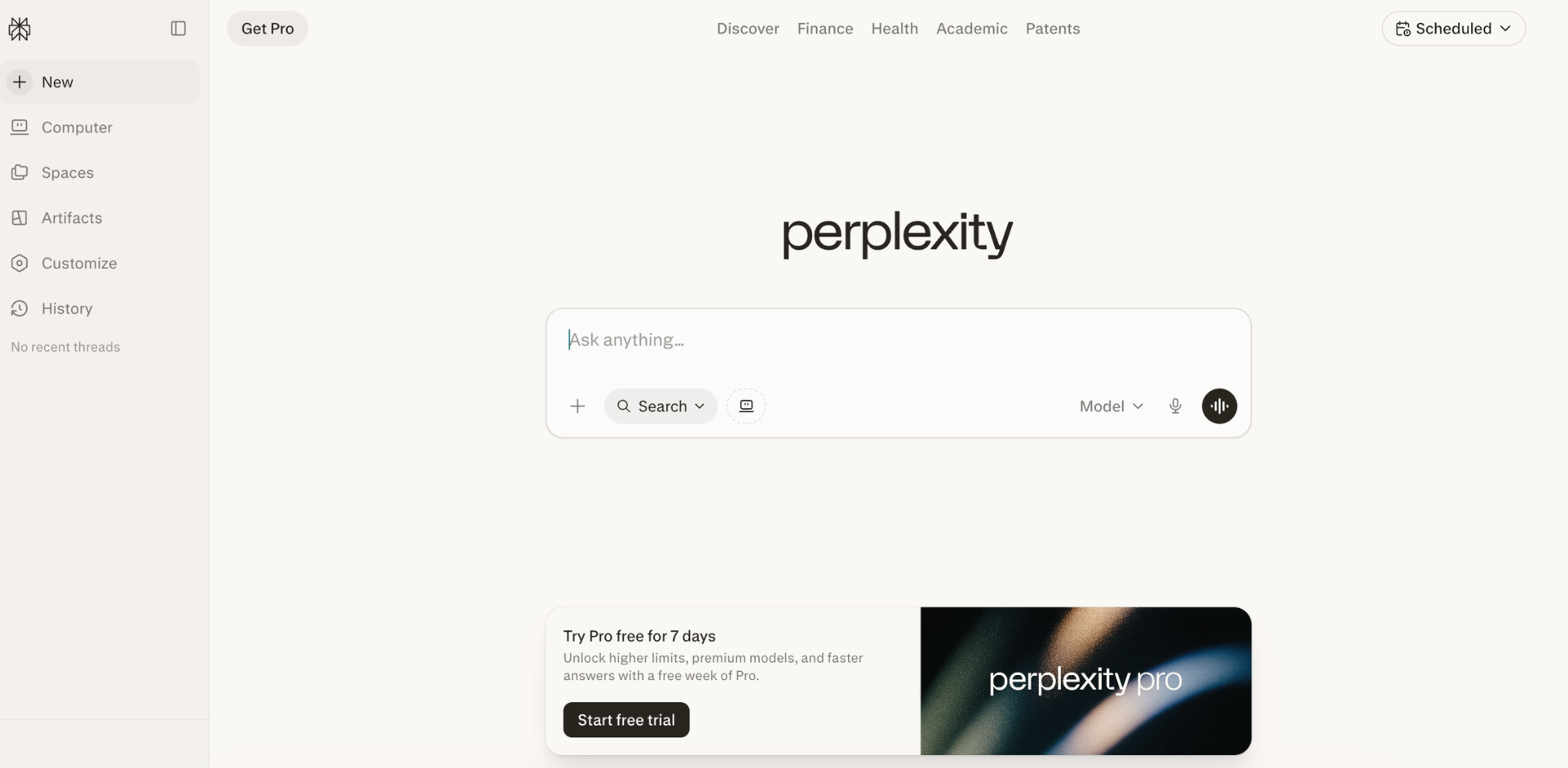
Perplexity is mostly used as a faster way to understand something before doing deeper research. People use it when they want a direct answer with sources instead of opening multiple web pages and piecing information together themselves.
In practice, it becomes a quick validation tool for questions, claims, comparisons, and unfamiliar topics. Most users scan the response, check a few citations if needed, and move on rather than fully researching every source.
Key Points:
- Pricing: free plan available, paid plans start from $17/month
- Usage Caps: free tier limits advanced searches and heavy daily usage, Pro plan expands query capacity for research-heavy use
- Availability: web, mobile
- Voice Assistant: limited
- Pros: fast cited answers replacing manual Google browsing, great for quick research
- Cons: quality depends heavily on available web sources and can reflect inaccurate or incomplete online information
10. You.com
Source: You.com
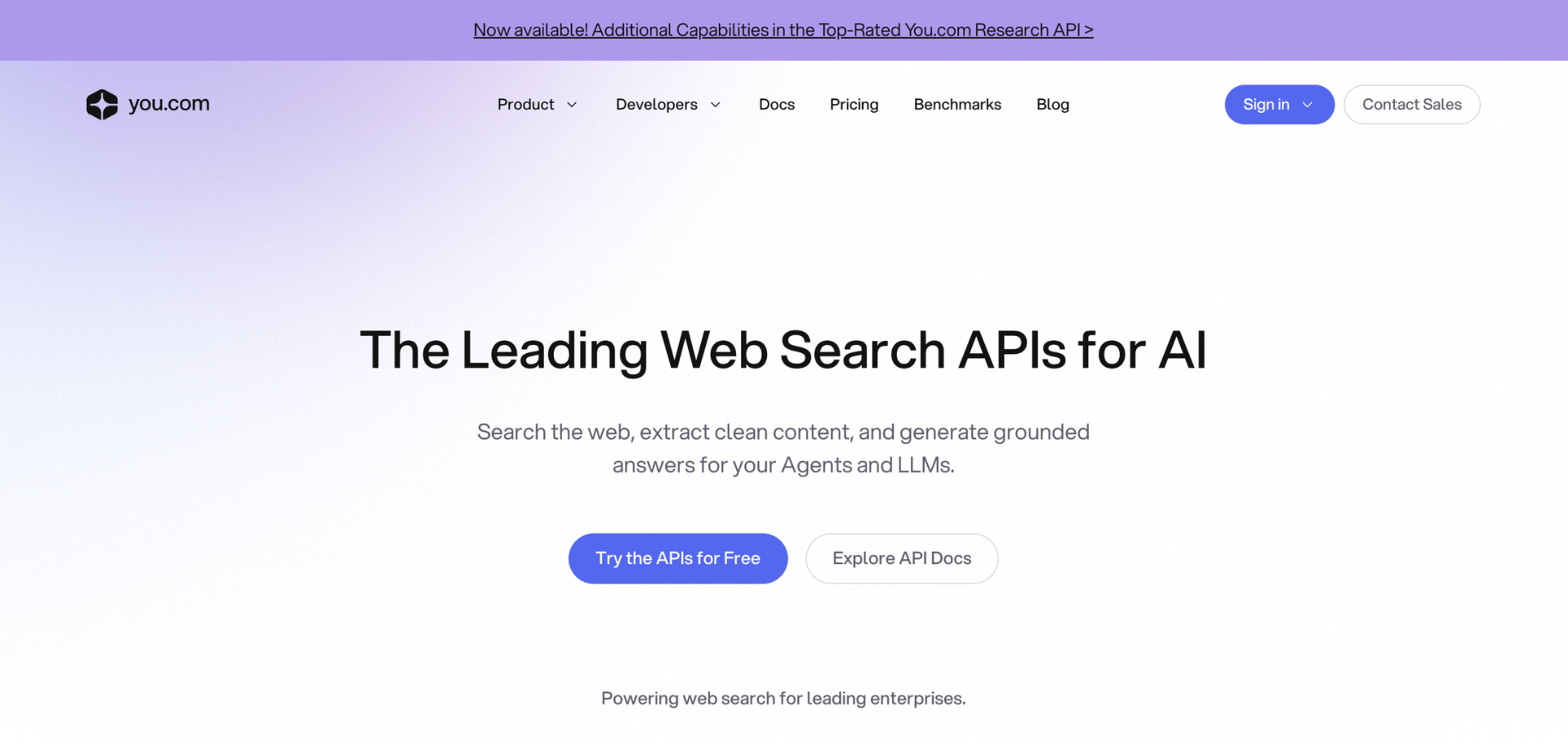
You.com provides web search APIs used to power AI systems, agents, research tools, and data pipelines with real-time, source-grounded information.
In practice, it’s used as infrastructure rather than just a search interface, enabling applications to retrieve and structure web results for downstream AI use.
Key Features:
- Pricing: free tier available, paid plans start from $1/1000 pages
- Usage Caps: rate limits and request caps on lower tiers, scalable limits on paid plans
- Availability: web, API
- Voice Assistant: no
- Pros: real-time web results structured for direct AI ingestion, no scraping or custom parsing needed
- Cons: the quality of results depends on web coverage, query design, and indexing freshness
AI Design & Creative Tools
Design and creative AI assistants are tools used to speed up visual thinking, not just final design production. Instead of replacing designers, they are mainly used to quickly generate ideas, explore styles, and produce rough visual directions.
Even top-rated design agencies use AI to speed up ideation and early visual exploration nowadays. It helps them work faster and more efficiently while still preserving a strong human creative vision in the final output. A few notable ones are:
AI is becoming a full-fledged assistant not only for routine tasks, but also for more creative fields like design.
11. Magic Design by Canva
Source: Canva

Magic Design is an AI-powered design platform by Canva for branding and visual content creation. It's less about designing from scratch and more about turning rough ideas into usable visuals quickly.
You just start with a short prompt or piece of content, then choose from generated layouts instead of building designs manually. It’s mainly used when speed matters more than precision.
Key Points:
- Pricing: free plan available, paid plans start from $15/month
- Usage Caps: limited AI generations on free tier, higher limits and commercial usage features in paid plans
- Availability: web, mobile, desktop
- Voice Assistant: no
- Pros: turns short prompts into layout-ready designs in seconds, skipping blank-canvas friction
- Cons: often requires manual refinement for brand consistency, not suitable for highly custom or detail-heavy design work
12. Adobe Firefly
Source: Adobe

Adobe Firefly is another AI-powered design platform for branding and visual content creation. It’s mainly used to speed up creative production inside existing Adobe workflows rather than replace design tools entirely.
Designers typically use it for quick concept generation, image variations, background expansion, or fast visual edits that would otherwise take repetitive manual work.
Key Features:
- Pricing: free tier available, paid plans start from $9.99/month
- Usage Caps: limited generative credits on free access, higher limits included with Creative Cloud subscriptions
- Availability: web and Adobe Creative Cloud apps
- Voice Assistant: no
- Pros: generates image variations and background edits directly inside existing Adobe workflows without switching tools
- Cons: often requires manual refinement for polished results, weaker for highly specific or complex visual compositions
AI Writing & Content Tools
Writing and content AI assistants help people create, edit, and refine text faster. They support drafting, rewriting, summarizing, and adapting content across formats like emails, articles, and marketing copy. In teams, they help standardize writing and speed up everyday communication.
13. Grammarly
Source: Grammarly
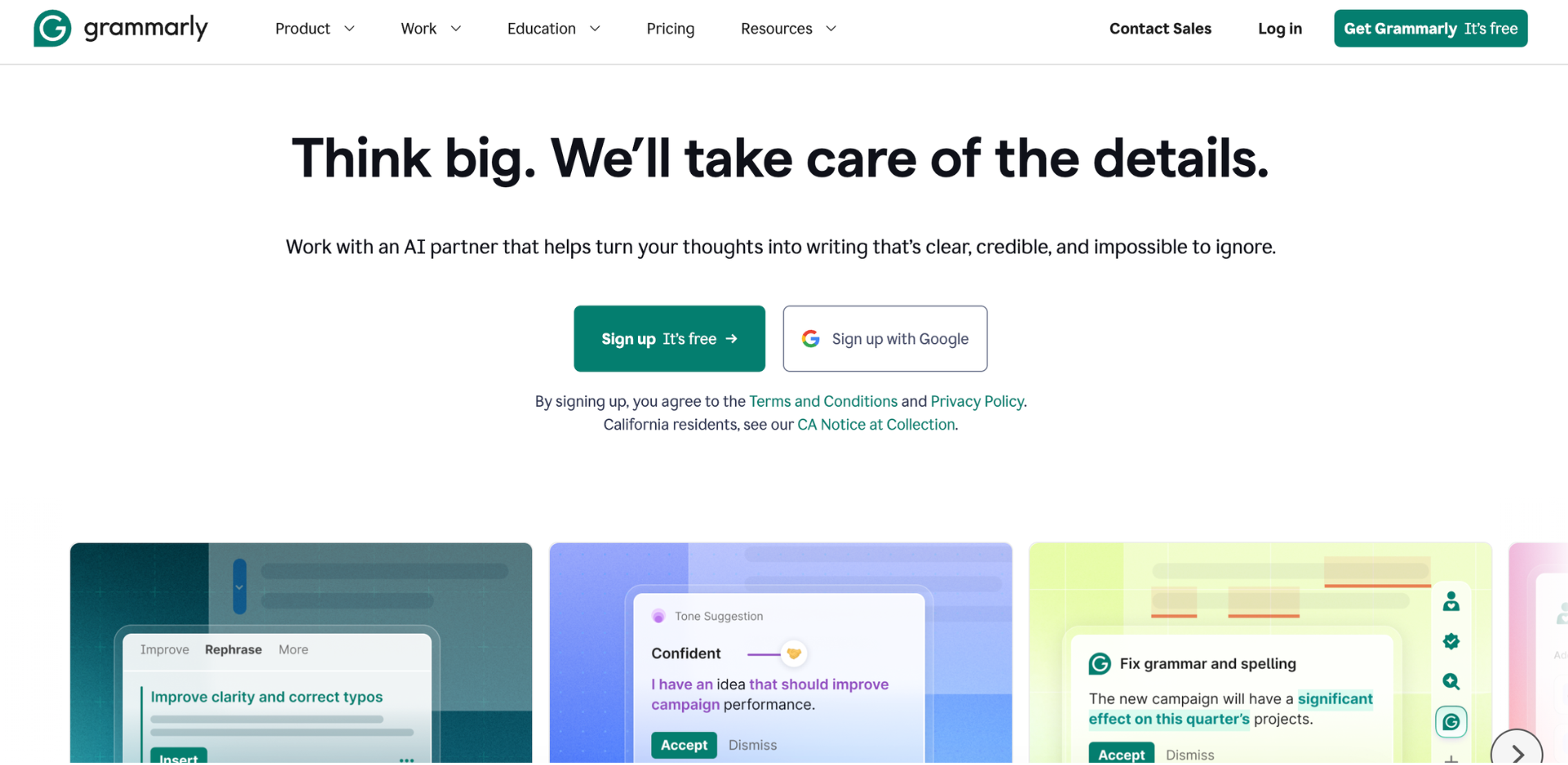
Grammarly is a writing assistant that focuses on improving clarity, correctness, and tone in everyday communication.
Instead of generating full documents from scratch, it works alongside your writing to catch grammar issues, suggest rewrites, and adjust phrasing so the message is easier to read and more appropriate for the context.
Key Points:
- Pricing: free plan with basic grammar and spelling checks, paid ones start from $12/month
- Usage Caps: free tier covers standard writing corrections, paid plans unlock broader AI rewriting, tone adjustments, and higher usage across documents and platforms
- Availability: web app, browser extensions, desktop apps, and mobile keyboards
- Voice Assistant: no
- Pros: catches tone mismatches and clarity issues in real time, adapts suggestions to writing context
- Cons: suggestions can sometimes feel generic or overly cautious, especially in creative writing or brand voice contexts
14. Jasper AI
Source: Jasper
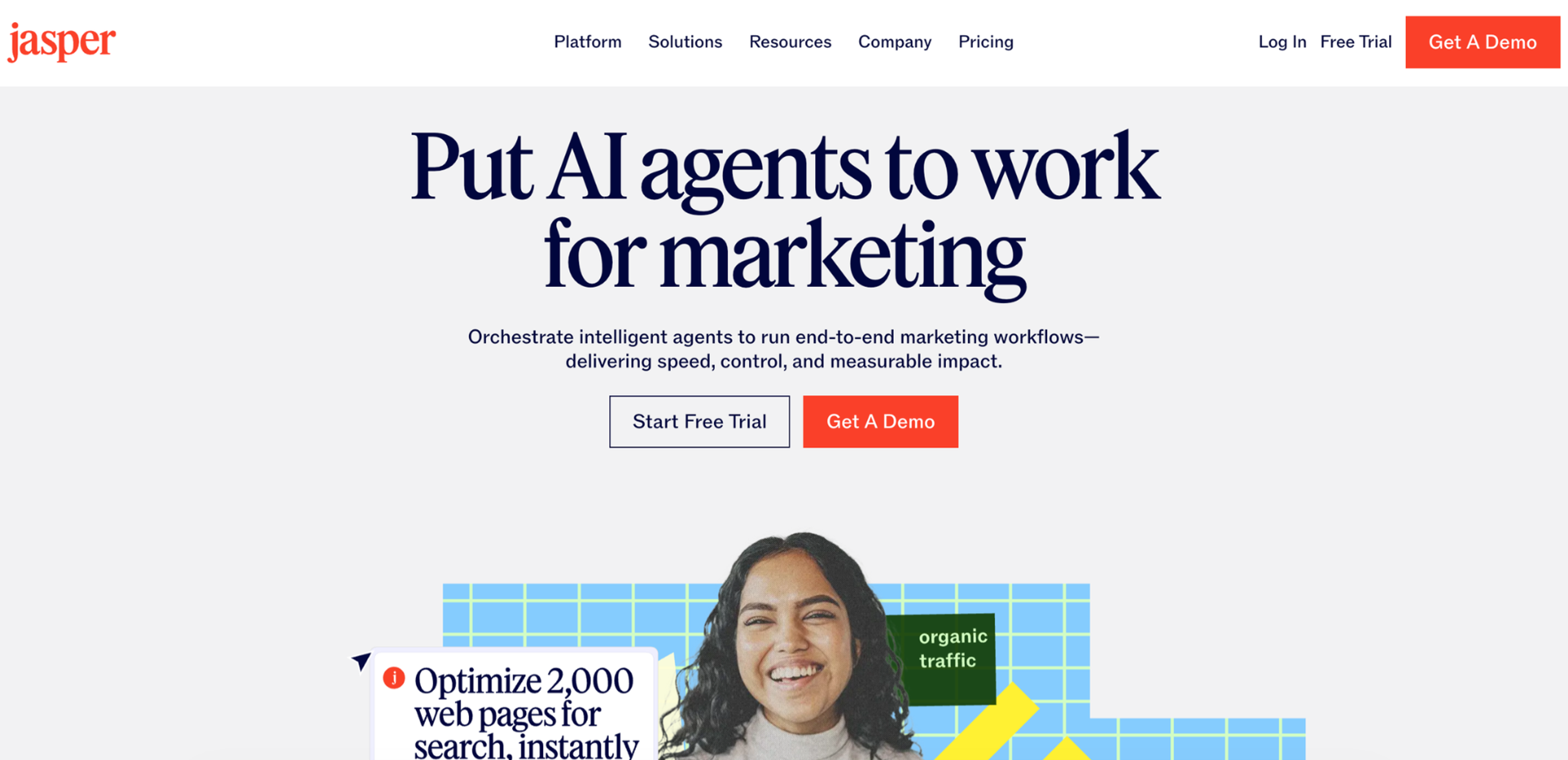
Jasper AI is a content writing tool focused on generating marketing and business copy at scale. It's commonly used to turn briefs into drafts for blogs, ads, landing pages, and campaign messaging, with users refining the output rather than relying on it as final copy.
Key Features:
- Pricing: free tier available, paid plans start from $69.99/month
- Usage Caps: depends on plan, higher tiers allow more content generation, brand voices, and collaboration features
- Availability: web-based platform with browser integrations
- Voice Assistant: no
- Pros: turns campaign briefs into structured marketing drafts faster than starting from scratch, built-in brand voice settings keep outputs consistent across large content teams
- Cons: output quality depends on prompt quality and setup, can feel generic without strong guidance
15. Copy.ai
Source: Copy.ai
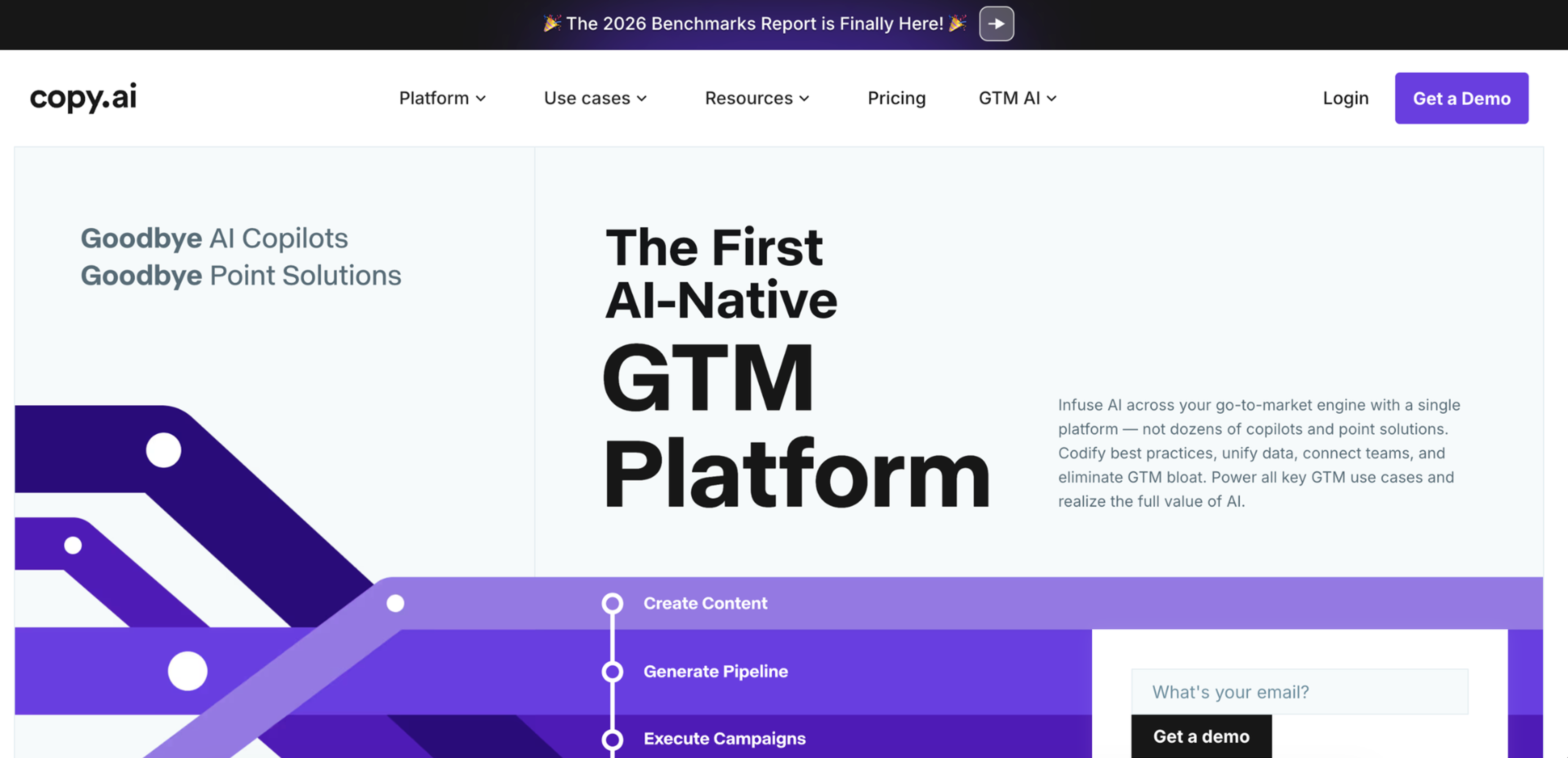
Copy.ai is a writing assistant focused on quickly generating marketing and business copy. It's mainly used to turn short prompts into usable first drafts for ads, emails, social posts, and landing pages, helping users move faster from idea to written content.
In practice, it's less about perfect writing and more about producing multiple rough options that can be edited, combined, or refined.
Key Points:
- Pricing: free AI writing generators for limited standalone use, paid plans start from $29/month
- Usage Caps: paid plans include monthly generation limits depending on tier
- Availability: web-based
- Voice Assistant: no
- Pros: generates multiple copy variants from a single brief, giving writers a practical starting point rather than a blank page
- Cons: outputs often require editing for tone, depth, and brand alignment, less suited for complex or long-form writing where context and precision matter
AI Coding Assistants
AI coding assistants are tools used by developers to write, understand, and improve code faster. They go beyond autocomplete by generating functions, explaining code, fixing bugs, and translating natural language into working implementations.
16. GitHub Copilot
Source: GitHub
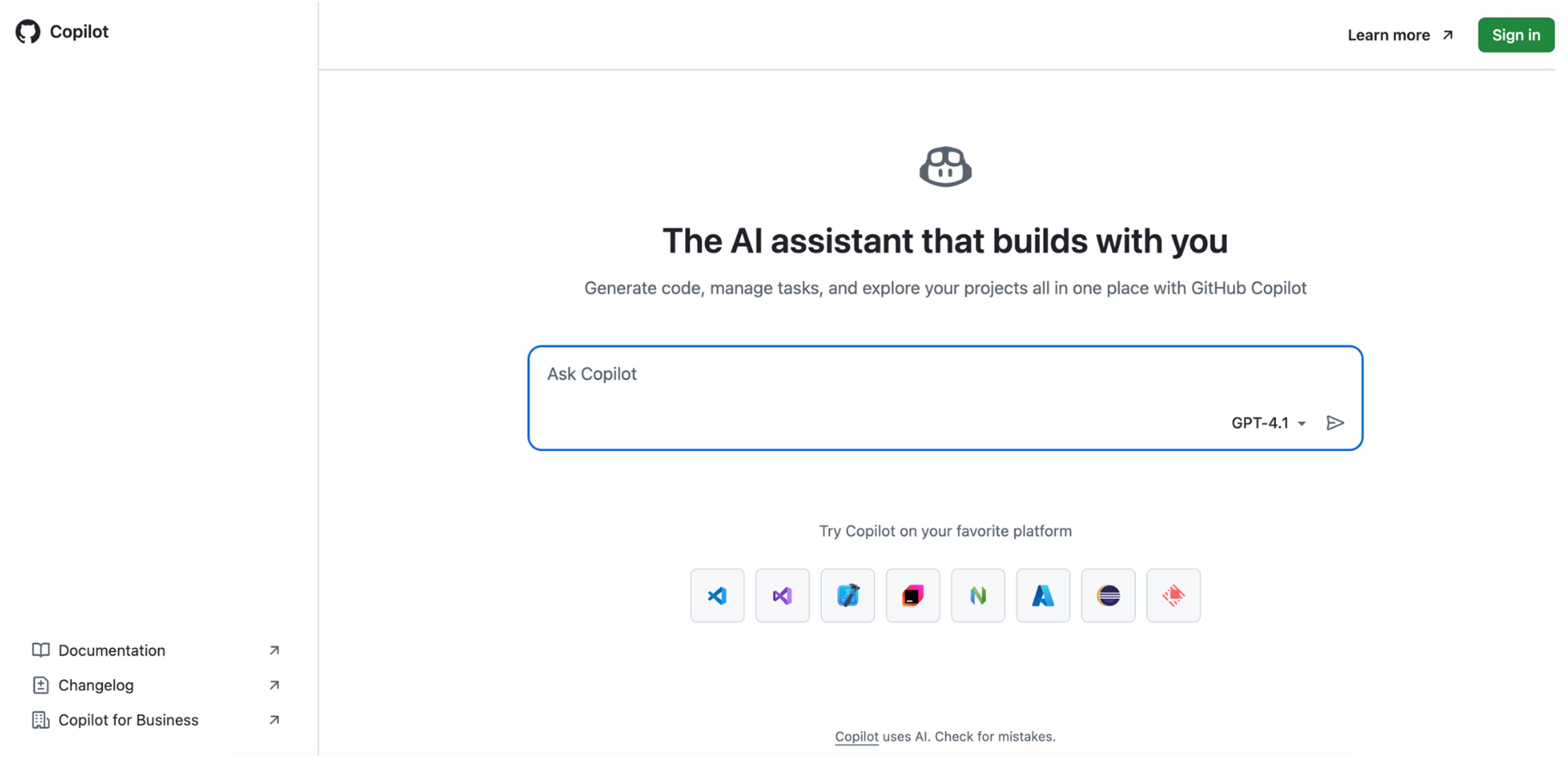
GitHub Copilot is an AI coding assistant that integrates into IDEs like Visual Studio Code to help developers write code faster by suggesting lines, functions, and full code blocks based on context and comments.
It works as a real-time pair programmer, responding to what’s being written rather than operating as a separate tool.
Key Features:
- Pricing: free tier for limited use, paid plans start from $10/month
- Usage Caps: free plan includes limited monthly completions and chat interactions, paid plans increase limits depending on tier
- Availability: IDE integrations (e.g., Visual Studio Code), web, and supported development tools
- Voice Assistant: no
- Pros: suggests functions and full code blocks in context, reducing repetitive boilerplate across projects
- Cons: can produce incorrect or outdated suggestions, requires developer review, especially for complex logic or system-level design decisions
17. Amazon Q Developer
Source: Amazon
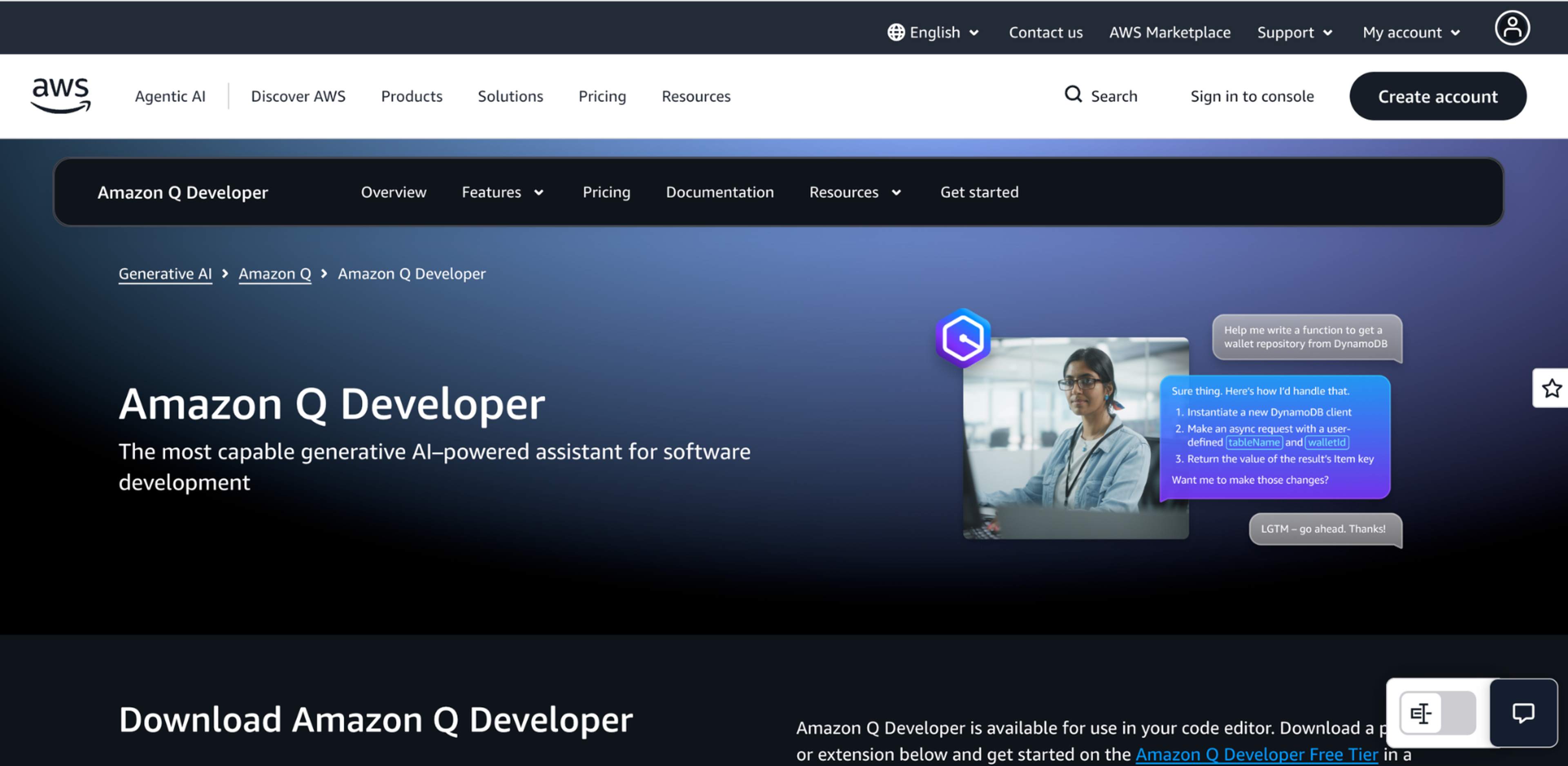
Amazon Q Developer is an AI coding assistant built for developers working within the AWS ecosystem. It helps write, explain, and debug code while staying tightly integrated with AWS services and cloud-based development workflows.
It’s used less as a general coding chatbot and more as an in-IDE assistant for building and maintaining cloud applications.
Key Points:
- Pricing: free tier for limited use, paid plans start from $19/month
- Usage Caps: free usage is limited by monthly interactions and feature access, higher limits require paid plans
- Availability: IDE integrations (VS Code, JetBrains), AWS console, and web-based AWS environments
- Voice Assistant: no
- Pros: understands AWS service relationships and suggests cloud-native code patterns without extra prompting, explains and debugs code in context
- Cons: most effective in AWS-centric workflows, limited value outside cloud-focused or Amazon-integrated development environments
18. Cursor
Source: Cursor
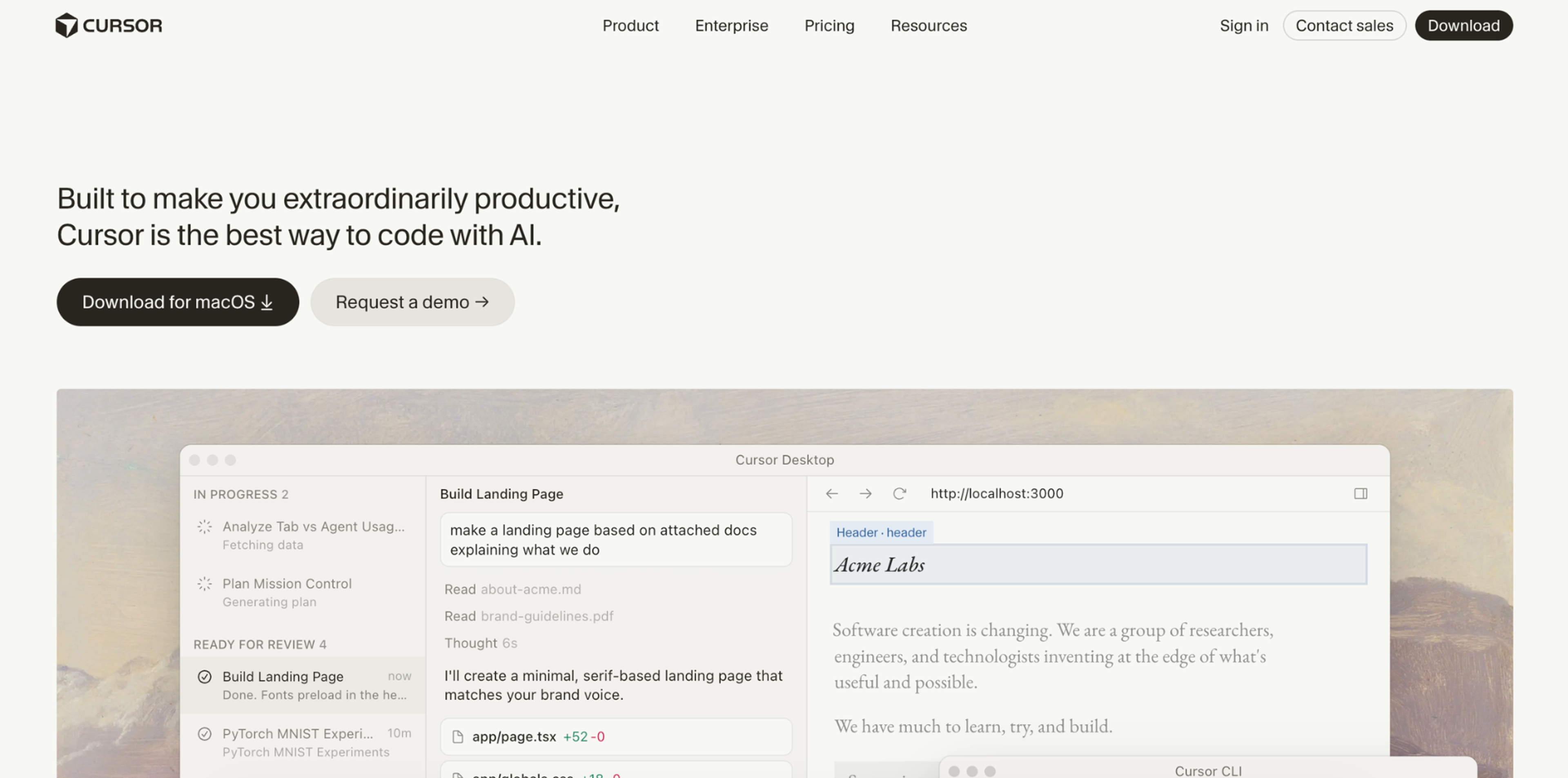
Cursor is an AI-native code editor built around the idea that developers should be able to talk to their codebase while they work.
Instead of acting like a plugin inside a traditional IDE, it's a full editor where AI is deeply embedded into editing, searching, refactoring, and understanding code.
What makes Cursor stand out in real workflows is how tightly it connects AI to the actual codebase. Users don’t just prompt for snippets, they highlight files, ask for changes across multiple components, or request refactors that apply across an entire project.
Key Features:
- Pricing: free, paid plans for higher usage limits and advanced AI models start from $20/month
- Usage Caps: free plan includes limited AI requests and model usage, paid tiers increase daily/monthly limits and unlock stronger models
- Availability: desktop application (macOS, Windows, Linux)
- Voice Assistant: no
- Pros: applies AI edits and refactors across multiple files at once, not just isolated snippets
- Cons: works best when fully adopted as a primary editor, less useful if developers switch frequently between different IDEs or rely heavily on external tooling outside the Cursor environment
Smart Device & IoT Assistants
Smart devices and IoT assistants are becoming a central layer of control for connected environments, designed to manage everyday physical systems through voice, automation, and contextual intelligence.
Unlike traditional device controls or standalone apps, they unify interaction with home and personal devices.
19. Amazon Alexa
Source: Amazon
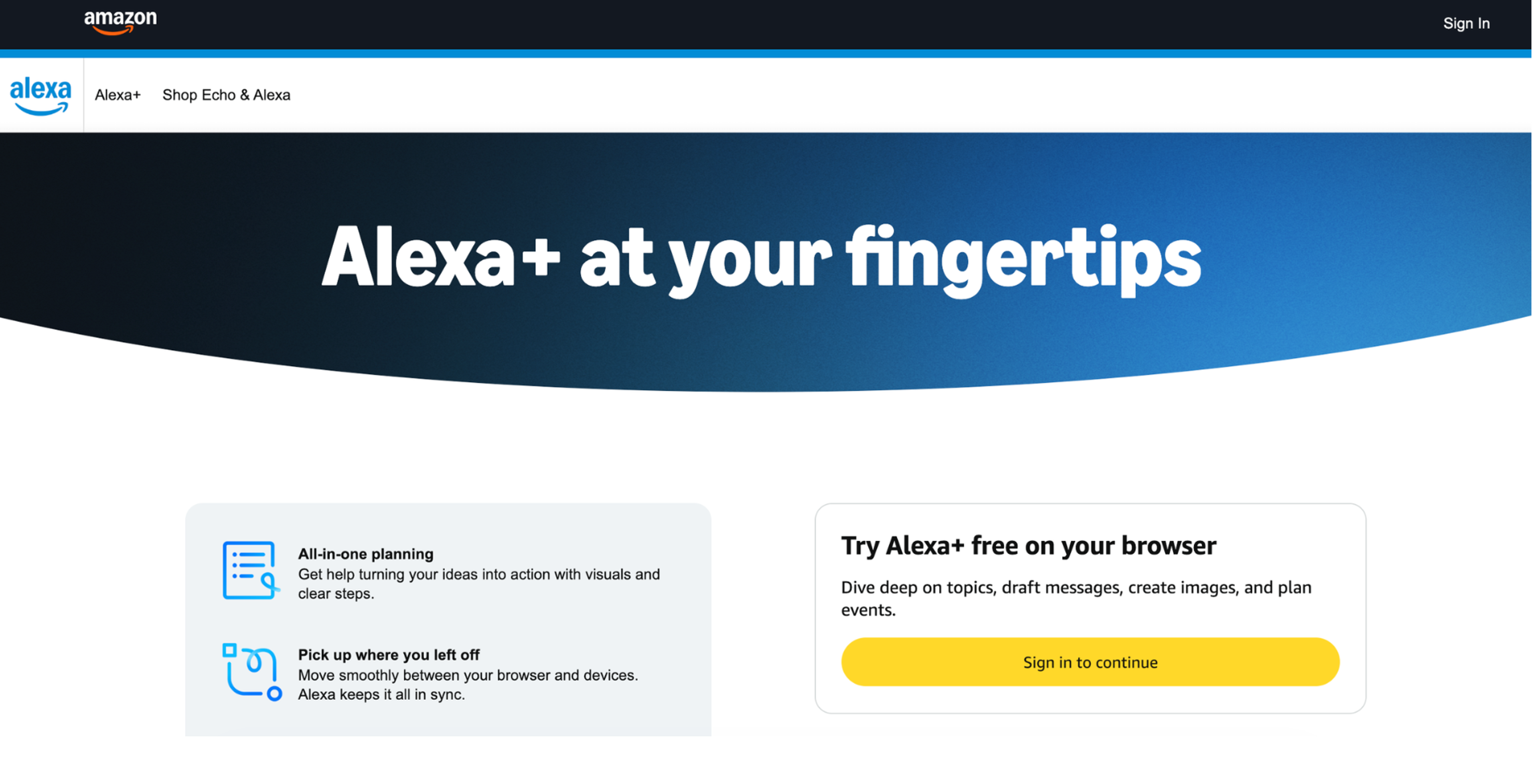
Amazon Alexa is a voice-first smart assistant that controls connected home devices and handles everyday tasks through simple spoken commands.
It acts as a central hub for smart homes, letting users manage lights, thermostats, music, timers, and routines without using their phone.
Most usage is quick and repetitive, including small commands repeated throughout the day rather than complex interactions.
Key Points:
- Pricing: free plan for limited use, paid plans start from $14.99/month
- Usage Caps: no direct limits on usage
- Availability: echo devices, smart displays, mobile app, and supported third-party IoT devices
- Voice Assistant: yes
- Pros: controls lights, music, and home routines through fast voice commands without touching a phone, broad device compatibility makes it easy to expand smart home setups
- Cons: depends on stable internet, limited ability to handle complex or multi-step contextual requests
20. Apple Siri
Source: Apple
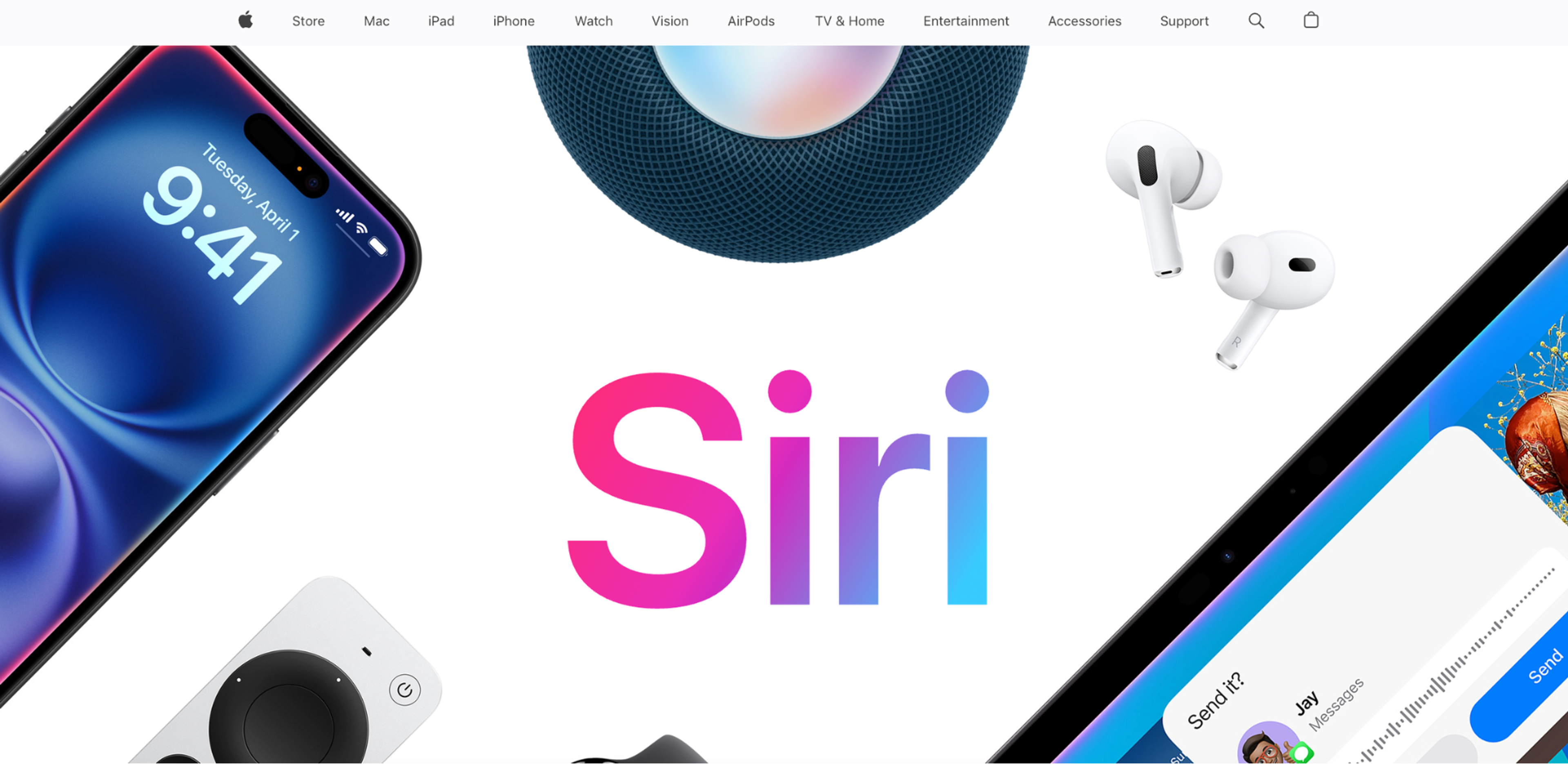
Siri is Apple’s built-in voice assistant for controlling devices, managing tasks, and interacting with smart home systems through natural speech.
It's mainly used for quick, everyday actions like sending messages, setting reminders, checking information, or controlling connected devices within the Apple ecosystem.
Key Features:
- Pricing: free with Apple devices
- Usage Caps: no fixed limits, performance depends on device and connectivity
- Availability: iPhone, iPad, Mac, Apple Watch, HomePod, and supported smart home devices
- Voice Assistant: yes
- Pros: handles quick everyday actions like reminders, messages, and calls with minimal friction
- Cons: strongly tied to the Apple ecosystem, less flexible with non-Apple devices and third-party integrations
If you need more professional AI assistance, we can help. Whether it's web design, branding, or UI/UX, we'll deliver it with a perfect blend of AI and human creativity. Let’s talk.
Read more
FAQ
What are the best AI assistants in 2026?
It depends on what you need it for. ChatGPT and Gemini are the most widely used general-purpose assistants, with ChatGPT focusing on flexibility and Gemini integrating deeply into the Google ecosystem.
Which AI is best for productivity?
Microsoft Copilot and Notion lead productivity workflows, especially for writing, documentation, and day-to-day task management inside work tools.
What is the best AI for research?
Perplexity is commonly used for research because it provides direct answers with sources and citations, making it easier to verify information quickly.
Is ChatGPT better than Gemini?
ChatGPT is generally more flexible and widely used across tasks, while Gemini works best when you are already inside Google services like Gmail and Docs.
What AI is best for coding?
GitHub Copilot is the most established AI coding assistant, widely used for autocomplete, debugging help, and faster software development inside IDEs.
Which AI assistants are free?
Most major tools offer free tiers, including ChatGPT, Gemini, Perplexity, and Notion, though advanced features typically require paid plans.
Do AI assistants support voice interaction?
Yes. Assistants like ChatGPT, Siri, Amazon Alexa, and Gemini support voice input or voice-first interaction in different forms.
Which AI is best for meetings?
Otter is widely used for meeting transcription, summaries, and extracting action items from spoken conversations.
What AI is best for design work?
Canva Magic Design and Adobe Firefly are commonly used for generating and editing visual content with AI assistance.
Are AI assistants replacing search engines?
They are changing how search works. Tools like Perplexity and ChatGPT reduce reliance on traditional keyword search by providing direct answers instead of lists of links.
Which AI is best for enterprises?
Microsoft Copilot and enterprise versions of assistants like Claude are widely adopted in business environments for productivity, writing, and workflow integration.
Which AI is most privacy-focused?
You.com emphasizes privacy-oriented search and AI responses, positioning itself as a more privacy-conscious alternative to mainstream tools.
Do AI assistants work offline?
Most AI assistants require an internet connection. Some device-based systems like Siri offer limited offline functionality for basic commands, but full capabilities depend on connectivity.
Can one AI replace all others?
Not realistically. Most users combine multiple assistants, using tools like ChatGPT for general tasks, Perplexity for research, and specialized tools like GitHub Copilot or Otter for specific workflows.
Final Thoughts
AI assistants have become a standard layer in how people work, search, communicate, and manage everyday tasks.
Instead of replacing each other, they specialize in distinct types of artificial intelligence, each handling different needs more effectively than a single all-in-one system.
As these systems continue to evolve, the advantage will come less from using AI itself and more from knowing when and where to apply it.


About Clay
Clay is a UI/UX design & branding agency in San Francisco. We team up with startups and leading brands to create transformative digital experience. Clients: Facebook, Slack, Google, Amazon, Credit Karma, Zenefits, etc.
Learn moreAbout Clay
Clay is a UI/UX design & branding agency in San Francisco. We team up with startups and leading brands to create transformative digital experience. Clients: Facebook, Slack, Google, Amazon, Credit Karma, Zenefits, etc.
Learn more