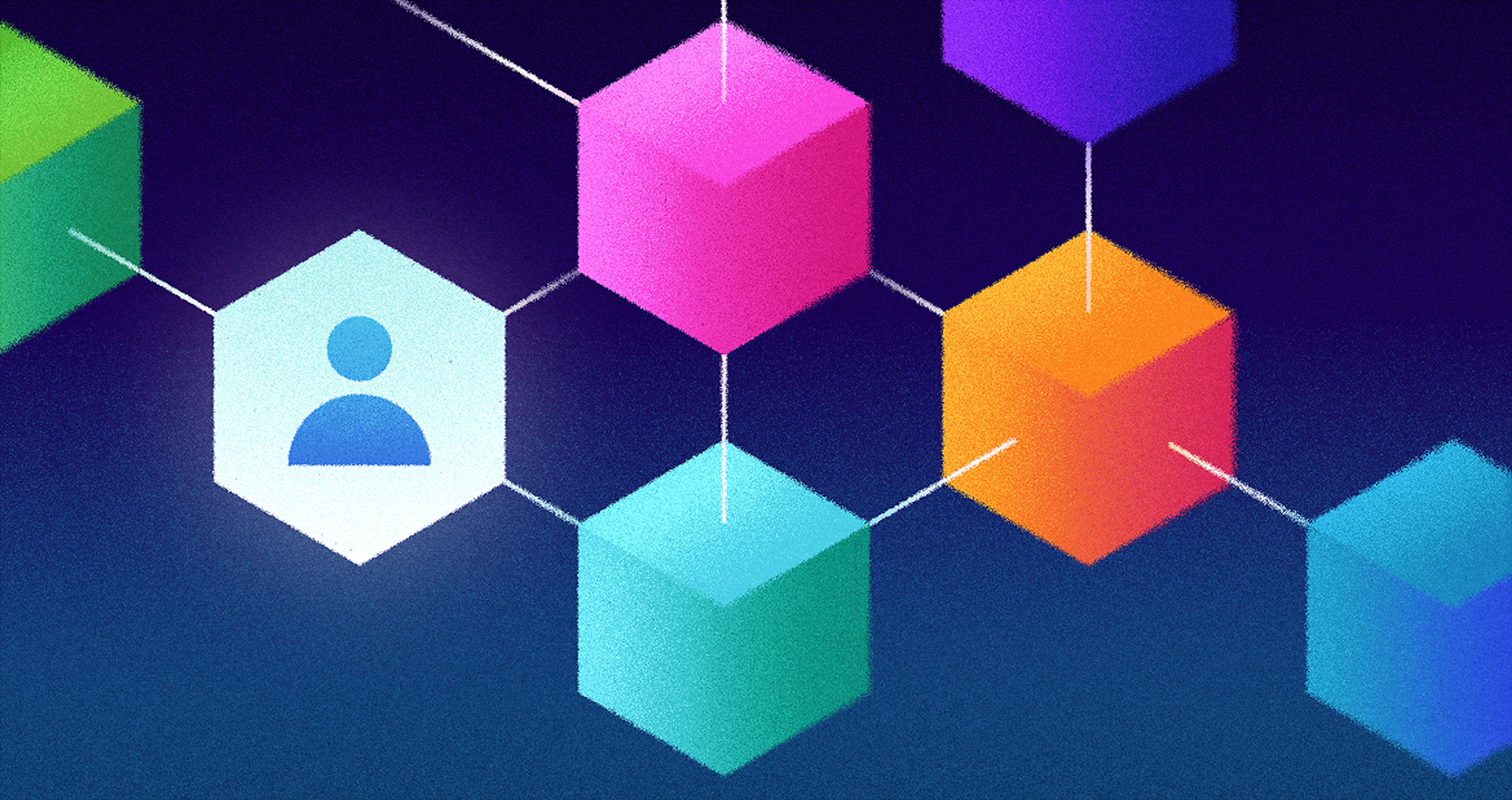
Web3 changes how interfaces work by leveraging blockchain technology. Traditional apps control data on their own servers, and the conventional internet architecture is dominated by a few big tech companies that control and manage most online data and services.
Web3 empowers users by placing control in their hands through wallets and blockchain technology. Web3 is built on decentralized applications and principles, removing the need for a central authority and distributing trust among network participants.
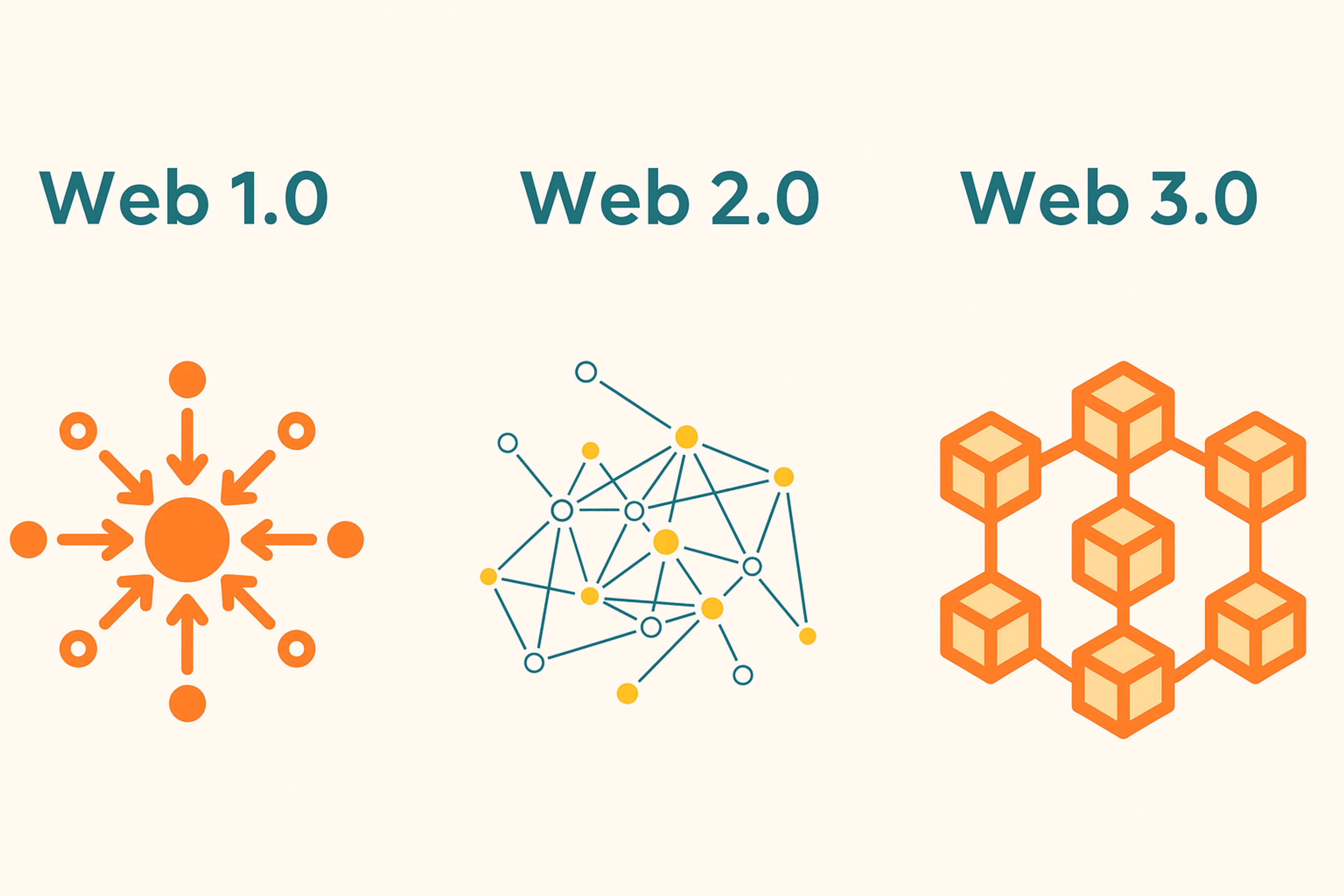
Blockchain underpins the move to decentralized applications and a decentralized web, enabling secure, transparent, and tamper-resistant digital interactions. In the Web3 concept, the internet is reimagined as a space where users control their data and identity through cryptographic keys. This marks a shift from centralized to decentralized operating models.
Web 1.0 vs Web 2.0 vs Web 3.0
What "Web3 UI" Means
Traditional apps store data on private servers. Users log in, the app processes requests, and the results are saved to a database.
Web3 works differently. Users hold private keys in wallets. Data writes to shared blockchains. Actions require cryptographic signatures. Ethereum pioneered this model, letting smart contracts handle logic while users maintain control. Web3 UIs are primarily designed for decentralized applications (dApps) that operate without a central authority, emphasizing decentralized ownership and trustless transactions.
This flips several assumptions. Who owns the data? How do we authorize actions? What does "saving" mean? When is something truly done? UI/UX and foundational design principles are crucial in addressing the complexity and usability challenges of Web3 interfaces, enabling users to overcome the challenge of understanding decentralized systems.
Effective UI design helps create user-friendly interfaces that assist users in navigating the unique challenges of decentralized systems, making complex blockchain interactions more intuitive and improving overall usability.
From Accounts on Servers to Assets in Wallets
In Web 2, accounts reside within products. In Web3, accounts live with new users through their wallets.
Wallets like MetaMask or Coinbase Wallet store private keys and facilitate the signing of transactions. Your Ethereum address becomes your identity, and wallet addresses serve as unique identifiers and access points within Web3 applications. Tokens and NFTs are digital assets stored in your wallet address. The app serves as an interface for moving or transforming digital assets on a network.
Source: metamask
In Web3, the wallet functions as a "passport," carrying identity, digital assets, and permissions across applications.
The UI focuses less on profiles. It centers on balances, addresses, permissions, and network status. Users have more control and direct access to their digital assets compared to traditional systems.
Passwords vs. Wallet Sign-In
Web2 uses email, passwords, OAuth, and multi-factor authentication. Web3 asks users to connect a wallet and sign a message proving they control it. This method is called Sign-In with Ethereum.
Intuitive onboarding flows are essential for helping new users understand wallet-based authentication without overwhelming them with technical jargon.
There are no password resets. Control comes from keys. Good UIs explain what signatures do: they authenticate you. They also explain what signatures do not do: they do not spend your funds.
When users fear signing, they abandon your app. Building trust through clear explanations is crucial, especially given the steep learning curve for those new to Web3. Clear language here directly affects conversion.
Keys, Seed Phrases, and Smart Solutions
Traditional onboarding typically requires an email address and a few preferences. In Web3, it often involves creating a wallet, backing up a seed phrase, funding the wallet, and acquiring gas tokens. These steps can feel overwhelming to newcomers.
Conventional wallets require managing seed phrases, typically twelve to twenty-four words that must be stored securely. A single mistake can result in permanent loss of access, creating significant friction.
An account abstraction approach hides much of this complexity. Smart accounts enable social recovery and alleviate the burden of storing a seed phrase.
Email-based authentication can preserve non-custodial control, and familiar social logins can be bridged with self-custody to create a more seamless experience.
Effective Web3 UIs utilize progressive disclosure, allowing users to explore in read-only mode and request a wallet only when necessary. Improving accessibility and usability is essential for broad adoption.
Click vs. Sign and Execute
In Web2, a button triggers a server call. In Web3, users sign transactions that execute on the blockchain. Web3 enables native payments and seamless transferring of assets directly through the interface.
Two immediate consequences emerge. First, consent becomes explicit. The wallet prompts users to review details and sign. Second, execution costs gas. Fees appear, fluctuate, and must be paid unless the app's sponsor covers them.
Layer 2 networks, such as Polygon, significantly reduce gas costs. Transactions that cost dollars on Ethereum cost pennies on Polygon. Some apps use account abstraction to sponsor gas fees entirely. Decentralized finance applications often offer multiple ways to execute transactions and manage assets, providing users with flexibility in how they interact with protocols.
Source: polygon
Traditional UIs rarely show system fees. Web3 UIs should display gas estimates, who pays, and which network processes the transaction. If two steps are required, such as token approval followed by the action, the UI should explain both in advance.
Instant Saves vs. Blockchain Confirmation
Web2 saves feel instant because apps own the database. In Web3, state changes propagate through a decentralized network of validators, which are distributed across peer-to-peer networks. These peer-to-peer networks form the backbone of Web3, enabling secure, transparent, and user-controlled environments.
Transactions move through stages: submitted, pending, confirmed, or reverted. UX should communicate this lifecycle honestly. Optimistic UI works well when paired with clear status indicators and links to blockchain explorers.
Users need to understand that "confirmed" varies by network. What's final on one system might take longer on another.
Walls vs. Open Building Blocks
Web2 integrations rely on partnerships or revocable APIs. In Web3, builders develop on open, permissionless protocols, enabling composability as decentralized apps stack on interoperable technologies, accelerating innovation and broadening participation.
By layering new services on existing protocols, developers amplify network effects and streamline adoption. UIs should account for third-party positions and approvals, surface assets and permissions created elsewhere, and expose cross-app actions such as revoking spending permissions.
Users arrive with preexisting assets and settings, and the design should respect that. Composability opens design opportunities as fewer walls allow flows that work seamlessly across tools.
One Domain vs. Many Networks
Traditional apps live in one domain. Web3 apps often support several chains with different fees, speeds, and standards. Supporting multiple chains is a hallmark of the next generation of Web3 technologies, enabling more flexible and innovative digital experiences.
Ethereum prioritizes decentralization and security. Polygon emphasizes speed and low cost. Arbitrum balances both approaches. Users sometimes need to switch networks, so it is essential to provide seamless access to different networks for all users.
Display the current network prominently. Offer sensible defaults. When possible, abstract network choice entirely. Warn users when they're on the wrong chain. Provide one-click switching.
If bridging assets are required, explain the process step-by-step. Simulate results before users commit funds.
Money Throughout the Interface
In Web2, money often hides behind checkout pages. In Web3, money is ambient. Balances, approvals, yields, and live prices appear throughout the interface. Native payments are integrated into Web3 digital products, enabling seamless transactions without the need for third-party intermediaries and supporting a decentralized economy.
Show values in both crypto units and local currency for clarity. Explain slippage and price impact in swaps. Cache prices but show timestamps and refresh options.
Separate network fees from protocol fees. State clearly who gets what. This transparency helps users understand actual costs.
Familiar Patterns Meet New Primitives
Web3 UIs borrow Web2 patterns but introduce new elements in ux design. Web3 design emphasizes the importance of a strong brand identity to help projects stand out in a decentralized landscape.
Product designers play a crucial role in shaping the user experience and must tailor interfaces to their target audience to ensure accessibility and engagement.
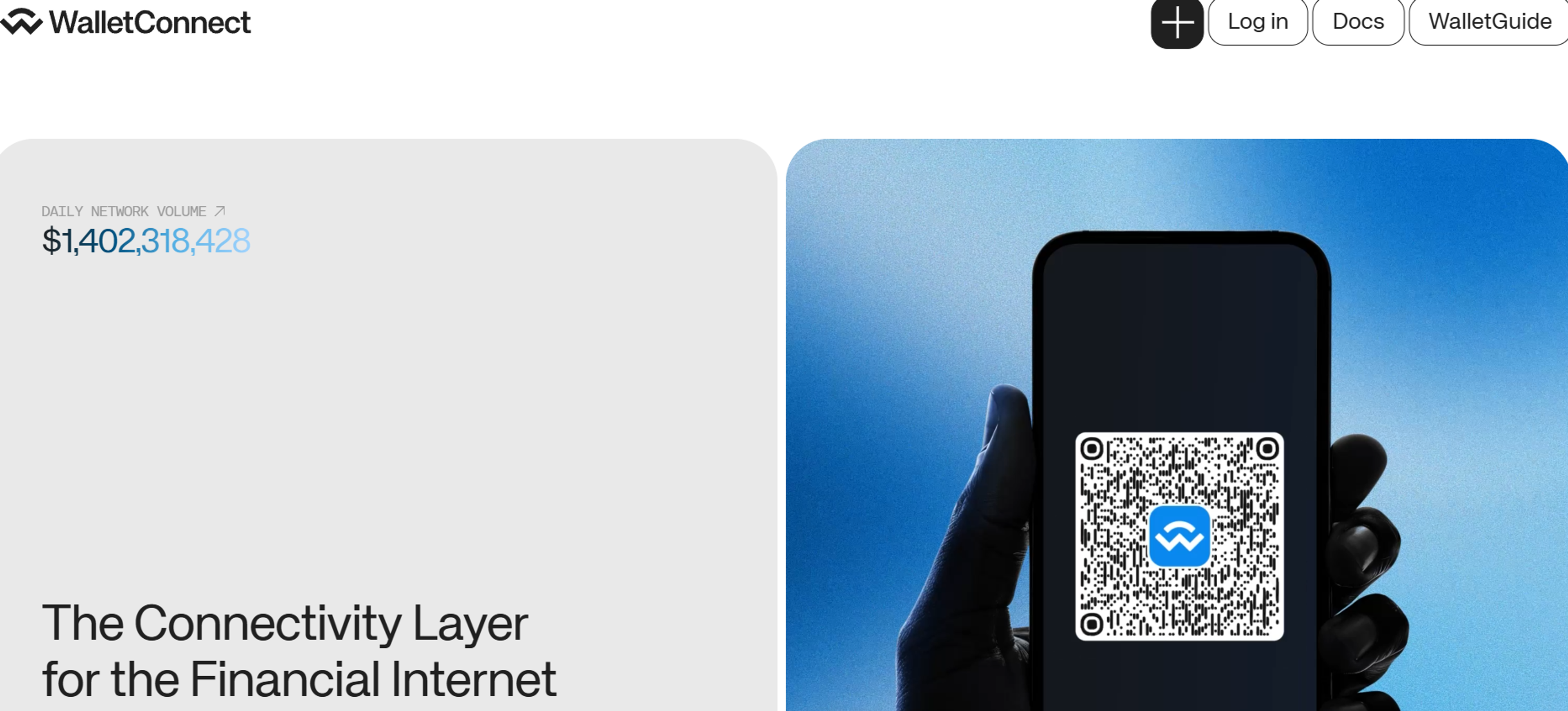
Wallet connection replaces traditional login. Connection libraries like Rainbow Kit and WalletConnect have standardized these flows. WalletConnect bridges mobile wallets to desktop apps through QR codes or deep links.
Source: walletconnect
Message and transaction signing replace simple clicks. Use readable prompts. Avoid showing raw hexadecimal code where possible.
Approvals let apps spend tokens on your behalf. Explain why approval is needed. Limit spend amounts by default. Show how to revoke permissions later.
MetaMask manages keys in your browser. Coinbase Wallet prioritizes mobile experience. Safe uses smart contracts to enable multi-signature approval and social recovery.
These primitives create both friction and opportunity.
Mobile Considerations
Mobile Web3 adds constraints. Some wallets live as separate apps. Deep links and in-app browsers must work reliably. Designing for mobile devices requires special attention to peer-to-peer interactions, ensuring users can securely and efficiently interact with decentralized apps while on the go.
Network latency becomes more visible when actions need confirmations. Use background polling with clear status updates.
If your flow requires copying addresses or seed phrases, support tap-to-copy, QR codes, and secure clipboard handling.
Designing for Trust
Trust the math isn't enough. Users need clarity.
Strong UX design, free of technical terms, and secure crypto wallet integration are essential for building user trust in Web3 applications. Effective UX design not only simplifies complex blockchain interactions but also fosters emotional engagement and ensures security, making users feel confident and in control.
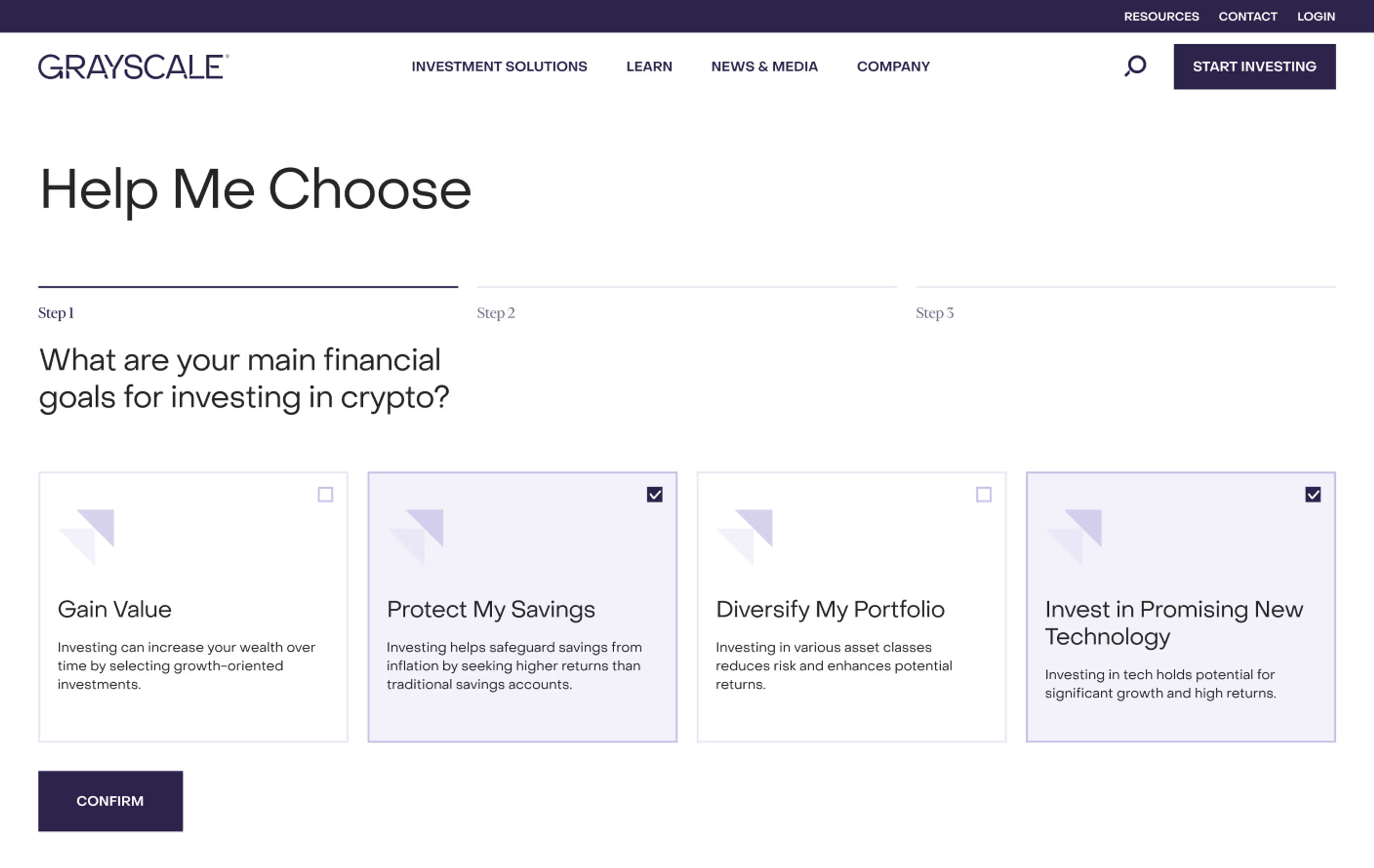
In our work with Grayscale, we reinforced trust through clarity by reorganizing product navigation, adding transparent product tables with per-asset pages, enabling switchable table and chart views, and launching a dedicated ETF subdomain. A milestone timeline and consistent mobile patterns help users verify information quickly and feel in control.
Grayscale redesign by Clay
Explain in context using tooltips, clear copy, and expandable help sections. Simulate outcomes to illustrate the before-and-after states. Estimate gas costs. Predict results.
Confirm with plain language: "You are granting this app permission to spend up to 50 USDC." Provide receipts by linking to the explorer and summarizing the events that occurred.
Respect privacy even with public ledgers. Avoid exposing the full user history unnecessarily.
FAQ
What Is Web3 UI?
Interfaces for blockchain based apps that let users create wallets, sign transactions, view on chain data, and manage permissions. They often include clear gas estimates, network status, and recovery options.
What Is Web3 In Simple Terms?
A user owned internet where data and value live on public blockchains. People interact with apps (dApps) using wallets instead of passwords and can move assets between apps.
Will AI Replace Web3?
No. AI and Web3 solve different problems. AI interprets and generates information, while Web3 provides transparent, programmable ownership and settlement. Together they can power smarter, user owned apps.
What Is A Web3 Designer?
A product and UX designer who builds wallet aware flows (onboarding, signing, approvals), explains risks and gas in plain language, and designs for multi chain states, privacy, and recoverability.
What Are The 4 Types Of UI?
Graphical (GUIs with buttons and cards), Voice (VUI and voice assistants), Natural touch and gesture (mobile, AR and VR), and Command Line (text commands). These are often combined in modern products.
Read more:
Conclusion
Web3 reshapes the UI from the ground up. Control shifts from company servers to a decentralized network and user wallets. Computation moves from private systems to shared networks.
As account abstraction matures and Layer 2 solutions scale, Web3 UX is converging with Web2 expectations. The best interfaces honor new primitives, such as wallets, signatures, and public state, ensuring seamless integration and interoperability. They smooth sharp edges through teaching, simulation, safe defaults, and explicit language.
When you design for ownership and transparency without sacrificing clarity, you unlock the promise of Web3 and facilitate mass adoption without overwhelming your users. There is hope that continued innovation in Web3 UI will further improve usability and adoption. The Bored Ape Yacht Club landing page is an excellent example of how immersive features and strong branding can set a high standard for Web3 UI design.


About Clay
Clay is a UI/UX design & branding agency in San Francisco. We team up with startups and leading brands to create transformative digital experience. Clients: Facebook, Slack, Google, Amazon, Credit Karma, Zenefits, etc.
Learn moreAbout Clay
Clay is a UI/UX design & branding agency in San Francisco. We team up with startups and leading brands to create transformative digital experience. Clients: Facebook, Slack, Google, Amazon, Credit Karma, Zenefits, etc.
Learn more