Web design vs. web development can sound confusing. Terms like front-end, UX, back-end, and full-stack fly around. You are not alone if this feels messy.
Imagine you hire someone to build your site. The result looks stunning with sleek buttons and bold images. But you click a button, and nothing happens. The site is beautiful but lifeless.
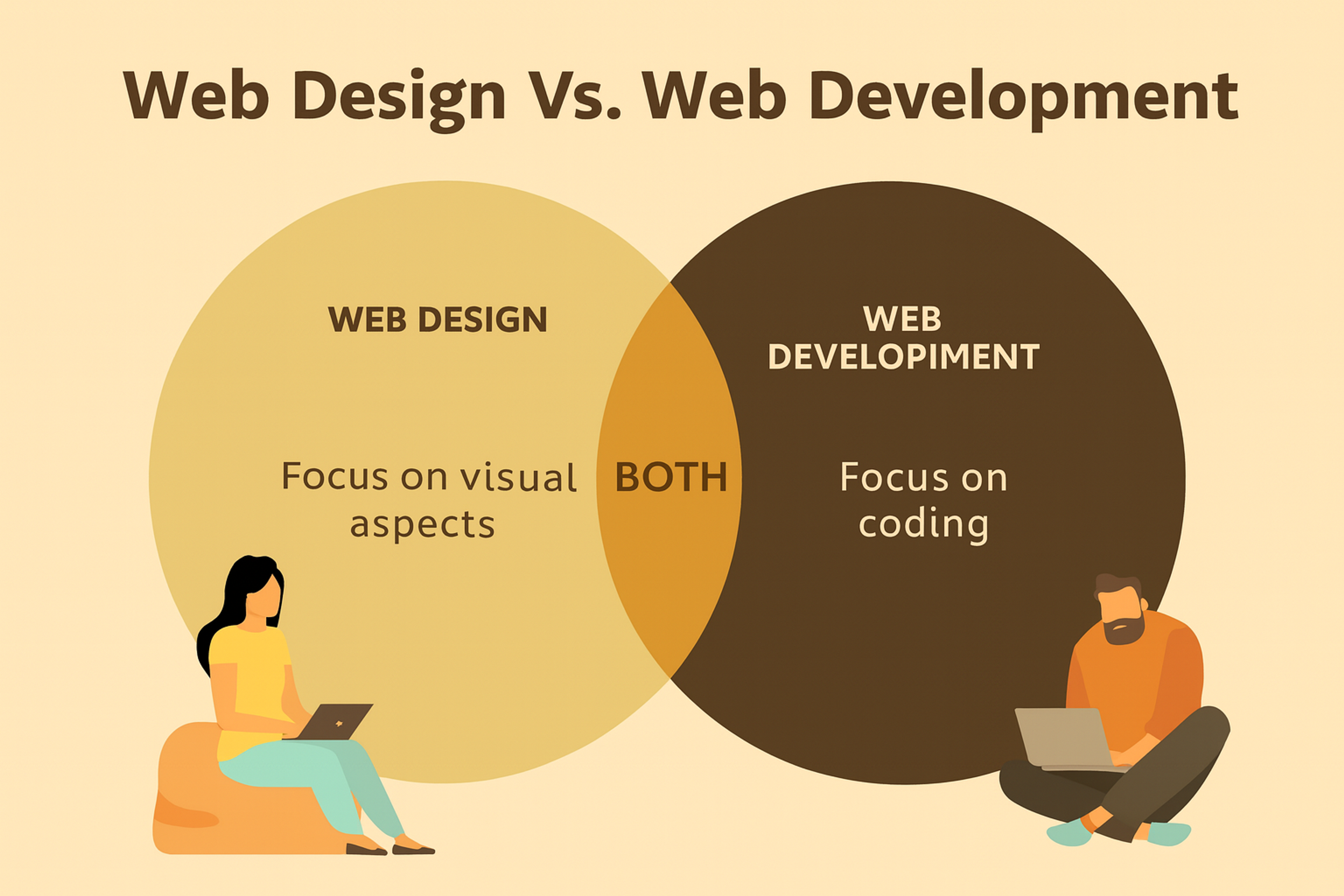
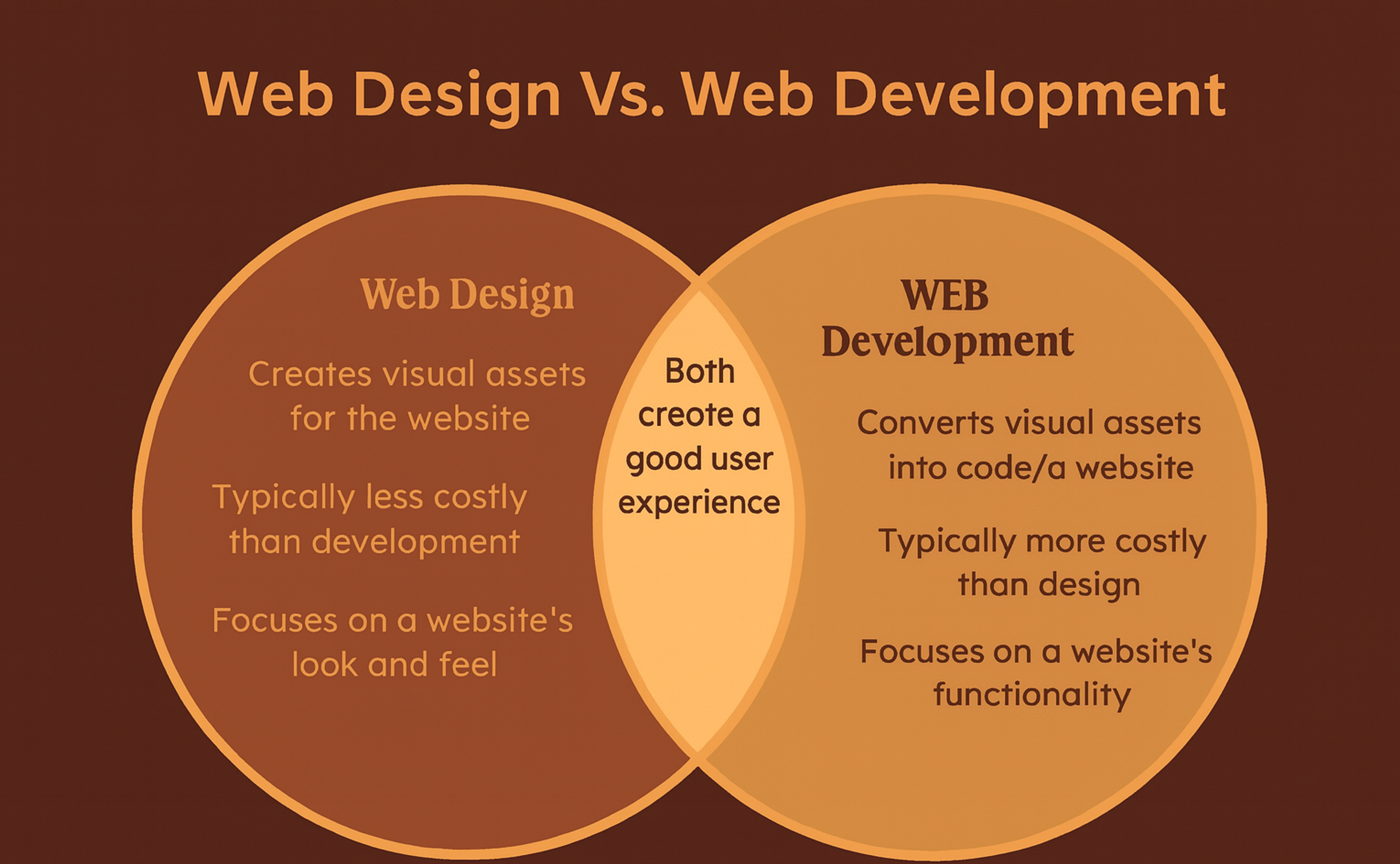
Here is the difference. Designers shape how a site looks and feels. Developers write the code that makes it work. One crafts the experience. The other powers the function.
Both roles matter. Design is the spark and story. Development is the logic and engine. They work as a team to build a site that looks great and performs well.
This article will explain how they differ and how they work together. You will see how each role supports the other to create the web you use every day.
The core idea is simple. Design shapes how users feel and move through a page. Development ensures the page loads fast, works smoothly, and stays secure. The best sites blend strong design with reliable code. Both are essential to every project.
Web Design Vs Web Development
Web Design: Crafting the Digital Canvas
What Is Web Design?
We describe web design as the process that involves creating a site’s aesthetic components. A sophisticated term for web design would be the internet’s interior designer. This is because web designers focus not only on a website’s functionality but also on its colors, fonts, images, and general layout.
Web design is not about aesthetics alone. A great design must be user-friendly, meaning the user experience (UX) has to be good. A great design attracts attention and guides users efficiently through a site.
What Is Web Design
Core Elements of Web Design
- Visual Design: using colors, images, graphics, text, font, and other visual elements to represent a given work appealingly.
- User Interface(UI) Design involves designing interactive components such as buttons, menus, and other graphical elements.
- User Experience (UX) Design examines users’ feelings after navigating the site. Was it easy to navigate? Difficult? Boring? Interesting?
- Responsive Design: Another element of web design is making the site viewable and attractive on all devices, from desktops to smartphones.
Example: The Artist's Portfolio
Imagine Sarah, a digital illustrator, who creates a portfolio website to showcase her work. Her site is designed with a clean, dark theme that makes her colorful illustrations pop. Navigation is intuitive, with categories for digital art, fan art, and commissions.
But the brilliance of the design is in the details — subtle hover effects on images, a smooth scrolling gallery, and an inviting contact form. Web designers are responsible for creating websites that require both aesthetic appeal and functional usability.
The Psychology of Design
Great design is more than visuals. It uses psychology and clear intent. Color choices shape emotion and behavior. Blue often feels calm and trustworthy; Facebook leans on it to set that mood. Red signals urgency and excitement; Netflix uses it to spark energy and attention.
Web Development: The Code That Brings Designs to Life
Web design is the art of how a site looks and feels. Web development turns that vision into working code. Developers build and maintain the features, performance, and security. Without code, even stunning designs do nothing. Together, design and development create products that look great and work well.
What Is Web Development?
Building websites alongside web applications is termed web development. This is where a combination of logic, functioning code, and incoherence culminates. Builders of an imaginary world, developers take designs and give them life, transforming them into interactive experiences.
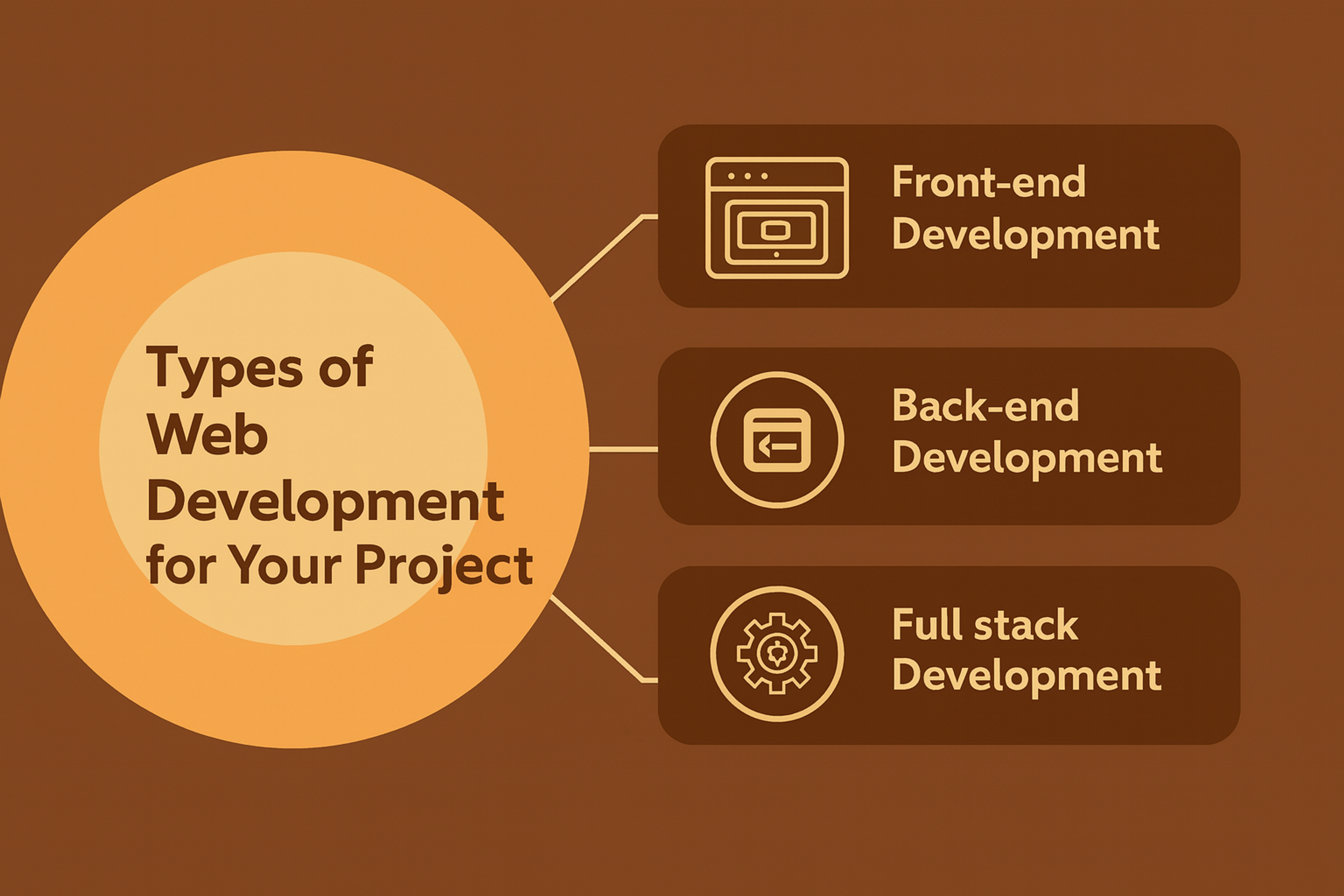
Types of Web Development
- Front-End Development: The front-end developers are in charge of constructing the user-facing sections of the website. They work with HTML, CSS, and JavaScript.
- Back-End Development: The second type of web development employs the server-side logic that powers the website - databases and server interactions like Python, PHP, and Node.js. Back-end developers are also responsible for creating and maintaining web apps.
- Full-Stack Development: A blended approach where a single individual manages everything.
Types of Web Development
Example: The Online Store That Works Like Magic
Let’s assume you’re creating a new online store for a small business. Like any e-commerce store, it has product listings, a cart, and a streamlined checkout page. It’s the developers who turn it into reality.
- Front-end developers ensure every product image is uploaded. The buttons function, and the Checkout form is easy to navigate.
- The back-end developers establish the website’s connection with the database, user account management, and payment processing.
Combined, they breathe life into the static design and create a functional shopping experience. Ensuring the site works efficiently across various browsers and devices is a critical aspect of web development.
Web Design vs Web Development
Look where the magic lies: web design and development complement each other. The best sites are made when both disciplines are merged, something that, in most cases, is not done effortlessly.
Understanding the principles of software development, including the software development lifecycle and programming frameworks, is crucial for efficient web development.
Web Design vs Web Develompent
Why Confusion Exists
There are still some who are not adept at everything, partly because it is easier to get confused. These days, with the advent of Figma, design prototyping is at its peak.
Web developers play an integral role in the website creation process, ensuring that the technical aspects align with the design. Prototyping that so closely resembles a functioning website, it’s hard to tell them apart. Front-end development with frameworks such as React is equally awe-inducing.
How They Collaborate
Imagine a startup releasing an app. Designers spend weeks crafting the interface. It feels intuitive and looks stunning. Developers view the same work differently. They focus on making it run smoothly.
The teams work in a steady loop. Designers plan screens and flows. Developers build, test, and give feedback. Designers adjust layouts or states. The cycle repeats until the app looks right and works well.
Some developers specialize in mobile apps. Others focus on web or back-end systems. Together, they ship a product that delights users and performs reliably.
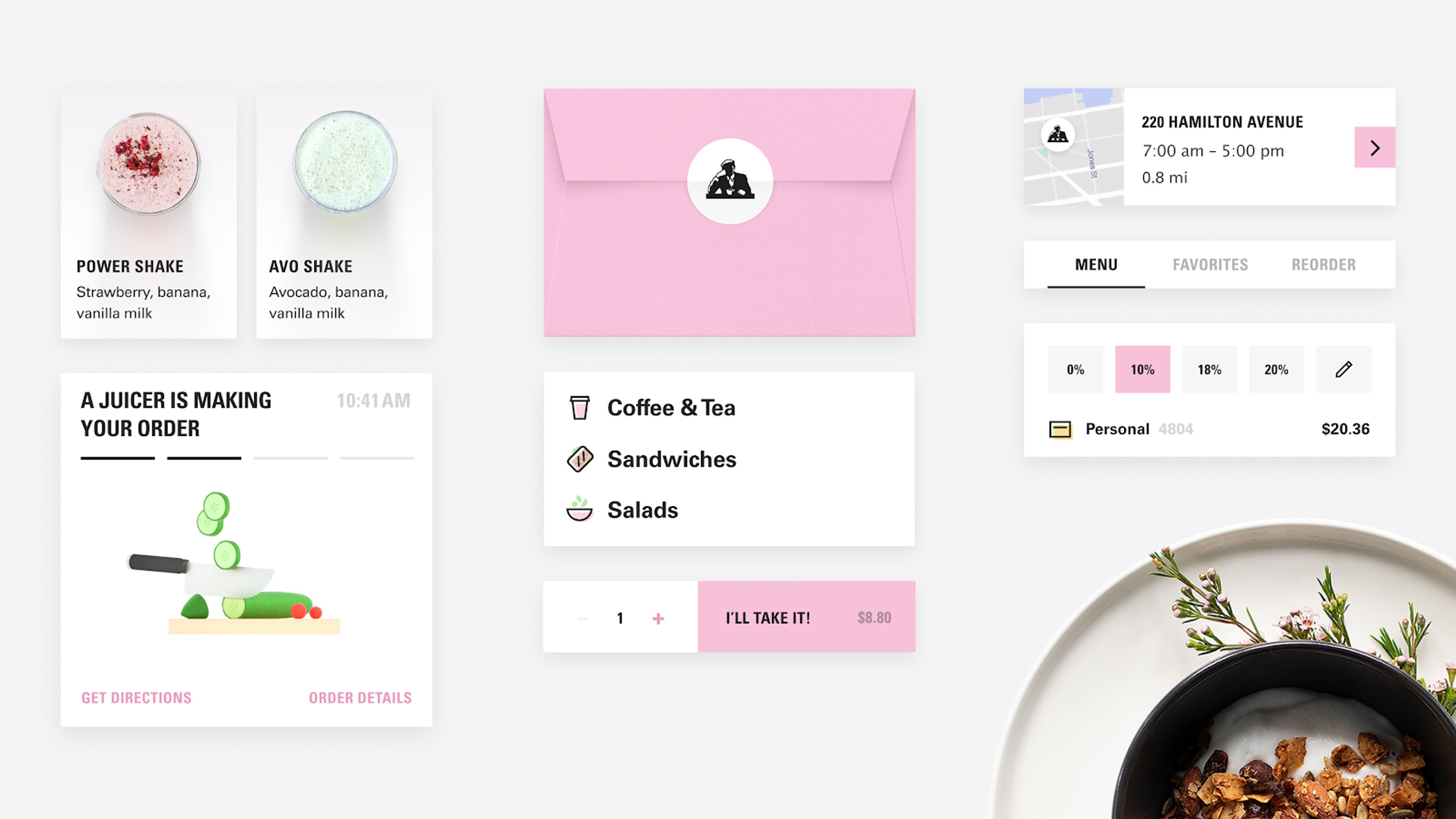
Example: Joe & The Juice
Joe & The Juice partnered with us to redesign their mobile app, transforming it into a vibrant, user-friendly platform. The design team created a fantastic mobile app with a smooth interface and simple navigation.
But the real magic happened on the development side. They implemented a gamified loyalty program and seamless order management.
This project perfectly showcased the power of combining creative design with practical, problem-solving development.
Joe & The Juice Mobile App Redisign by Clay
Why You Need Both
It goes without saying that if your dream website has to function seamlessly and look exquisite, you require both a designer and a developer. These two professionals have very different skill sets.
In web design, you get fitted with creativity, user experience (UX), and visual appeal.
A web developer, however, offers functionality, speed, and reliability.
Website creation involves both the visual aspects of design and the functional aspects of coding, highlighting the importance of understanding one's preference for either side when choosing a career path in the industry.
When to Prioritize One Over the Other
The primary focus should be on design if the user interface requires an overhaul to be more stunning.
Focus on development if you require a multi-faceted, complex website.
When building from the ground up, you will require both.
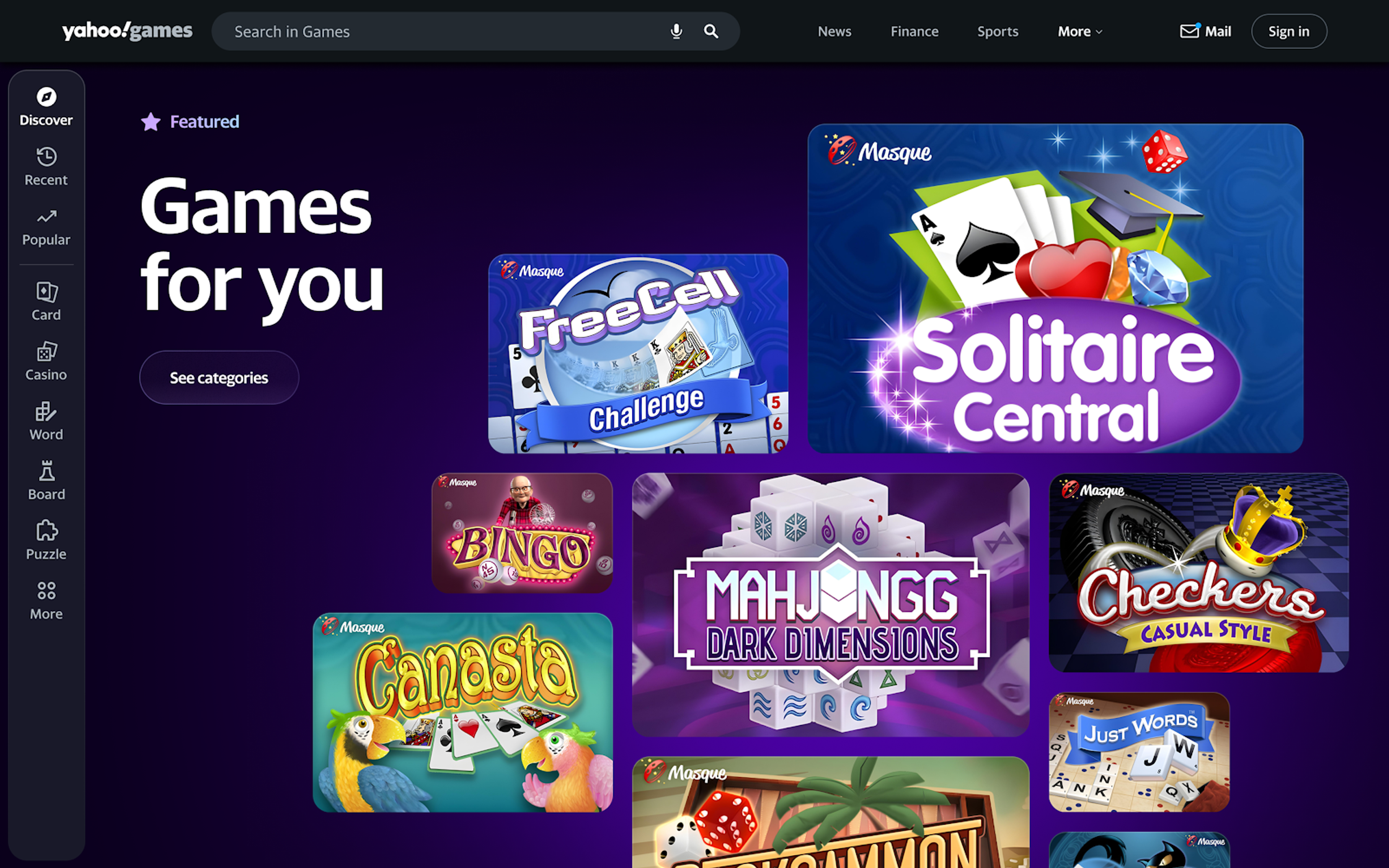
Real-World Scenario: The Yahoo! Games Redesign
Yahoo! partnered with us to revamp Yahoo! Games, transforming it from a static platform into an engaging, user-centric hub. The design team focused on creating a vibrant, visually appealing interface with bold visuals, intuitive navigation, and custom illustrations that reflected Yahoo’s playful brand identity.
This project showcased the perfect harmony between web design and web development — where stunning visuals and seamless functionality worked together to create an exceptional user experience.
Yahoo! Games Design by Clay
Hybrid Professionals: The Designer Who Codes and the Developer Who Designs
Design and development are more intertwined than ever. Many designers learn to code. Many developers study design basics. The rare pros who do both are called unicorns. They are in high demand. Designers also produce the visual assets websites need, like layouts, icons, images, and components.
Example: The Multi-Talented Jane
Jane began as a graphic designer. She created beautiful web layouts. She soon realized her work was only static images. She learned HTML, CSS, and JavaScript. She became a frontend developer who can design and build.
Clients love that she can deliver full sites herself. They do not need a separate developer. A computer science background can boost her skills. It adds training in algorithms and object oriented programming. Together, these skills help her ship better products faster.
Essential Tools for Designers and Developers
Web Design Tools
- Figma: Collaborative design tool for UI/UX.
- Adobe XD: A versatile tool for creating interactive prototypes.
Web Development Tools
- Visual Studio Code: The most popular code editor for developers.
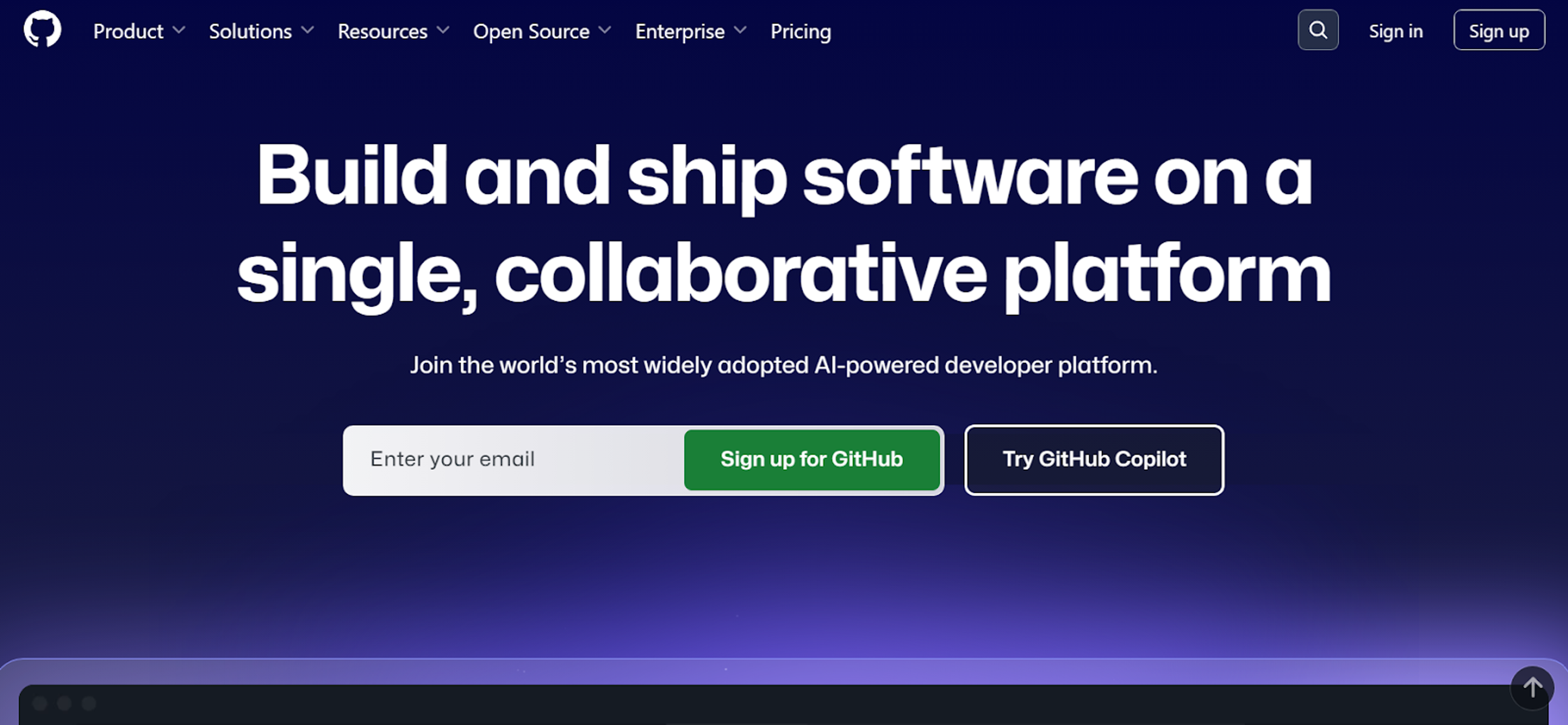
- GitHub: For version control and collaboration. Web developers use these tools to transform designer mock-ups into real web pages using coding languages like HTML, CSS, and JavaScript.
Source: github.com
Final Thoughts: The Perfect Partnership
Which matters more: web design or web development? It’s like asking if the brain beats the heart. Design gives your site its character. Development makes the site function. A web designer shapes visuals and usability. They craft the overall look and feel.
The best sites come from both. A stunning site that fails to work is only a picture. A solid build without design reads like a bland document. Knowing the difference is only the start. The real magic happens when you blend the two.
FAQ
Q: Which Website Development Firms Are Highly Rated in 2025?
Highly rated website development firms in 2025 include Clay, BairesDev, Toptal, Andersen, and 10Clouds. These agencies are recognized for combining front-end and back-end expertise with UX strategy and responsive design — delivering scalable, secure, and high-performance websites across industries like SaaS, e-commerce, and finance.
Q: What Skills Are Most In Demand for Web Designers Right Now?
The most in-demand skills for web designers include responsive design, UX principles, accessibility standards, and using tools like Figma or Adobe XD.
Q: Can Web Developers Specialize in Platforms Other Than Websites?
Yes. Web developers often work on mobile apps, web applications, or smart device interfaces, not just traditional websites.
Q: Is Coding Knowledge Required to Become a Web Designer?
No, coding isn’t required for all web designers. However, knowing basic HTML and CSS helps designers collaborate better with developers.
Q: How Does SEO Relate to Design and Development?
SEO depends on both. Designers structure content for readability, while developers ensure fast loading, clean code, and mobile-friendly performance.
Read more:
Conclusion
Do you plan to build a website for yourself? Begin with impressive visuals, but make sure a developer is on board to add the needed functionality. Even better, hire a team that provides both services, where tech meets creative design.
Understanding graphic design is crucial in web design, as it helps create the visual layout and aesthetics of a website.


About Clay
Clay is a UI/UX design & branding agency in San Francisco. We team up with startups and leading brands to create transformative digital experience. Clients: Facebook, Slack, Google, Amazon, Credit Karma, Zenefits, etc.
Learn moreAbout Clay
Clay is a UI/UX design & branding agency in San Francisco. We team up with startups and leading brands to create transformative digital experience. Clients: Facebook, Slack, Google, Amazon, Credit Karma, Zenefits, etc.
Learn more