
Excellent website content feels like a friendly handshake through the screen. It guides visitors smoothly, answers their questions, and makes them think, "I need this right now." Quality content drives more leads than traditional marketing while costing less.
Think of your homepage and main pages as your digital storefront. They are the first touchpoints that shape how visitors perceive your brand and set the tone for their experience.
Your website is a guided tour that turns visitors into customers. Each page should move people forward with clear information, a strong value proposition that communicates why they should choose your brand, and obvious next steps.
What Is Website Content?
Website content includes everything visitors find on your pages (that is, everything site visitors interact with): text, images, videos, audio, charts, calculators, and interactive tools. But it's not just random files sitting on a server.
11 Types of Website Content
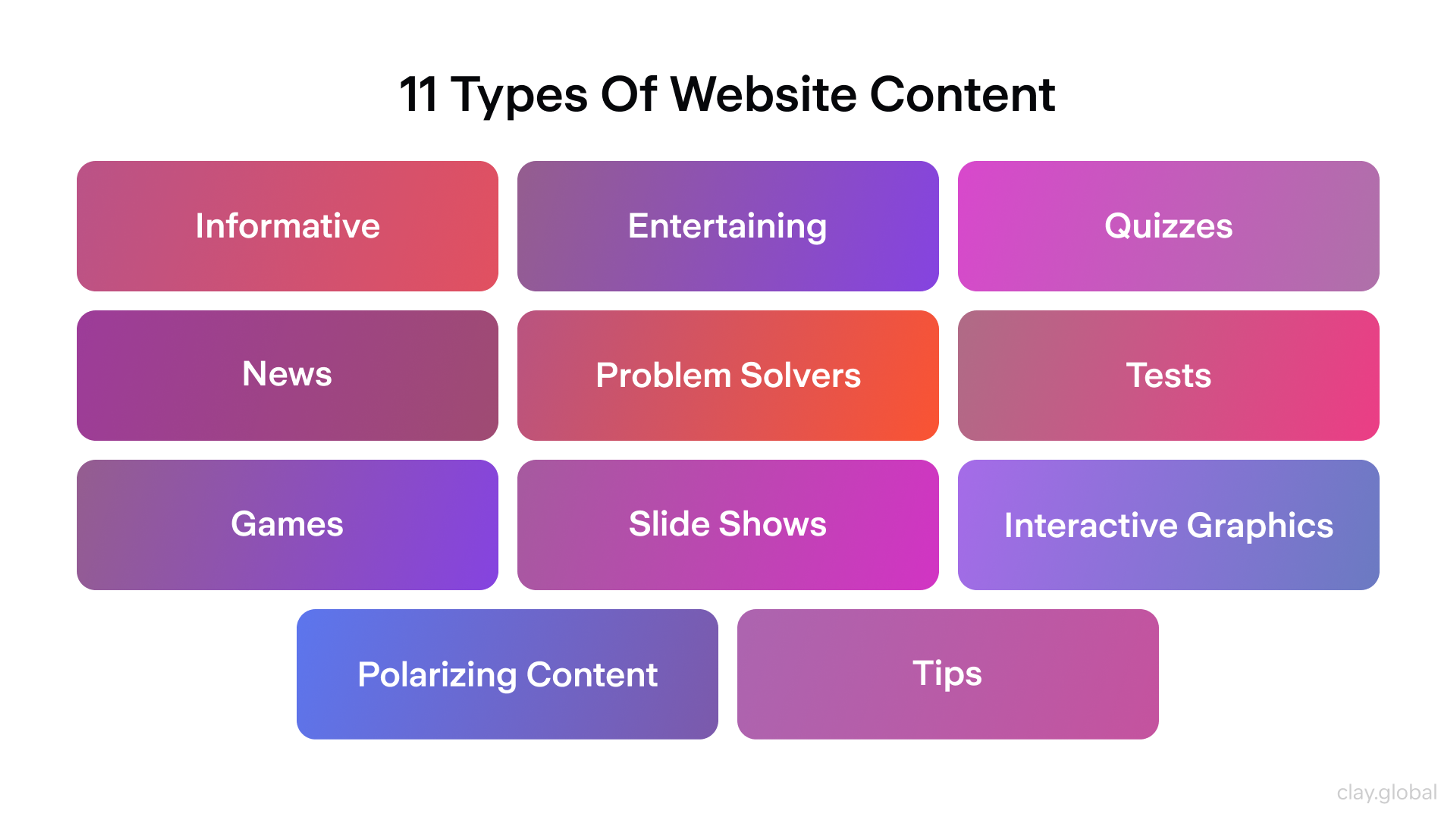
Think of your content as a connected network. Every piece should guide visitors toward completing a task and lead smoothly to the next logical step. View your entire site as a trail, not as isolated islands.
The goal is to keep people moving forward so they never hit a dead end. This requires thoughtful planning and intentional structure.
Web Copy vs Web Content
Web copy and web content aren’t the same.
Web copy is persuasive text that pushes action now. You see it on landing pages, product pages, ads. It targets a need, handles objections, and ends with a clear CTA.
Web content is informational text that helps and explains. It lives in blog posts, guides, tutorials, and docs. It answers questions, solves problems, and builds trust over time.
Strong websites use both: copy converts, content educates. Knowing which you’re writing keeps the message sharp.
Why Quality Website Content Matters
Strong content wins skeptical visitors because it answers real questions and proves expertise.
It also improves SEO: search engines rank pages that match intent and deliver useful, in-depth answers.
When people understand and trust what they see, they convert more often—especially when the next step is obvious.
Content Hierarchy & Information Architecture
Content hierarchy = a clear page structure.
One page = one main question. Break it into sections that lead to the answer.
Use H1/H2/H3, a short intro, and place CTAs/related links where users expect them.
Make it scannable: short paragraphs, bullets, clear subheads.
Scanners find what they need fast, deep readers get details, everyone sees the next step.
Map Your Content Strategy and Ecosystem
Sketch where each piece lives along the buyer's journey: research, decision, or support. Look for repeated topics, missing subjects, and orphaned pages with no links.
Each page should offer two smart next steps. One keeps readers at the same level. The other moves them closer to making a purchase or taking action. This strategy fills gaps, boosts search rankings through intelligent linking, and guides users without dead ends. Be sure to link to other pages, such as related content, FAQs, or landing pages, to improve navigation and increase user engagement.
Common Website Sections
Build solid basics so visitors can easily navigate through your site.
Home pages state your value in five words or fewer. Add one piece of evidence and provide clear links to the main sections.
Clay Homepage

About pages share your mission and values. Write for why readers should care, not how your team is structured.
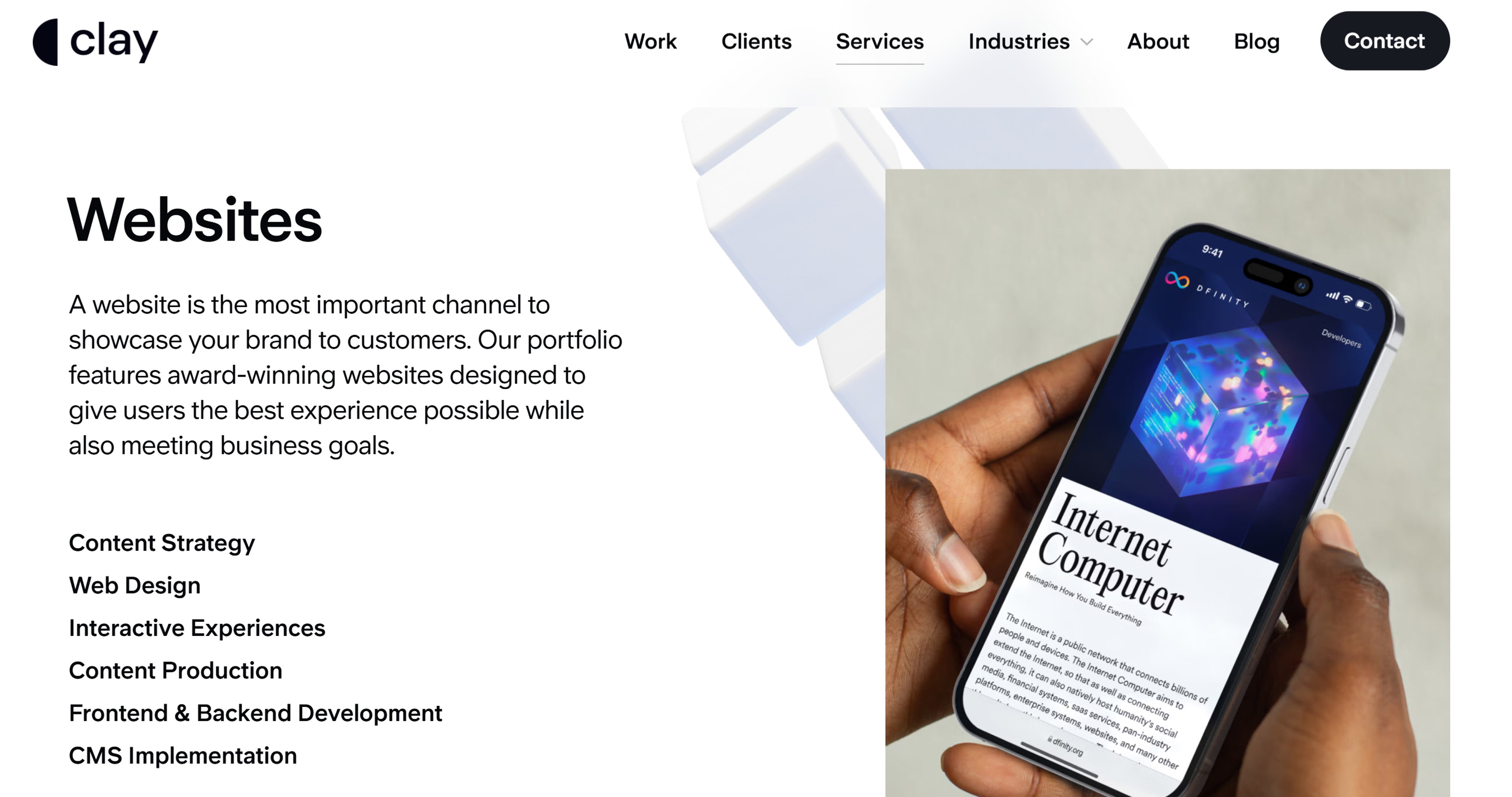
Product pages and Service pages list benefits first, add features next, and conclude with clear calls to action, such as "Buy now" or "Schedule a demo." Product pages are a key section for showcasing your offerings and driving conversions.
The contact page offers phone, form, email, and live chat. Set real expectations on response time. A well-designed contact page helps visitors connect and can improve conversion rates.
Clay Contact Page

Blog or News sections share fresh insights that improve your search visibility. Groups post by topics or tasks that users need to complete.
Testimonials and Reviews pages spotlight specific proof rather than vague praise. Feature customer testimonials and stories from satisfied customers to build trust and credibility.
Privacy and Terms pages use everyday language so users feel understood, not overwhelmed.
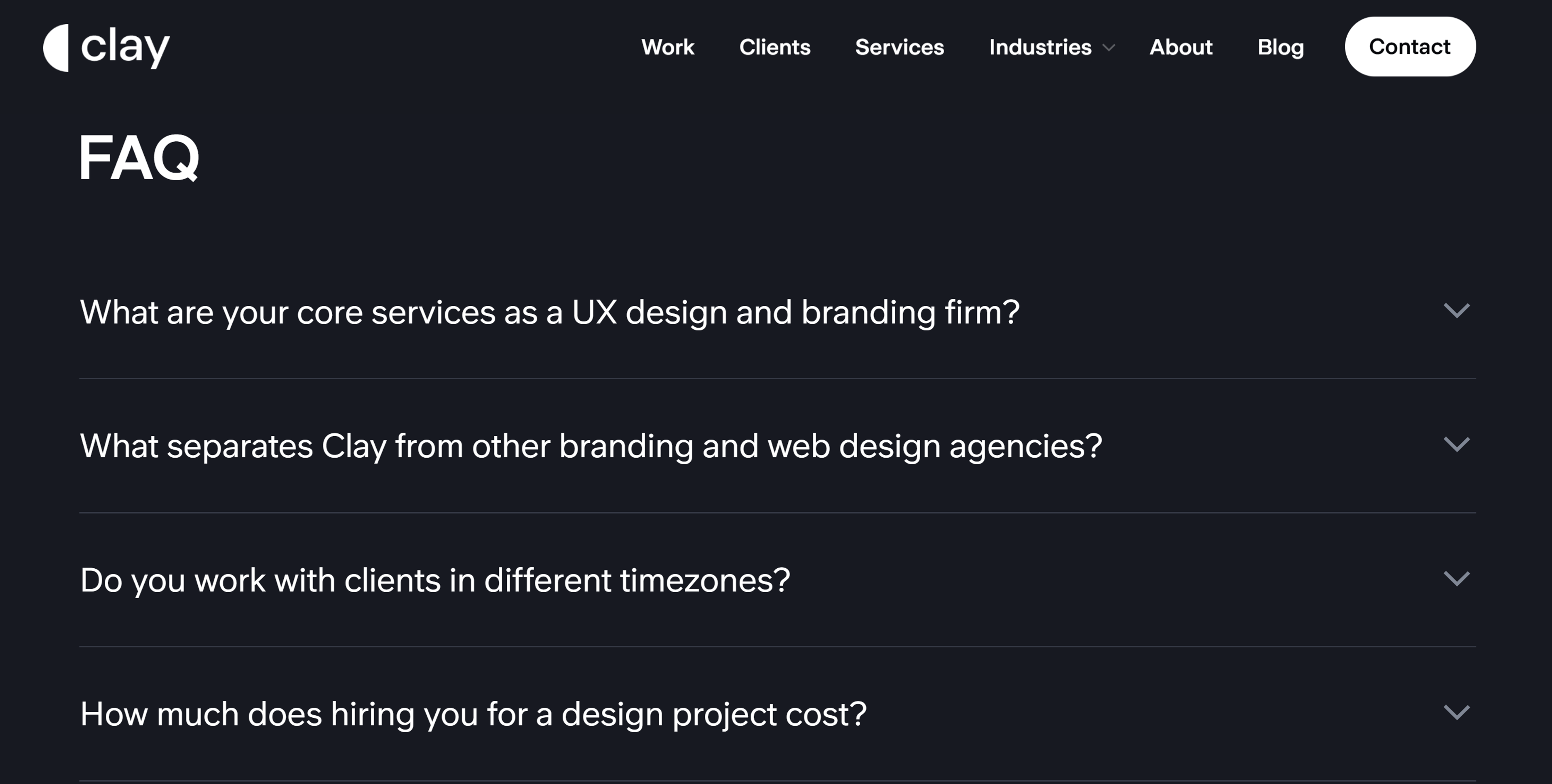
FAQ pages address real objections with quick answers to reduce friction.
Clay FAQ Page
Content Types That Drive Results
Types of Website Content
The best content puts your audience first and answers their real questions. Content plays different roles in engaging visitors, building brand authority, and supporting your business goals. Each content type serves a specific purpose in guiding visitors toward action.
- Marketing pages, such as your homepage, About page, and landing pages, communicate your brand story. They introduce who you are and what you offer. These pages typically combine text with photos, illustrations, and graphics to create a strong first impression.
- Product and service pages: These pages explain the value and encourage customers to make purchases. They show outcomes before features, address objections directly, and include clear calls to action such as "Add to Cart" or "Get Started". Many also include customer questions and reviews to reduce doubts.
Clay Services Page
- Blog posts and educational content: Blog posts provide educational or entertaining content that attracts visitors through search engines. They do not always focus directly on your company. Instead, they answer questions your audience searches for and establish your expertise.
- User-generated content, including testimonials and reviews, fosters trust through social proof. When potential customers see others succeeding with your product, they feel more confident in making a purchase.
- Case studies: Case studies show your solution in action with specific customers. They work exceptionally well for business-to-business companies. Strong case studies describe the problem, explain your solution, and measure the results. One clear metric is more persuasive than vague praise.
- Downloadable content and lead magnets: Downloadable content, such as ebooks and guides, can attract qualified leads. You offer valuable resources in exchange for contact information. This works when the content provides specific insights that are hard to find elsewhere.
- Help Center content and FAQs: The Help Center articles and FAQs provide answers to common customer questions and help solve problems. They reduce frustration and lower the load on your support team. When customers find answers quickly, satisfaction rises and support costs fall.
- Rich multimedia and interactive elements: Rich multimedia and interactive tools lighten the mental load and speed up decision-making. Short videos explain complex ideas quickly. Labeled screenshots guide users through processes. Calculators help visitors estimate costs or benefits.
For example, in designing Fooji's Crowdsail web app, we focused on creating an intuitive and enjoyable user experience. We incorporated helpful tips, descriptive elements, and thoughtful interactive behaviors to enhance user-friendliness.
Fooji Intuitive Design by Clay
Additionally, we crafted custom illustrations and icons to uphold the brand's identity, strengthening the connection and preserving a friendly brand language.
Designed to assist users in their purchasing journey with convincing calls-to-action and customer-focused messaging. Provide information that solves unique selling propositions and potential objections for maximum impact.
How to Write Good Website Content: 5 Tips
1. Start with User Research
Understand what your audience needs before you write a single word. Use keyword research tools like Semrush to discover what people actually search for, and to identify target keywords, relevant keywords, and competitive keywords.
Study your competitors to identify gaps in their coverage and analyze the target keywords and competitive keywords for which they rank. Speak with customers to understand their genuine concerns and questions. This research focuses on topics that attract exemplary visitors, tailoring content to the target audience and optimizing for the target keyword, while answering genuine needs.
2. Write Clear, Scannable Content
Use descriptive headings to guide your reader through the page. Keep your paragraphs short. Aim for three to five sentences maximum. Short blocks of text are much easier to read on a screen.
Make your content scannable.
- Use bullet points to list important details.
- This helps people find what they need fast.
- It also helps search engines understand your main topics.
Always put your most important point first in every section. This helps both busy visitors and search engines get the key information right away.
3. Focus on Benefits, Not Features
Show your readers how you can help them. Don't just list what your product does. Explain how it makes their life easier or solves a problem. Always answer the unspoken question: "What's in it for me?"
Benefits create an emotional connection with your reader. Features just provide information. Make sure the benefits you highlight also support your main business goals.
4. Match Your Brand Voice
Keep the same tone on every page of your site. This builds recognition and makes people trust your brand. Your brand guidelines should define how you sound.
Choose a tone and stick with it. Whether you are professional, friendly, or playful, be consistent. A corporate page should not sound casual, and a friendly blog should not sound stiff, unless you have a very good reason.
5. Optimize for Search and Humans
Balance keywords with natural, valuable writing as part of your overall search engine optimization strategy. Optimizing your content for search engines involves incorporating relevant search terms naturally into your content, while also utilizing meta tags and descriptive alt text for images to enhance visibility and accessibility.
Avoid keyword stuffing, as overusing keywords can harm both user experience and your search engine ranking. Tools like Google Analytics help identify which pages perform well and which require improvement. But always write for humans first. Content that helps real people ultimately ranks better in search results, so review your content for quality and optimization before publishing.
How to Plan Website Content Structure
- Conduct User and Keyword Research: Start by identifying what your audience needs and searches for. Keyword research reveals high-intent terms that attract qualified visitors. User research, including surveys, interviews, and analytics, uncovers the problems your content should solve. Combine both to build a foundation of topics that matter, and use this research to generate content ideas that resonate with your audience.
- Define Content Goals: Align your content with business objectives. For many website content pieces, lead generation is a key objective, helping to attract and convert potential customers. Decide whether each piece should generate leads, support customers, or drive direct sales. Clear goals shape every decision from topic selection to calls to action.
- Developing an Effective Information Architecture: The process of creating an effective information architecture involves multiple stages, from initial planning to final organization. Map your site structure and page relationships. Group related topics together. Plan logical paths from general information to specific details.
- Develop a Content Calendar: Plan topics, formats, and publishing schedules to ensure consistency and effectiveness. A content calendar helps coordinate and streamline your content efforts. A calendar keeps content production steady and prevents last-minute scrambling. Coordinate timing with business events, product launches, and seasonal trends to ensure optimal alignment and maximize impact.
- Establish Quality Standards: Set guidelines for voice, tone, and accuracy. Define what quality means for your brand. Establish review processes that identify errors before publication. Standards ensure every piece meets your bar regardless of who writes it.
FAQ
What Is Website Content?
Website content is all the text, visuals, tools, and interactive elements on a site that help visitors understand your offer, complete tasks, and get value from each visit. Effective content management is crucial for organizing and maintaining content, ensuring it remains relevant and up-to-date.
How To Write Content For A Website?
Start from user intent, answer one straightforward question per section, use simple active language, structure with headings, and end important sections with a relevant call to action. A structured content creation process is essential for developing effective website content that meets user needs and supports your goals.
How Do Brand Guidelines Influence Website Content?
Brand guidelines define your voice, tone, messaging, and visual rules, so every page feels consistent, recognizable, and aligned with your positioning and values.
How To Do A Website Content Audit?
Inventory all pages, review each for accuracy, relevance, SEO, and performance, then label items to keep, update, merge, or remove so your site focuses on the most effective content.
How To Optimize Website Content?
Refine copy to align with real search intent, enhance headings and internal links, optimize media, update metadata, and test variations to boost engagement, rankings, and conversions. Optimizing website content also increases visibility in search results.
Why Is Content Important In A Website?
Content is what users come for: it explains who you are, solves their problems, builds trust, and ultimately turns anonymous visitors into leads, customers, or subscribers. Strong, consistent content keeps your audience engaged and encourages them to take action.
Read more:
Conclusion
Strong website content works as a unified system. It guides visitors through a clear structure, connects related pages naturally, and delivers measurable outcomes. When each page serves a specific purpose and points to logical next steps, you turn fleeting attention into steady progress and tangible results.


About Clay
Clay is a UI/UX design & branding agency in San Francisco. We team up with startups and leading brands to create transformative digital experience. Clients: Facebook, Slack, Google, Amazon, Credit Karma, Zenefits, etc.
Learn moreAbout Clay
Clay is a UI/UX design & branding agency in San Francisco. We team up with startups and leading brands to create transformative digital experience. Clients: Facebook, Slack, Google, Amazon, Credit Karma, Zenefits, etc.
Learn more