

AI has quickly moved into mainstream UX research workflows. 69% of teams now use AI in at least some research projects, mostly for transcription, coding, and drafting.
That doesn't make the research automatically easier to trust.
AI-powered research tools are good at compressing large amounts of material into something easier to review. But they can't reliably determine whether the study asked the right question, recruited the right participants, or interpreted the evidence in the right context.
What's changing in UX research is how the work is divided. AI increasingly handles execution and analysis, while researchers stay responsible for framing, methodological choices, interpretation, and ethics.
Key Takeaways
- AI is increasingly used for transcription, preliminary analysis, planning, and synthesis, but speed doesn't guarantee methodological accuracy.
- AI can suggest themes and cluster similar responses, but that clustering shouldn't automatically count as rigorous thematic analysis.
- AI-moderated interviews can now conduct structured and adaptive conversations with real participants at significant scale.
- Synthetic users can support hypothesis generation and early exploration, but shouldn't replace research with real users.
- Human review remains important for interpreting nuance, checking evidence, and connecting findings to business context.
- AI-generated themes, summaries, and quotations should be checked against the underlying research data before they influence decisions.
Where AI Is Actually Useful in UX Research
Integrating AI into the UX research workflow works best when teams decide explicitly which tasks AI can support and which decisions stay human.
AI-enabled research tools now cover much more than transcription. They can assist with study planning, adaptive interviews, coding, synthesis, and repository retrieval, though reliability and risk differ across those applications.
Planning and Research Operations
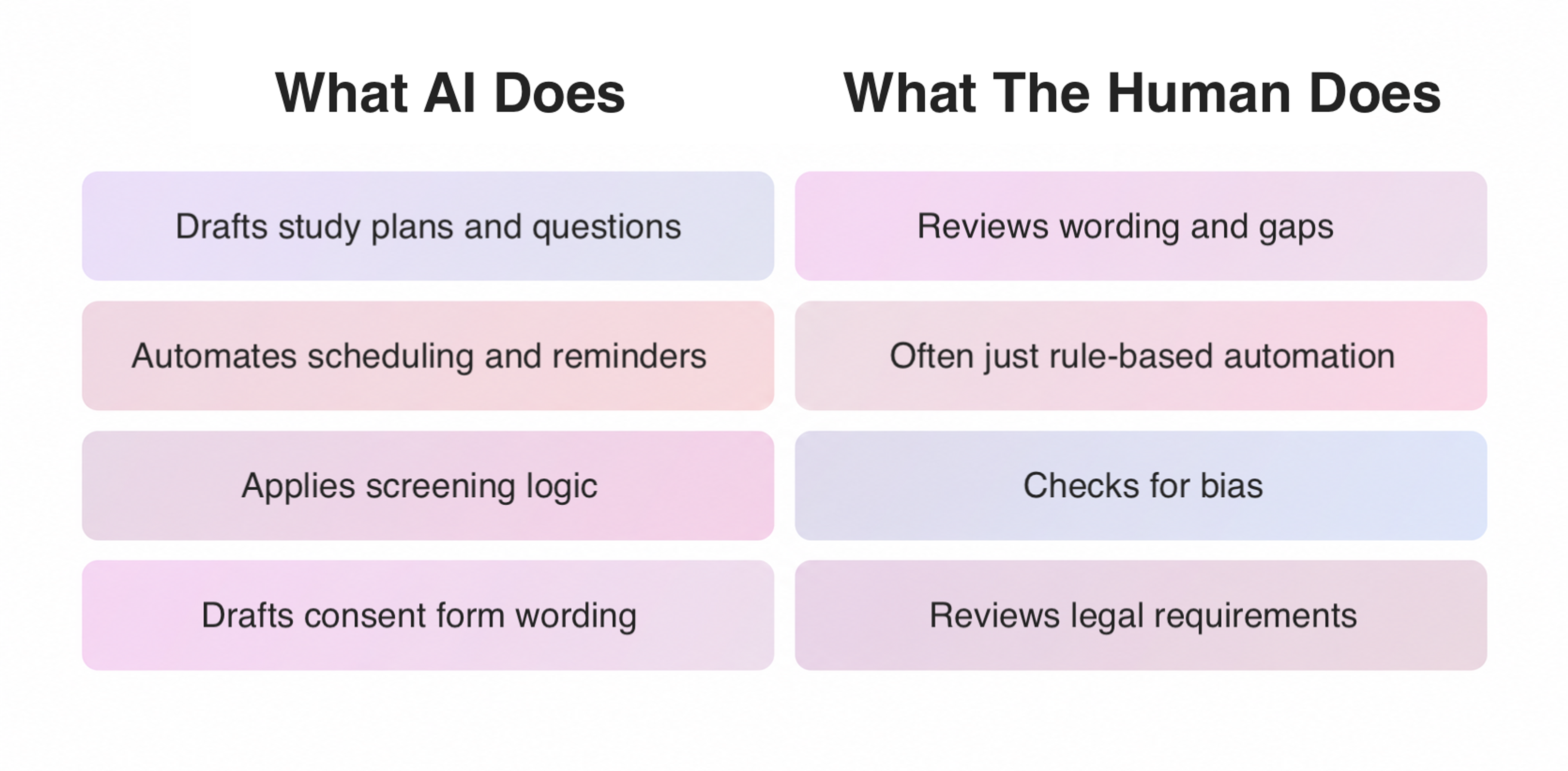
AI can help researchers draft study plans, screening questions, discussion guides, and interview questions. It can revise wording or flag gaps in an early plan.
AI can also heavily automate participant scheduling, reminders, and quota management. But that's often just workflow automation rather than generative AI. A reminder sent automatically according to a rule doesn't necessarily involve AI.
AI may also assist with participant screening. But researchers should review screening logic carefully, since automated decisions can reproduce poor assumptions or introduce bias.
The same caution applies to consent forms. AI can help draft one, but legal and accessibility requirements still need human review.
AI and Human Roles in Research Planning
Transcription and Research Organization
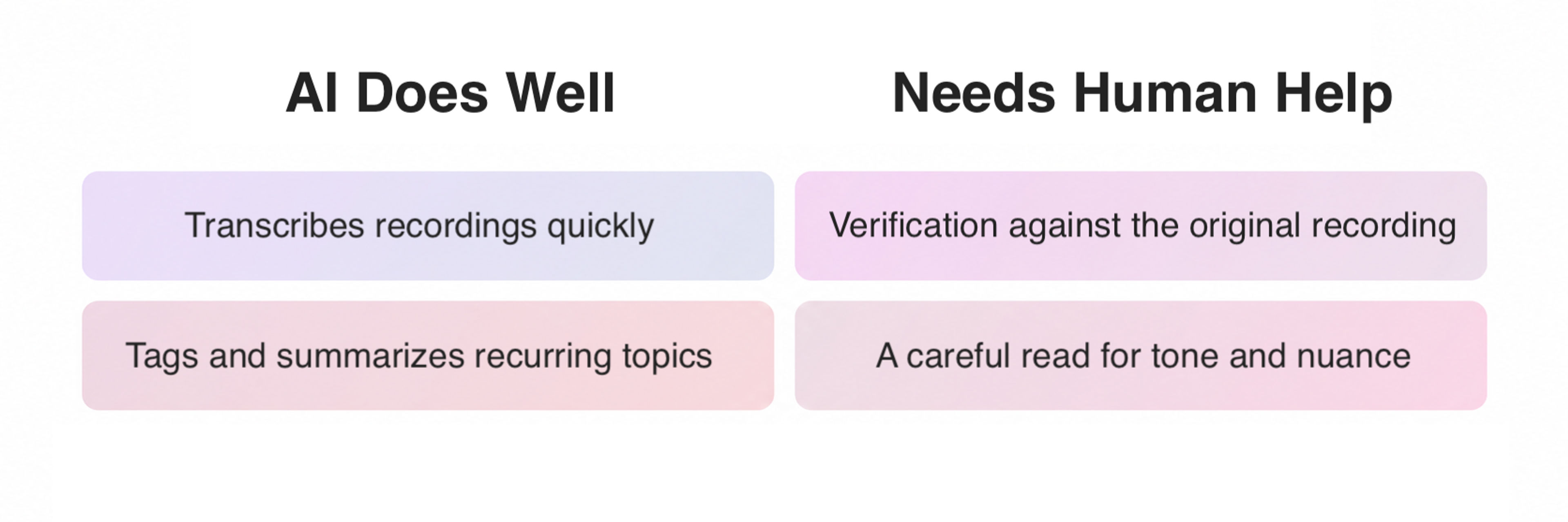
Transcription is one of the clearest applications of AI in UX research. Modern platforms can turn recorded sessions into searchable transcripts rapidly and connect them to notes and research repositories.
AI can also organize unstructured feedback from interviews, support tickets, and surveys by suggesting tags and summarizing recurring topics, so researchers can navigate datasets that would otherwise require substantial manual sorting.
The important distinction is between organizing evidence and interpreting it.
Automated transcription can misfire on specialized terminology or poor audio. Automated tagging can misread sarcasm or mixed opinions, so the original recording should remain available for verification.
AI vs. Human in Transcription and Tagging
Analysis and Synthesis
AI is particularly useful for the volume problem in UX research.
It can search large transcripts, identify recurring language, group similar responses, and produce a first-pass synthesis much faster than a researcher working manually.
But clustering responses isn't automatically equivalent to thematic analysis or other rigorous research methods. That involves decisions about context, meaning, contradictions, and the relationship between individual observations and broader themes.
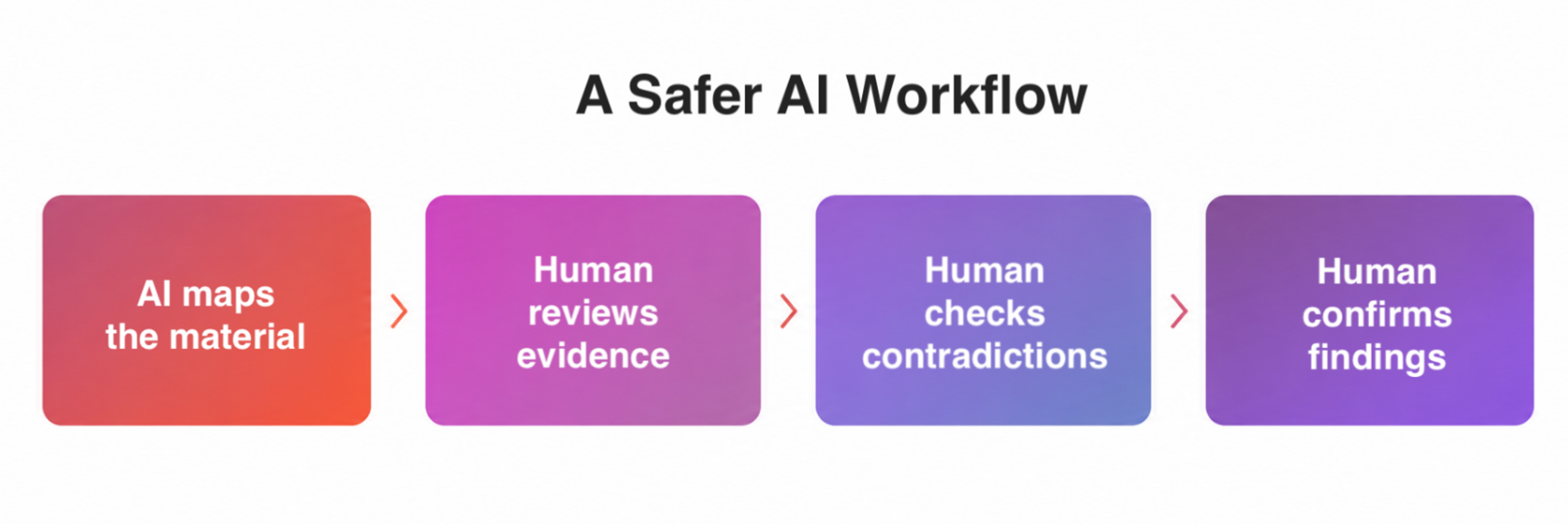
A safer workflow follows a few steps.
1.
Use AI to produce an initial map of the material.2.
Review proposed themes against the original evidence.3.
Look for contradictory or minority cases and verify quotations and attribution.4.
Let a researcher determine which patterns actually constitute findings.
From AI's First Pass to Confirmed Findings
Teams using AI most often apply it to transcription, synthesis, and generating research questions. As a result, teams report 63% faster turnaround times, 60% improvement in efficiency, and 56% more optimized workflows. However, human judgment still matters most for interpreting nuance.
Reporting and Communicating Findings
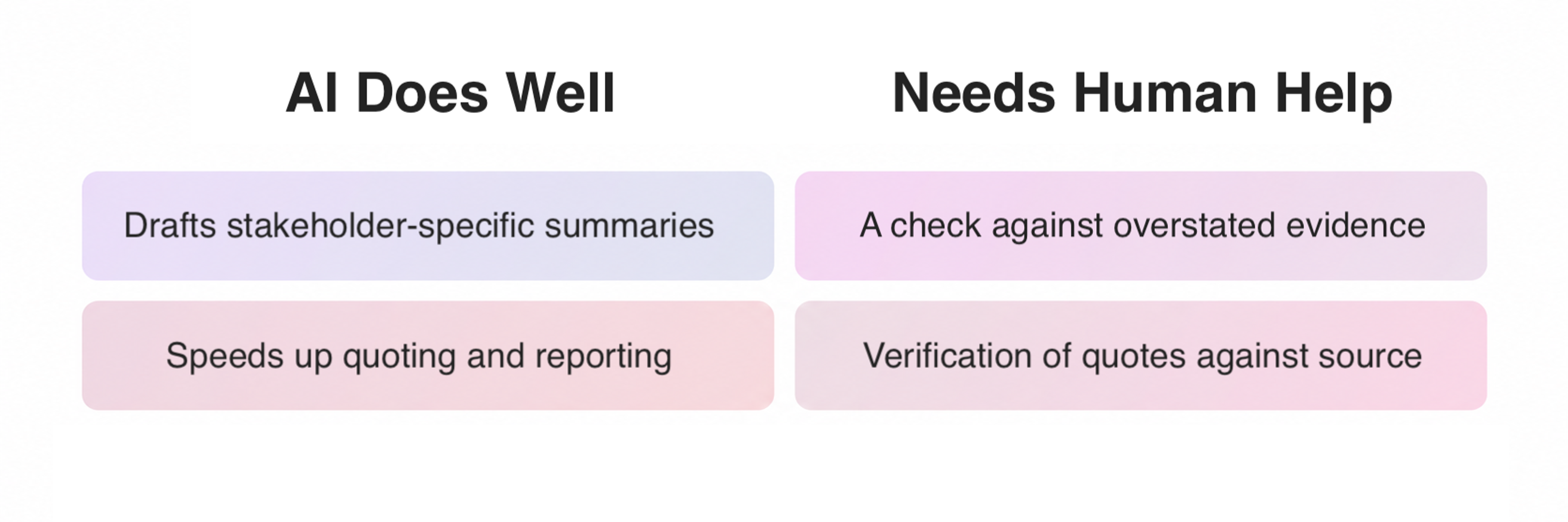
Generative AI can turn research notes, coded transcripts, and validated themes into draft summaries or stakeholder-specific versions of the same findings. That's useful since the same evidence often needs to be translated differently for a designer, product manager, or executive.
The danger is that polished language can make weak evidence look stronger than it is.
AI can also misfire when reproducing quotations, with research finding cases where it altered, truncated, or fabricated them.
Teams should validate reports against the source material. They should also review contradictions and outliers deliberately rather than treating them as noise.
AI vs. Human in Reporting and Quotations
Can AI Conduct Research Without a Human?
In some contexts, yes, but "conduct research" covers several different activities. AI can now moderate interviews with real participants and analyze the resulting transcripts. That's different from letting AI make every methodological decision without supervision.
AI-Moderated Research
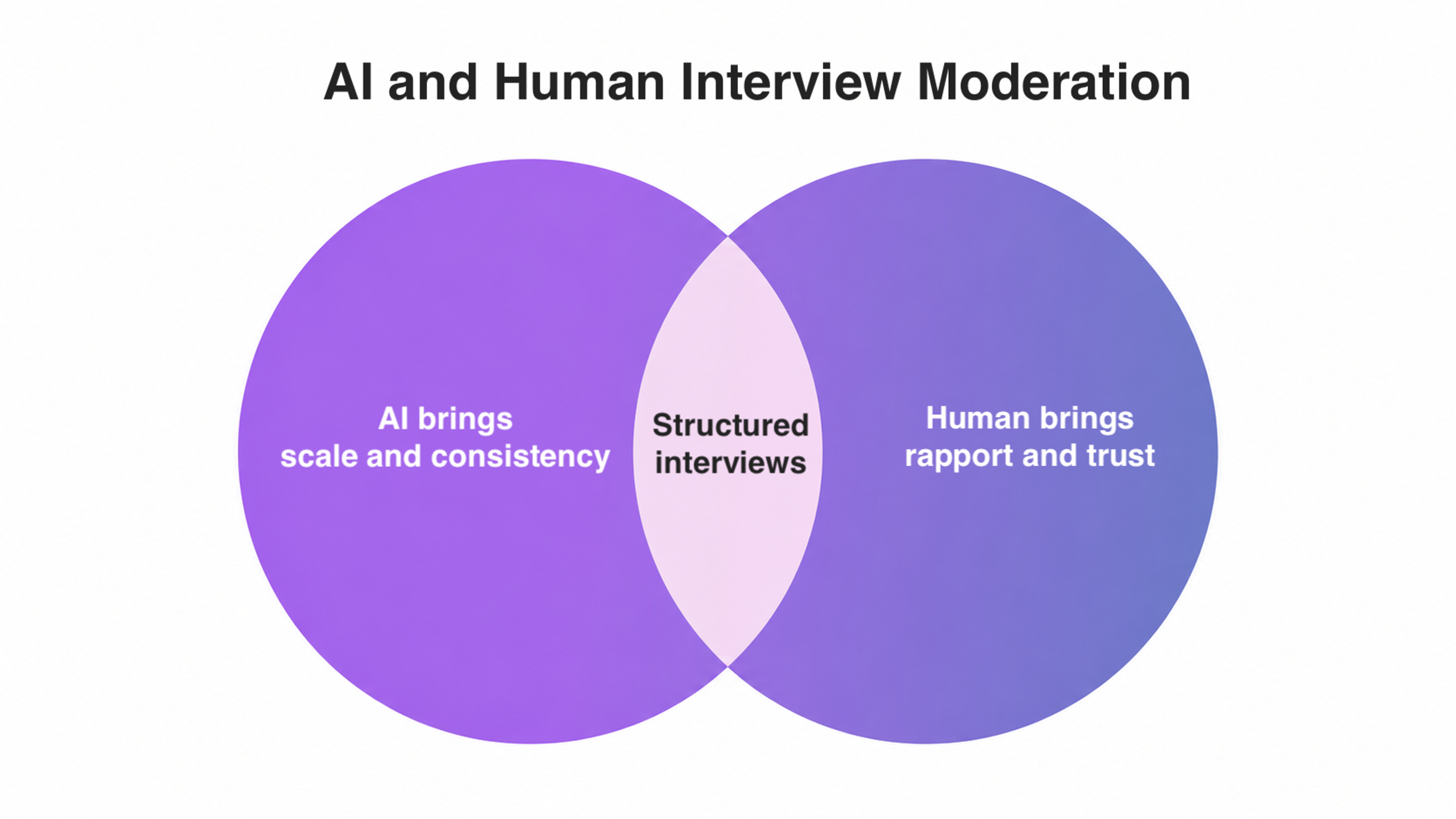
AI-moderated interviews are a practical research method in 2026, not a purely experimental idea. Current platforms can conduct structured or open-ended conversations, generate follow-up questions based on responses, and probe particular topics.
The potential scale is substantial. An AI interviewer has already conducted almost 81,000 conversations across 159 countries and 70 languages. That's far more than human moderators could realistically interview individually.
AI moderation can improve consistency when researchers specify core questions and probing rules. It doesn't eliminate interviewer variation, which is why pilot testing still matters.
Human moderation still has advantages when a study depends heavily on rapport, sensitive disclosure, or subtle interpersonal signals. Current AI can't reliably read those signals as well as an experienced researcher.
AI vs. Human Moderation
Synthetic Users and Simulated Research
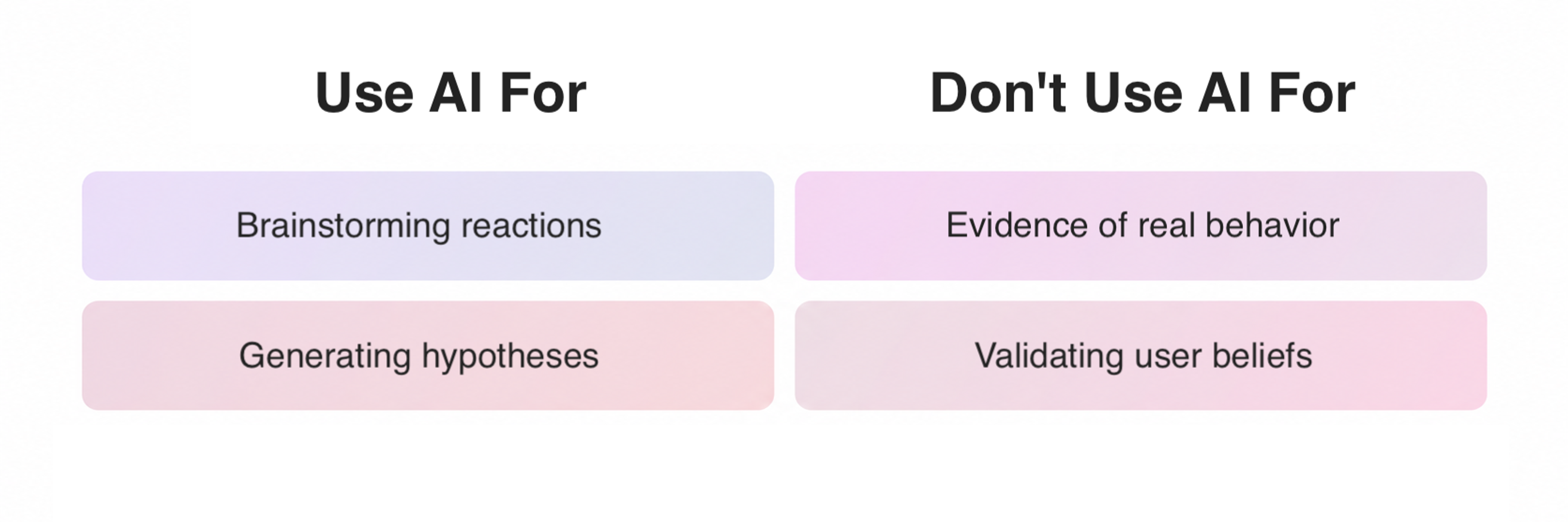
Synthetic users, AI personas, and simulated participants are a separate category. Generative AI can produce plausible responses from a defined persona, useful for brainstorming reactions before recruitment. But those responses aren't observations of actual user behavior.
A synthetic participant's output is shaped by the underlying model, its training, and supplied persona information, not by the lived history a real customer experiences, so research with synthetic users can become circular. The system may reproduce assumptions already in the prompt.
Use synthetic users to generate questions and hypotheses, not to manufacture evidence that real users believe or behave a certain way.
Right and Wrong Uses of AI Personas
Where Human Is Still Needed
Modern models can produce many plausible interpretations. The strongest case for UX researchers in 2026 is whether that interpretation is reliable, context-aware, and accountable enough to support a real decision.
Researchers decide whether a study is methodologically appropriate, notice when an important group is missing, and decide what deserves further investigation. They're also responsible for consequences.
That's why AI-generated themes should be checked against the original research data before they're treated as findings.
Human oversight also matters for bias and other ethical concerns. But it isn't an automatic solution, since humans have biases as well.
AI can sometimes flag possible bias when asked. But it can't reliably discover every blind spot in its own reasoning or in the dataset it's been given.
The Main Risks and Limitations of AI in UX Research
- False confidence is a real risk. Generative AI is designed to produce coherent outputs, so weak and strong datasets can both produce polished-looking summaries. Fluency is not evidence of quality.
- Loss of traceability is another risk. When AI combines information across many transcripts, quotes should stay verifiable against the original data.
- Context loss is a risk as well. Summarization can strip away ambiguity, minority perspectives, or contradictions that matter.
- Privacy and governance carry real weight. Research data can include personal information, recordings, or confidential product details, so teams need to know where that material goes and how long it's retained before sending it to an AI service.
- Methodological drift rounds out the list. More summaries, tags, and studies don't automatically create more knowledge. Teams still need a shared research process for what counts as good research.
When AI-Assisted Research Makes Sense for a Business
AI-assisted UX research can be useful at organizations of very different sizes, but the use case changes.
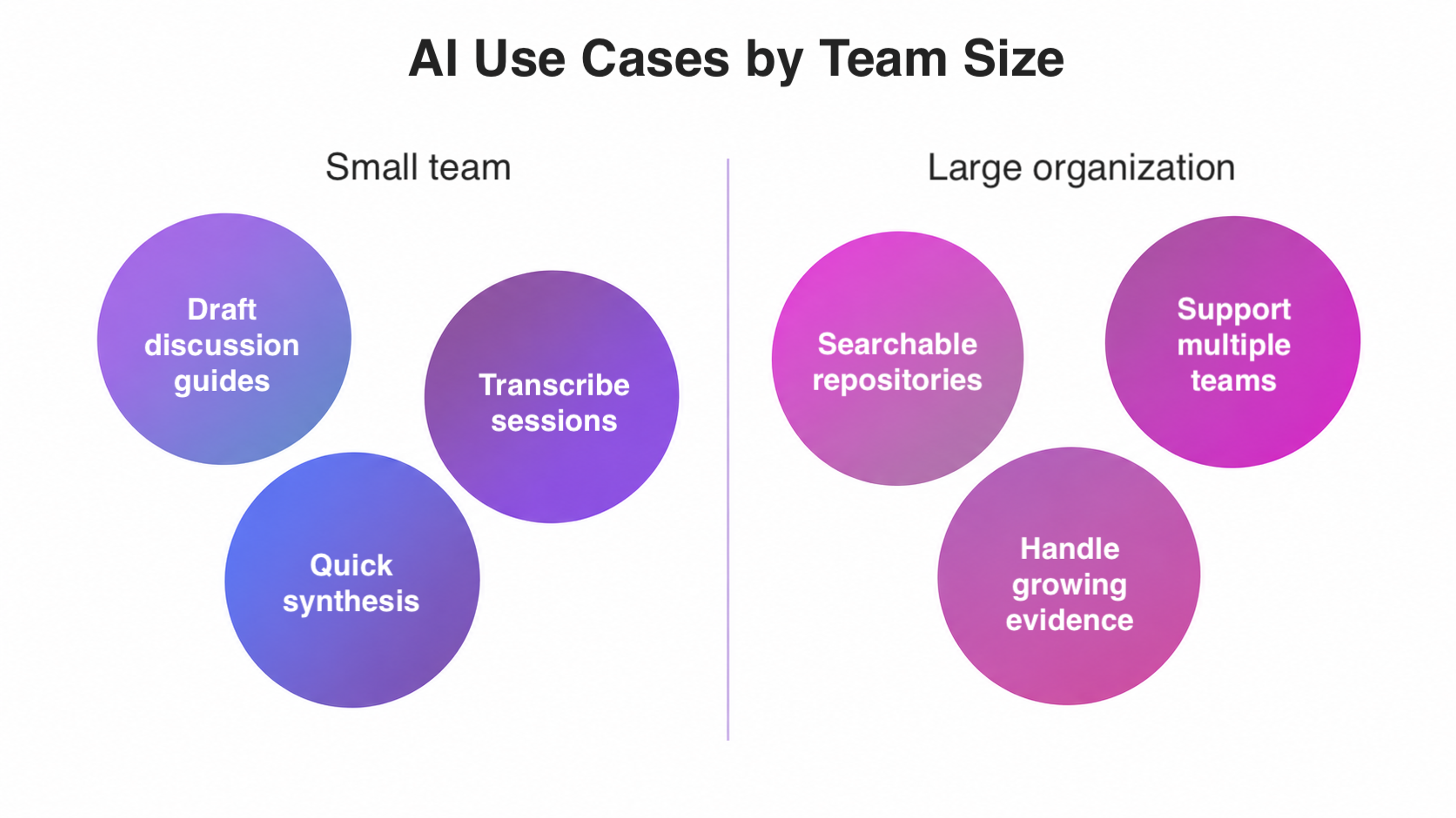
A small team may use it to draft a discussion guide, transcribe sessions, or create an initial synthesis. That reduces the day-to-day research workload.
A larger organization may use it to make repositories easier to search or help multiple product teams work with growing volumes of customer evidence.
How AI Use Scales With Size
Either way, the real question is: which parts of this workflow can be accelerated without weakening the evidence we rely on?
If you need more professional AI-assisted research support, Clay Global can help. Whether it's planning studies, analyzing data, or reporting findings, we'll deliver it with a perfect blend of AI and human expertise. Let's talk.
How Designers and Research Teams Should Work With AI
A good AI-assisted research workflow starts by defining what AI is allowed to do.
- AI may transcribe sessions and suggest tags or preliminary themes, but supporting quotations must be checked against transcripts.
- A named researcher must review important findings before they leave the team.
- Sensitive data may only be processed using approved tools.
- Product recommendations must remain traceable to real evidence.
As our Head of UX, Alex Khmelevsky, told Fast Company:
"I believe AI technologies are set to embark on a similar journey, with designers poised to step in and refine these technologies, making them more intuitive and user-oriented."
Using generative AI in UX research works best as a layer added to a well-established design process, not a replacement for it.
A team that already understands interviewing, recruitment, and research ethics can use AI to accelerate that work.
It also accounts for transcription errors and hallucinated details. A team that skips directly from a research question to AI-generated "insights" is generating hypotheses.
One of the simplest safeguards is to assign a clear human owner to every AI-assisted study.
How to Build AI Into Your UX Research Strategy
There isn't one correct way to bring AI into a research strategy. The right model depends on team size, research maturity, and how much internal capacity exists to manage the tools responsibly.
More Control or More Flexibility?

Build AI-Assisted UX Research In-House
Building AI-assisted research capabilities in-house keeps the work fully under an internal team's control.
Pros
- More direct control over workflows, tools, and research data
- Builds long-term internal research and AI capability
Cons
- Requires internal research, technical, privacy, and governance expertise
- Practices can become inconsistent when many teams use AI without shared standards
Work With an External UX Research or Design Partner
Working with an external partner brings in outside expertise to run or support AI-assisted studies.
Pros
- Access to a UX design agency's specialized expertise without building every capability internally
- Useful for specialized studies, major initiatives, or periods of limited internal capacity
Cons
- Less direct control over day-to-day execution
- Their methodology, AI practices, and claims about automation still need to be evaluated
Use a Hybrid Model
A hybrid model splits AI-assisted research work between an internal team and outside partners.
Pros
- Keeps product knowledge and decision-making close to the internal team
- Allows research capacity to expand when needed
Cons
- Ownership needs to be clearly defined
- Poor handoffs can disconnect research evidence from later product decisions
None of these models is inherently more "AI-native" than another. The goal is a research system where automation improves speed without obscuring how conclusions were reached.
We take the same approach in our own work at Clay Global. For Fiverr’s Togetherr platform, user research helped us shape the product experience and design a questionnaire-based flow for matching projects with the right creative talent.
Togetherr's questionnaire flow by Clay Global

As AI becomes more integrated into our design process, we use it to speed up research tasks such as processing interviews, identifying recurring themes, and reviewing usability-test data.
The underlying principle stays the same. AI should strengthen a research process grounded in real user input, not replace it.
Not sure where AI actually fits into your own research process? We help teams get clear on that before any work starts. Let's talk.
Read More
FAQ
Which AI Is Best for UX Research?
There is no single best AI for every part of UX research.
Different AI assistants specialize in transcription, AI-moderated interviews, user testing, and synthesis.
Evaluate them by the research problem and how much human control they provide.
How Are UX Researchers Using AI?
Most commonly for transcription, synthesis, and generating research questions.
The pattern is the same across growing applications like AI-moderated interviews. AI handles the repetitive, high-volume work while people stay responsible for interpretation.
Can AI Replace UX Researchers?
AI can replace or reduce some tasks researchers previously did manually, like transcription and question generation. But that's different from replacing the research function itself.
It isn't a substitute for the methodological judgment and accountability professional UX research requires.
Is UX Research Still in Demand?
Demand for research remains substantial. 66% of teams report increased demand, up from 55% the year before.
That's not the same as researcher hiring rising at the same rate. Demand can be met by designers, product managers, or automated tools.
Can AI Conduct User Interviews?
Yes. By 2026, AI moderators can conduct conversations with real participants, ask adaptive follow-up questions, and run structured interview guides.
It works well when scalability matters. Human moderation stays more valuable for sensitive subjects and moments that call for the conversation to change direction.
Can AI Replace Real Users With Synthetic Personas?
No. Synthetic personas can help teams generate hypotheses or gauge desirability before recruitment.
But their responses are model-generated predictions, not real experience.
Any important claim about what users need or actually do should still be grounded in evidence from real people.
Final Thoughts
Good AI-assisted research depends on using automation where it helps most while keeping researchers focused on the decisions that require judgment.
As AI takes on more execution, researchers can spend more time framing the right problems, choosing the right methods, and connecting findings to decisions.
Teams that combine automation with thoughtful human review are likely to get far more value from AI in UX research than those that treat polished AI output as finished research.


About Clay
Clay is a UI/UX design & branding agency in San Francisco. We team up with startups and leading brands to create transformative digital experience. Clients: Facebook, Slack, Google, Amazon, Credit Karma, Zenefits, etc.
Learn moreAbout Clay
Clay is a UI/UX design & branding agency in San Francisco. We team up with startups and leading brands to create transformative digital experience. Clients: Facebook, Slack, Google, Amazon, Credit Karma, Zenefits, etc.
Learn more