

You've done everything right. The design looks polished, the copy is tight, the product is genuinely good, and yet users bounce. They click around for a few seconds, then disappear without a single rage click, error message, or obvious sign of friction.
The answer is rarely the visual design. It's the cognitive load you're placing on visitors before they can get to the point, and it silently kills conversions on websites that otherwise seem fine.
Key Takeaways
- Cognitive load is the mental effort required to process information, and an excess of it drives users away before they even consciously realize why.
- Cognitive load theory, developed by John Sweller in the late 1980s, identifies three distinct types: intrinsic, extraneous, and germane, each affecting design decisions differently.
- Working memory capacity is severely limited, and most people can hold only 4-7 items at a time, which means every unnecessary element on a page competes for a scarce resource.
- Reducing cognitive overload means removing obstacles between the user and the outcome they came for.
- The websites that convert best are the ones with the least unnecessary friction.
What Is Cognitive Load?
Cognitive load refers to the total mental effort used in working memory at any given moment.
When someone lands on your site, their brain immediately begins processing information, reading headlines, scanning layouts, interpreting icons, and deciding what to click. All of that draws on cognitive resources, the finite mental bandwidth people bring to any task.
Cognitive Load in Web Design
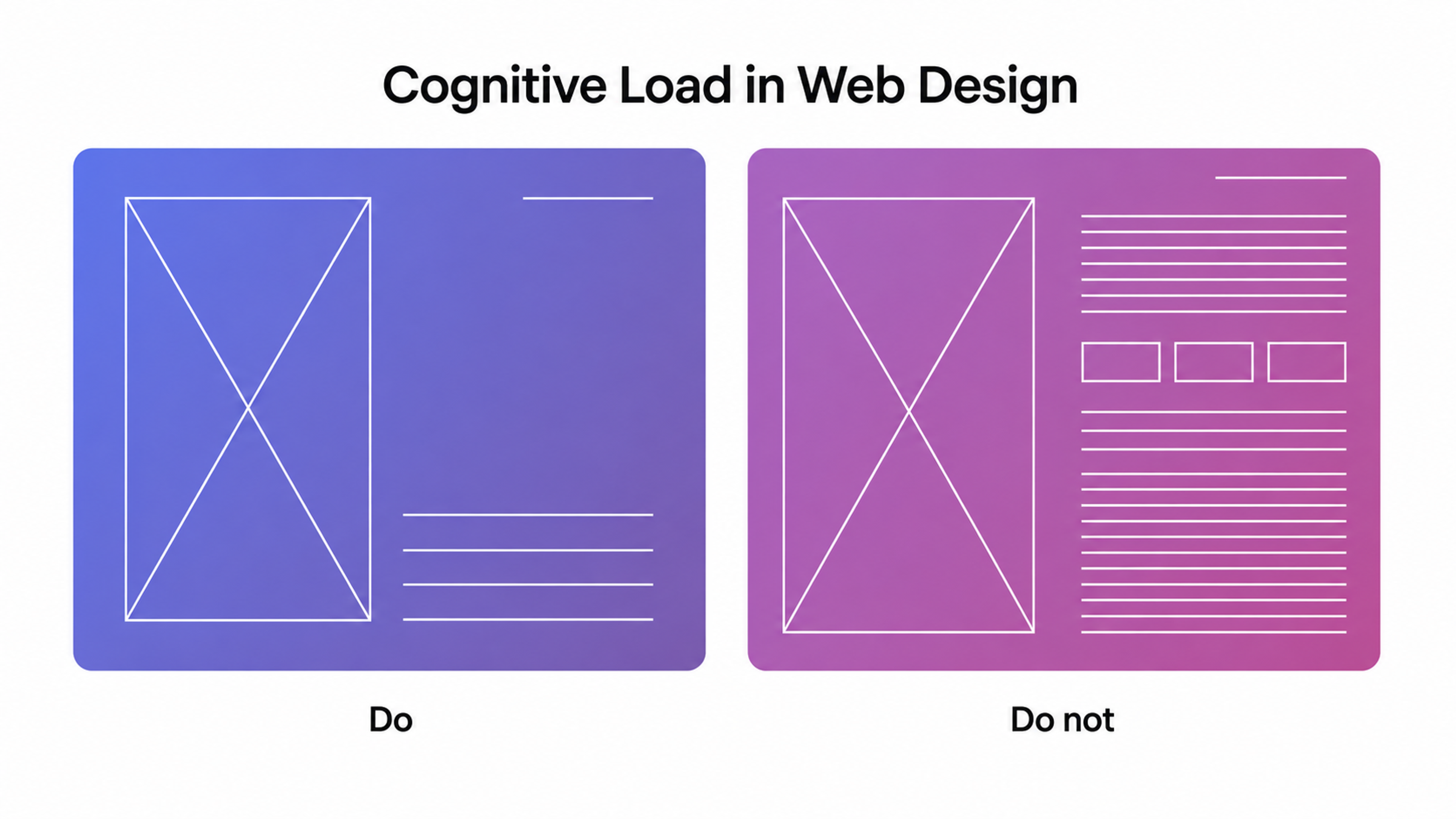
The concept of working memory is central here. Unlike long-term memory, which stores knowledge over time, working memory holds only what you're actively thinking about right now. In cognitive psychology, working memory capacity is far more limited than most people assume, and on a cluttered or confusing webpage, that ceiling gets hit fast.
The implications aren't subtle. Nearly seven in ten online shopping carts are abandoned, and confusing checkout processes rank among the top reasons. That's a cognitive load problem.
Cognitive Load Theory
Cognitive load theory is a framework developed by educational psychologist John Sweller in the late 1980s, originally within experimental psychology and instructional design.
Sweller proposed that effective learning and decision-making depend on how well information is structured relative to the limits of working memory.
From a cognitive load perspective, the theory reframes design quality as an information-delivery problem. The original research focused on learning environments and knowledge acquisition, specifically why certain instructional materials produced better outcomes than others, but the framework applies just as well to digital UX.
It gives designers a vocabulary for something that previously got blamed on vague causes, including users who just don't get it, interfaces that feel complicated, and drop-off that resists easy explanation.
To apply cognitive load theory to web design, whether you're working from a design brief or refining an existing product, means treating every screen as an instructional environment. You shape the cognitive processing your users have to do to extract meaning from it.
The Three Types of Cognitive Load
Intrinsic Cognitive Load
Intrinsic cognitive load is the inherent difficulty of the subject matter itself, the mental effort tied to the complexity of what you're asking users to understand or do.
Intrinsic load depends on the number of interacting elements a concept has and scales with the user's prior knowledge. A first-time shopper navigating a multi-step checkout faces high intrinsic load, while a returning customer draws on prior knowledge to move through the same flow with far less effort.
Intrinsic Cognitive Load
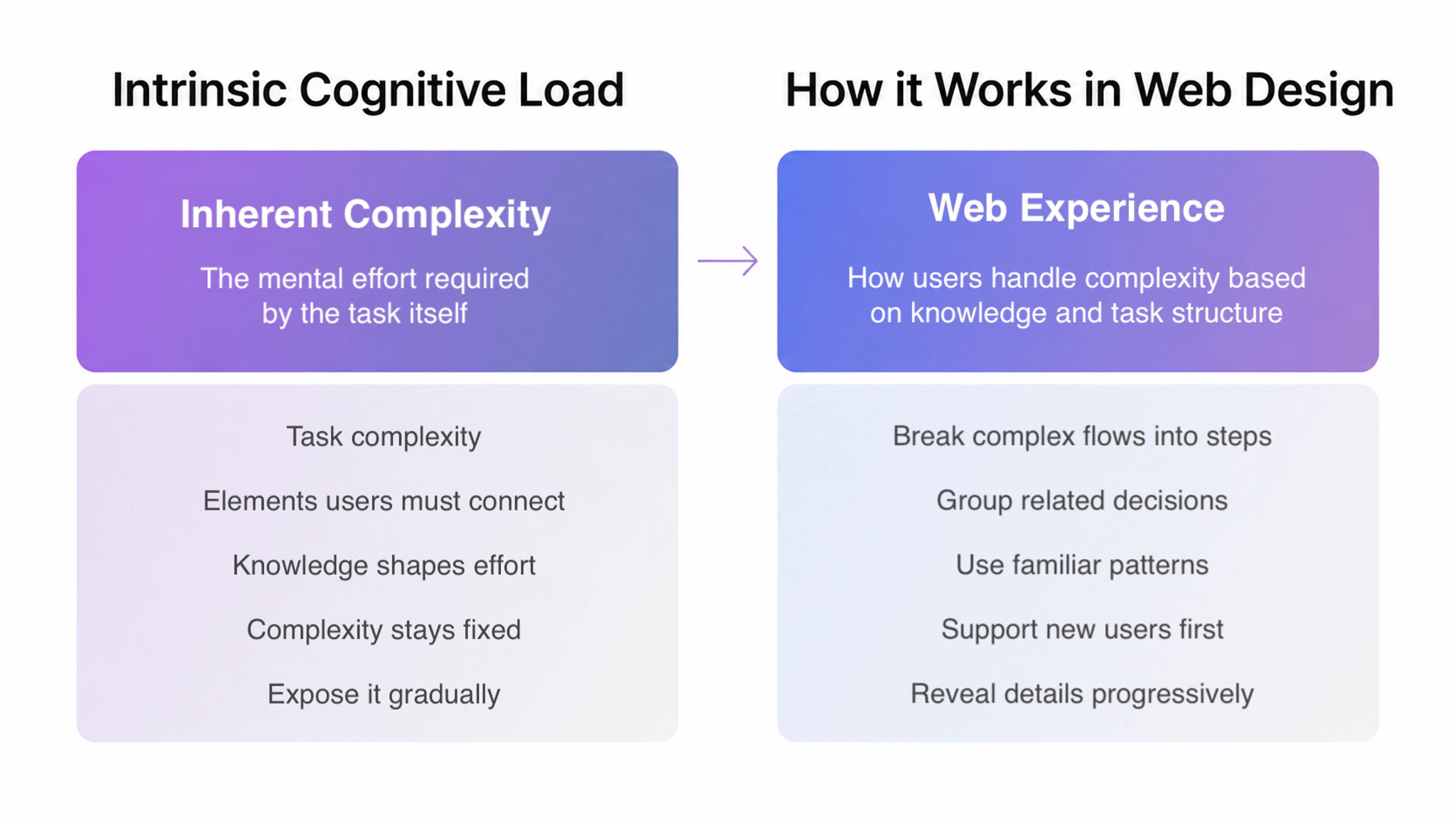
In practice, you can't eliminate intrinsic cognitive load, as the topic's complexity is fixed. What you can control is how much of it you expose at once.
Intrinsic load is highest when many elements must be understood simultaneously and in relation to each other, and it drops when those elements can be understood one at a time. That distinction shapes how you decide what belongs on the same screen versus what gets its own step.
Extraneous Cognitive Load
Extraneous Cognitive Load
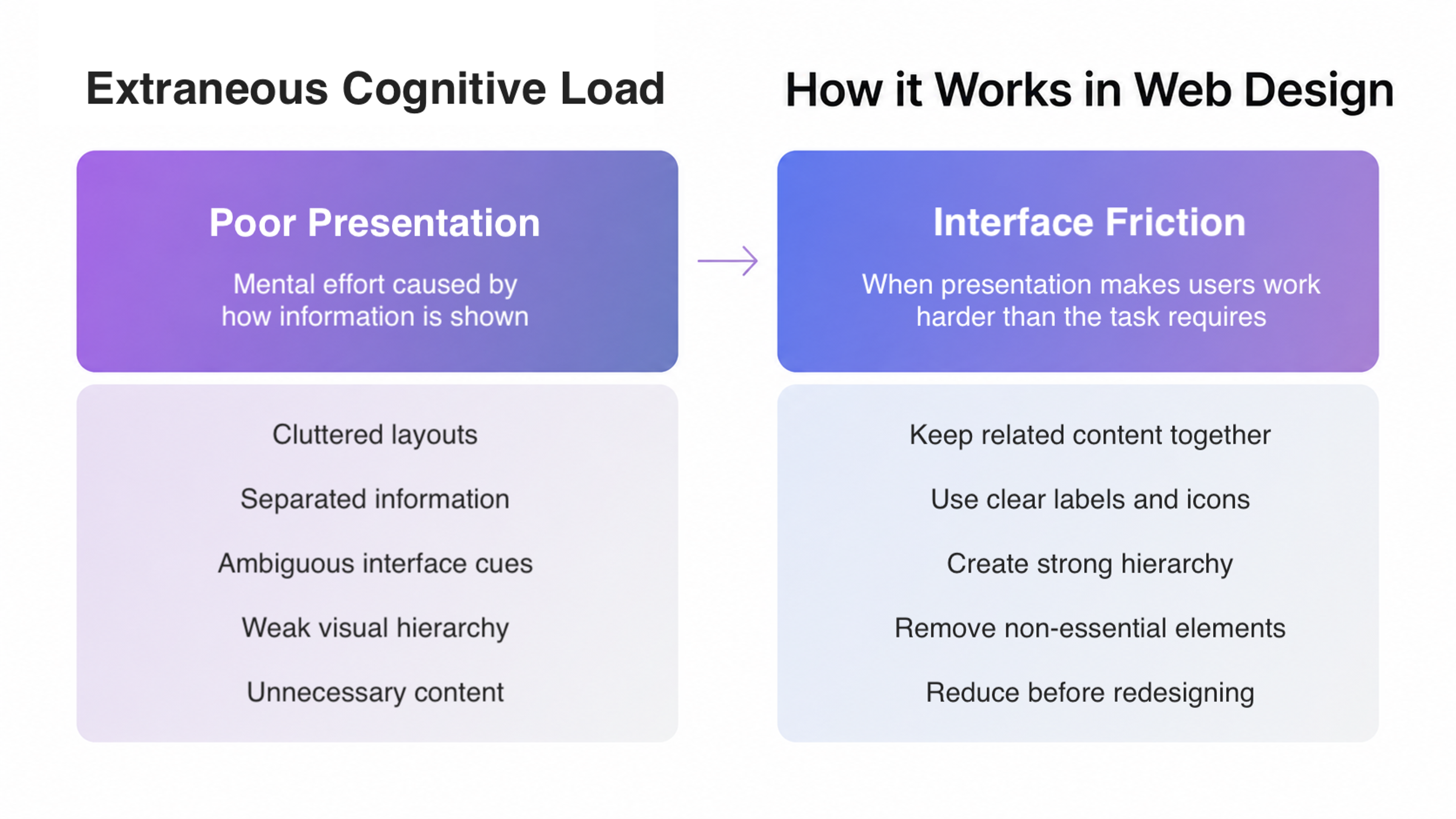
Extraneous cognitive load is the one that should keep every product and UX designer up at night. It's the mental effort caused by the way information is presented.
Cluttered layouts, ambiguous icons, inconsistent terminology, walls of text, and poor visual hierarchy all increase extraneous cognitive load.
The split attention effect is a well-documented consequence of extraneous load. When related information is physically separated on a page (a diagram here and its explanation three scrolls down), users must hold one piece in working memory while searching for the other.
That extra mental juggling uses up working memory that should go toward actual understanding rather than navigation.
Unnecessary information is the other major source. Every element on a page that doesn't help users accomplish their goal adds to the heavy cognitive load. Navigation items users never click, promotional banners that have nothing to do with the current task, and autoplaying videos all compete for attention and working memory load without contributing anything. Reduce extraneous load by cutting before you start designing around it.
Germane Cognitive Load
Germane Cognitive Load
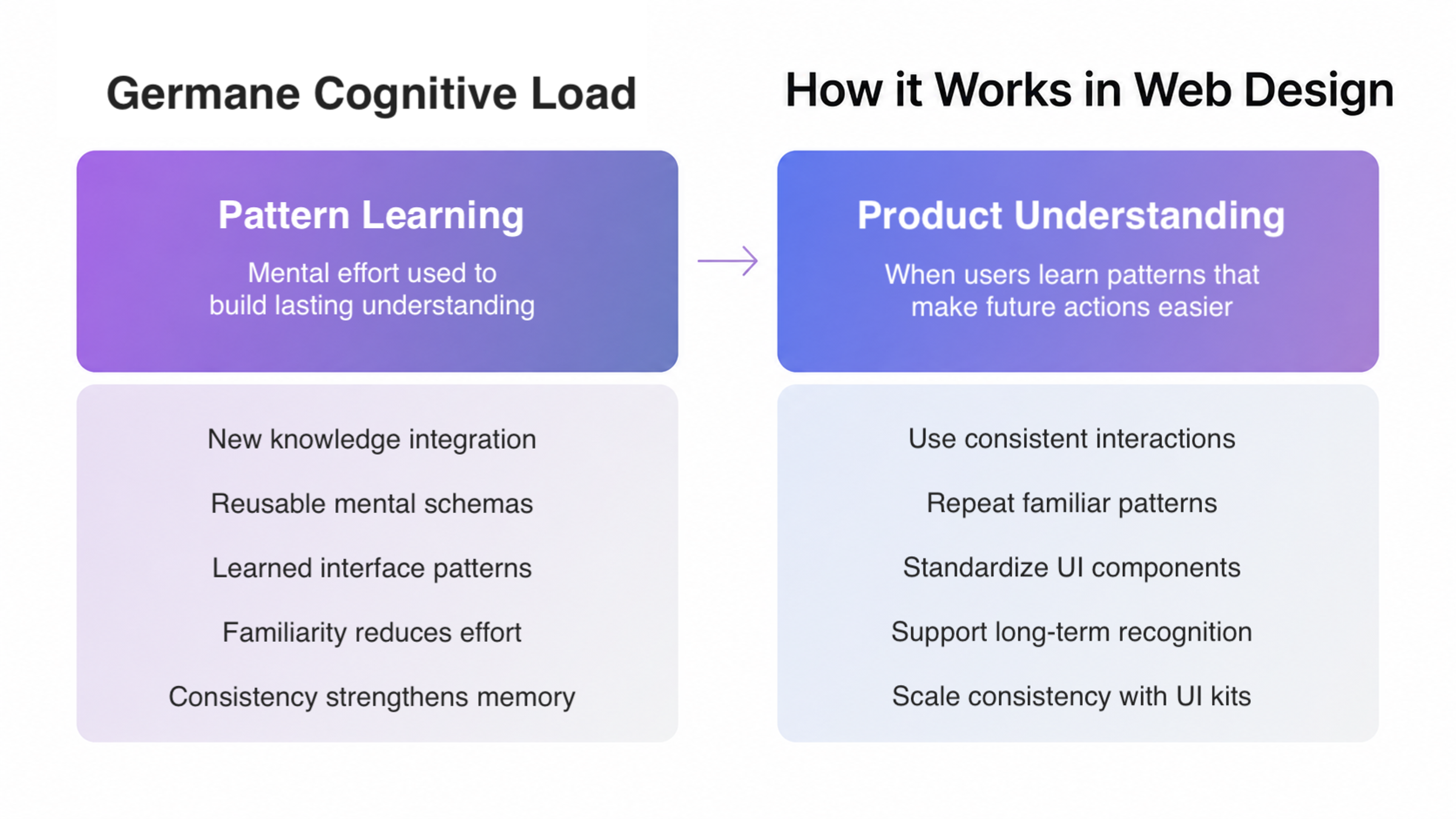
Germane cognitive load is the mental effort required to integrate new knowledge into existing cognitive schemas. The result is genuine understanding and long-term retention.
When a user learns a pattern on your site, they form a schema, and future encounters with that pattern require less effort. A returning customer who already knows your cart icon opens a side drawer and doesn't think about it the second time.
Our redesign of Serena & Lily, a California-based luxury home decor retailer, is a good example of this in practice. We overhauled their entire customer journey, from product exploration to checkout, with reduced cognitive load at every step. The cart opens in a right-side drawer, keeping users in context without pulling them away from where they were browsing.
Serena & Lily Website Redesign by Clay Global

Consistent interaction patterns encourage that process, which is why consistency across your product matters well beyond aesthetics. A well-structured UI kit is one of the simplest ways to enforce that consistency at scale.
How Cognitive Load Affects User Behavior
When the cognitive load imposed by a page exceeds what users can comfortably handle, the first response is disengagement. Users don't usually think this is too cognitively demanding. They just feel vaguely frustrated, click back, and look elsewhere.
What high cognitive load mostly produces is silence. The scale of that silence is larger than most UX teams realize. Nearly 40% of all web sessions showed signs of user frustration, and cumulatively, those frustration signals cut visit value by 15%. It's a quantifiable revenue leak tied directly to friction and avoidable cognitive load.
The expertise reversal effect catches many designers off guard. Instructional materials that reduce cognitive load for novices can actually increase cognitive load for expert users who already have that knowledge consolidated in long-term memory.
When prior knowledge is already there, redundant information gets in the way rather than helping. An experienced developer doesn't need a tooltip explaining what an API key is, processing it still costs cognitive effort.
Strip unnecessary guidance where prior knowledge can be assumed, and save explicit instruction for genuinely novel steps.
The Impact of Cognitive Load on User Behavior
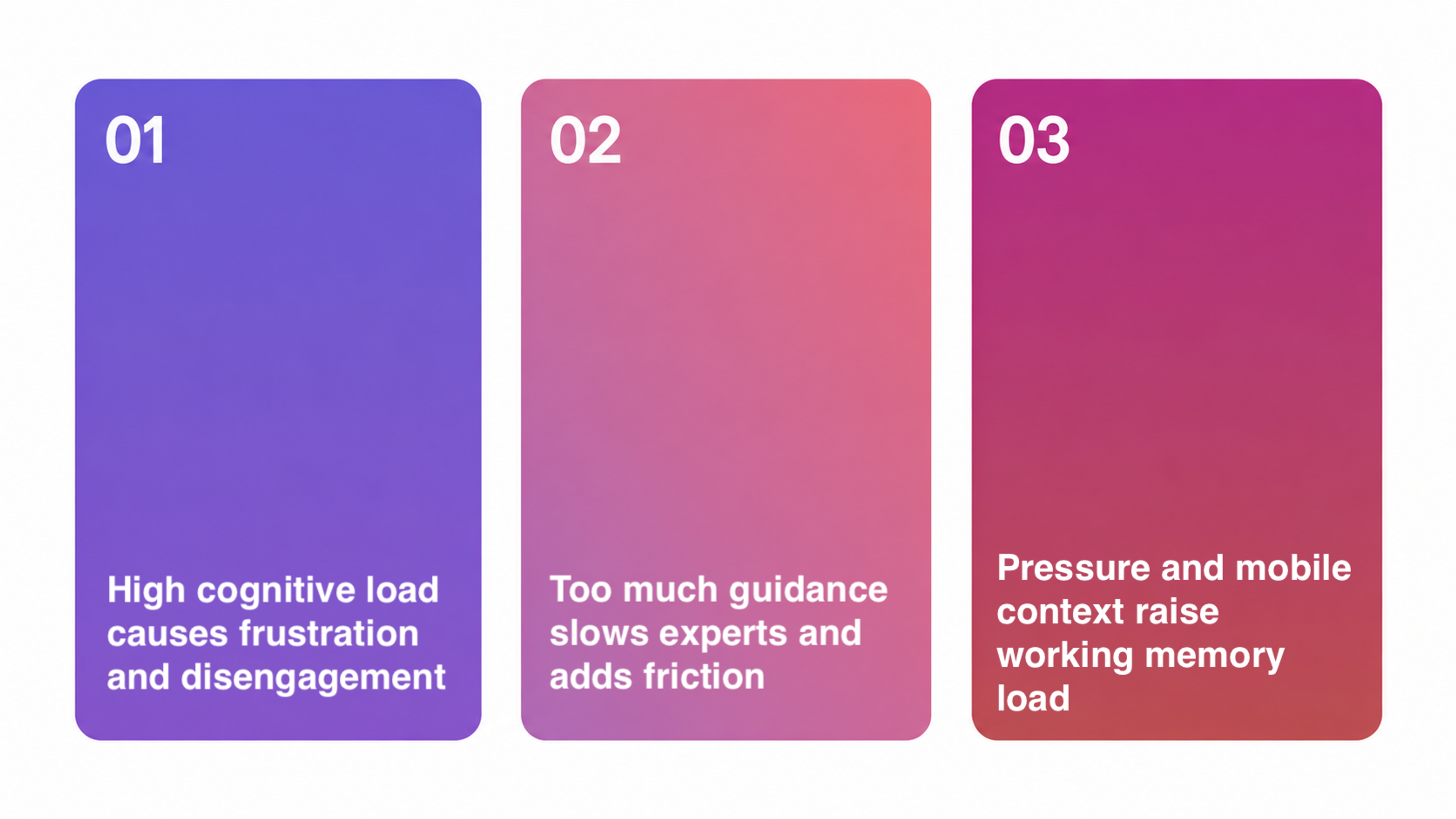
Working memory load also builds under pressure. A user who is rushed, multitasking, or on a slow mobile connection has fewer available working memory resources than the same user in an ideal environment.
A design that works fine in a calm, desktop setting can fail for the user checking out on a phone during a commute. Account for such conditions too.
With 10+ years of experience, we at Clay Global build every website with cognitive load in mind. Explore our work here.
Principles for Reducing Cognitive Load in Web Design
Use Progressive Disclosure
Layer information so users only see what they need to take the next step, and deeper options reveal themselves as they advance.
Navigation mega-menus that list every product category simultaneously are a classic example of cognitive overload. Collapse them and show the top level, then expand on demand.
Eliminate the Split Attention Effect
Keep related information together. If an error message appears at the top of a form but the offending field is at the bottom, users must track across the page to resolve it.
Inline validation, showing the error adjacent to the problem, removes that cross-page load entirely.
Reduce Extraneous Cognitive Load Through Visual Hierarchy
The eye follows weight, including size, contrast, whitespace, and position, all of which signal what matters.
A page with no clear visual hierarchy forces users to measure everything against everything else before they can act. Clear visual hierarchy directs cognitive effort toward what counts.
Respect Prior Knowledge
Avoid cognitive overload by calibrating your language and explanations to your audience's baseline.
Know your buyer personas well enough to skip what they already understand and focus on what actually needs explanation, like your specific pricing tiers.
Match the depth of explanation to the gap between what users already know and what they need to know to act.
Support Working Memory With External Aids
Buttons, breadcrumbs, and persistent navigation reduce the mental overhead of tracking where users are and what they've done. When users don't have to remember their own location in a flow, they can direct their mental resources toward the actual task.
Define One Primary Action Per Screen
For each screen, identify the one thing most users are there to do.
Cut or move anything that doesn't directly support the primary task. If something pulls attention sideways, move it behind a toggle or push it to a different screen entirely.
Cognitive Load Signals Worth Tracking
Cognitive Load Signals to Track
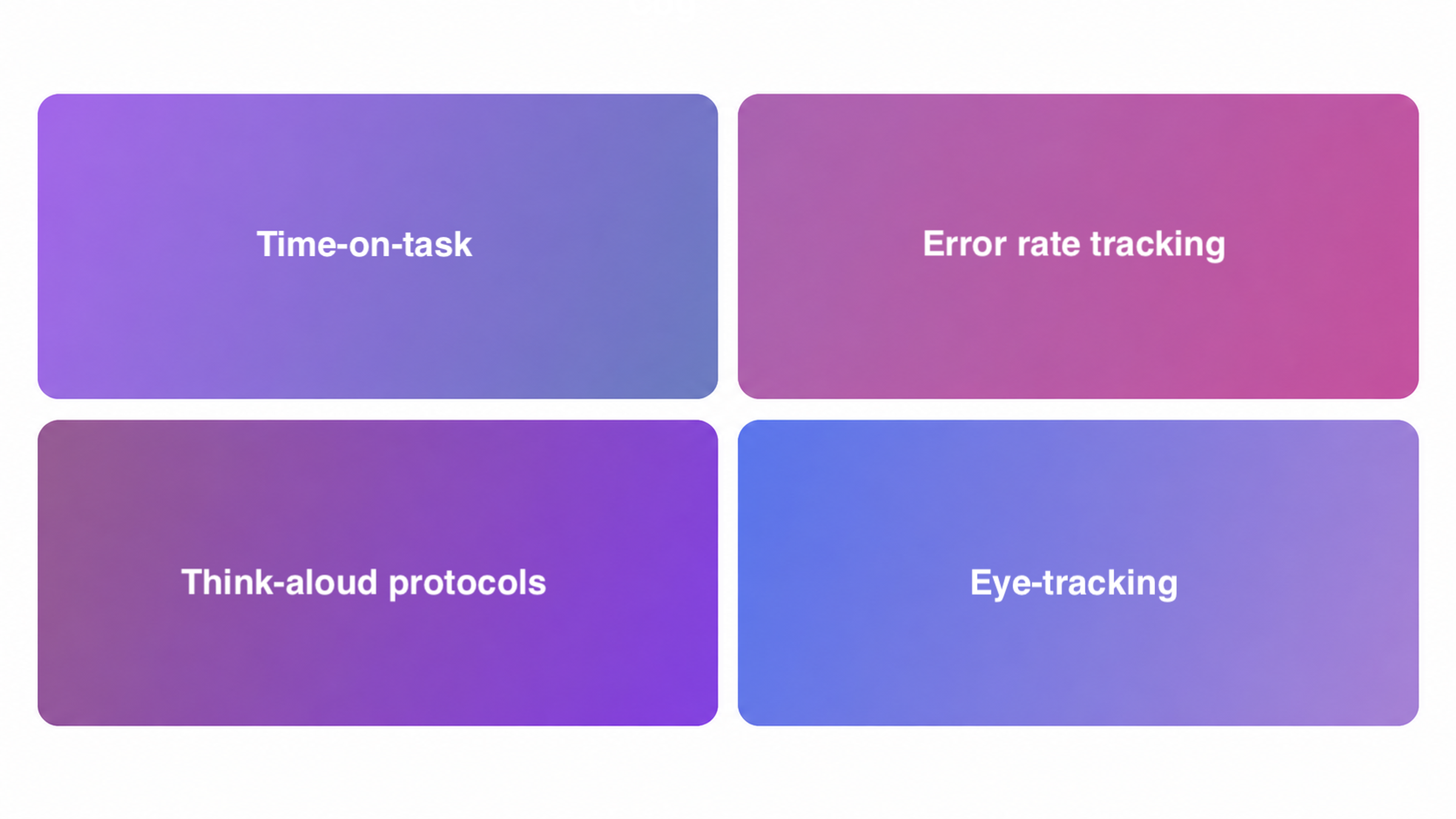
Standard UX metrics are decent stand-ins for cognitive load, and data-driven design gives you the clearest path to identifying where the friction is. This applies whether you're an in-house team or a web design agency working for a client.
- Time-on-task. If users are spending far longer on a step than the step actually warrants, extraneous load is likely the culprit. Session recordings will often show the symptoms, including users rereading sections, hovering uncertainly over options, and starting and abandoning a form.
- Error rate tracking. Misinterpreted labels, ambiguous button copy, and fields that don't explain the format they expect all contribute to extraneous cognitive load in the design.
- Think-aloud protocols. When a participant pauses to re-read something or says they're not sure what something means, that's a data point. Add those moments up across sessions, and you have a map of where the cognitive load imposed by your design is highest.
- Eye-tracking. When available, it reveals split attention patterns directly, showing where users look, in what order, and how often they return to the same element before acting.
Together, these methods make up a solid, detailed design validation process, a structured review of your interface, specifically looking for where cognitive load exceeds what the task actually justifies.
The Bigger Picture Behind Cognitive Load
The growing influence of cognitive science and brain sciences on UX is a long-overdue correction. For years, design decisions were driven by basic UX rules and aesthetics, mostly at the surface level.
Cognitive load theory shifts the conversation in interface design to the mental layer. It asks not whether something looks good but what it does to the person who has to use it. That's a fundamentally different question, and it leads to fundamentally different decisions.
From an instructional design standpoint, the web is one of the most demanding natural information processing systems humans have built.
Users arrive with wildly varying levels of prior knowledge. The only universal constraint is working memory, and everyone's is limited. It's the resource your design is always competing for.
The sites that hold users' attention longest have thought carefully about cognitive effort at every step. They reduce extraneous load, support germane load, and respect the inherent intrinsic load of their subject matter. That combination keeps users present and moving forward.
Yahoo Games is a good example of what that looks like in practice. When they brought us in to redesign the Yahoo Games website, managing cognitive load was part of the strategy from the start. A large content library only works when finding something feels effortless, otherwise, users leave.
Yahoo Games Website Design by Clay Global

Clear categories and multiple entry points let users orient themselves without processing the full library at once. A random game selection feature removed decision fatigue entirely. Consistent navigation and a tight design system kept extraneous load low, while custom illustrations made the platform feel familiar faster.
From fintech platforms to online retail experiences, we know that no two websites should feel the same. Let's talk about yours.
Read more
- Web Redesign for Tipalti, a Modern Payables Automation Platform, by Clay Global
FAQ
What is cognitive load in simple terms?
Cognitive load is the total mental effort your brain is using at any given moment.
When processing information on a page, your working memory handles everything in real time.
Because working memory capacity is limited, anything that demands mental effort competes for the same finite resource. When that resource runs out, performance degrades, and people disengage.
What is cognitive load theory?
Cognitive load theory is a framework from educational psychology, developed by John Sweller in the late 1980s, that explains how the structure of information affects learning and decision-making.
It identifies three types of cognitive load, including intrinsic, extraneous, and germane. Effective instructional design manages the balance between them to maximize what learners or users can actually process and retain.
What are the three types of cognitive load?
Cognitive load theory identifies three distinct types, each with a different source and implications for design.
Intrinsic load covers the inherent difficulty of the subject matter itself, shaped by the topic's complexity and the user's prior knowledge.
Extraneous load is the mental effort caused by how information is presented rather than its content, and it should be kept as low as possible.
Germane load is the productive effort that goes into building new cognitive schemas, the kind that leads to real understanding and should be actively encouraged.
How does cognitive load affect UX design?
High cognitive load makes interfaces harder to use, even when the visual design is intuitive and clean. It slows users down, increases error rates, and drives people away.
From a cognitive load perspective, every design decision either adds to or subtracts from the mental work users must do. UX design that accounts for cognitive principles, from research to final output, consistently produces better conversion.
What causes high cognitive load on a website?
The main causes are poor visual hierarchy, excessive choice, inconsistent terminology, split attention, unnecessary information, and lack of progressive disclosure.
These factors all increase the extraneous cognitive load imposed by the design, adding mental effort that serves no useful purpose and competes with the user's actual goal.
What's the difference between intrinsic and extraneous cognitive load?
Intrinsic cognitive load is determined by the subject matter's inherent difficulty. You can't eliminate it, only manage it relative to the user's prior knowledge.
Extraneous cognitive load is caused by design and presentation choices. It adds mental effort without adding understanding.
A complex topic explained clearly has high intrinsic load but low extraneous load. A simple topic buried in a cluttered, inconsistent interface has low intrinsic load but high extraneous load.
How can I reduce cognitive load on my website?
Reduce extraneous load by simplifying visual hierarchy. Support germane load with consistent interaction patterns that users can learn once and apply everywhere. Calibrate the intrinsic load to the audience's expertise, using progressive disclosure for complex topics.
The goal is to remove obstacles between users and the outcome they came for.
What is the split attention effect?
The split-attention effect occurs when users must mentally integrate information from multiple, separate sources.
An error message shown at the top of a form while the problematic field is at the bottom is a common example. That mental juggling unnecessarily increases working memory load.
The fix is almost always physical proximity, meaning putting related information together.
What is the expertise reversal effect in UX?
The expertise reversal effect describes how instructional support that helps novice users can actively increase cognitive load for experienced users.
Explanatory tooltips, guided tours, and detailed labels all become friction for someone who already has the relevant knowledge stored in long-term memory. Detailed guidance that's helpful for beginners becomes noise for experts.
Personalized onboarding paths or collapsible help content can address both audiences without compromising either experience.
How does working memory relate to web design?
Working memory is the mental workspace where all active cognitive processing happens. It holds roughly four to seven pieces of information at a time before performance degrades.
Every visual element, piece of copy, and interaction pattern on a page competes for space in the user's working memory.
Designs that exceed this capacity through unnecessary complexity cause users to lose track, make errors, or give up entirely.
Is cognitive load theory only relevant for complex websites?
No, cognitive load theory applies to any interface where users must process information and make decisions.
Anyone working on website design quickly learns that even a simple landing page involves reading, interpretation, and choice.
The stakes are just higher for complex applications, multi-step flows, or content-heavy sites where the volume of information is large and the user's path isn't obvious.
How does prior knowledge affect cognitive load?
Prior knowledge reduces intrinsic cognitive load by providing users with existing cognitive schemas to which new information can be attached.
Someone familiar with SaaS products understands subscription tiers without explanation. A user encountering these concepts for the first time must build those schemas from scratch, which requires significantly more mental effort.
Your audience's baseline determines how deep your explanations need to go.
What's the relationship between cognitive load and conversion rates?
High cognitive load raises the mental cost of completing an action. The higher that cost, the more likely users are to abandon a flow at checkout. That’s why cognitive load is a particularly pressing concern in fintech and e-commerce.
Reducing the mental effort required to complete a task makes it easier for users to follow through.
Checkout optimization tends to produce meaningful revenue gains even when the changes look minor from the outside, precisely because the mental cost was quietly blocking action all along.
Can good copywriting reduce cognitive load?
Yes, significantly. A clear, direct copy that matches the user's language and avoids jargon reduces the mental work required to understand it.
Concise labels, an obvious call to action, and copy that answers the user's most likely question at each step all lower the cognitive effort required.
Conversely, vague or clever copy that requires interpretation adds unnecessary extraneous load. Users must first decode what you mean before they can decide what to do.
How does mobile context affect cognitive load?
Mobile users generally have higher baseline cognitive load than desktop users. They're often in motion or under time pressure, which further reduces available working memory resources.
They're also on smaller screens, so information density must drop and tap targets must be clear.
Designs that hold up on desktops can fail in degraded mobile contexts. A specific test for cognitive effort in mobile scenarios is what separates well-considered mobile design from technically compliant mobile design.
Final Thoughts
Most teams treat UX friction as a list of things to fix after the design is done. Cognitive load theory suggests a different starting point.
Assume the user's mental budget is already stretched before they arrive, and design accordingly. The question to ask at every stage is what it is costing the person trying to use it, and whether that cost is justified.


About Clay
Clay is a UI/UX design & branding agency in San Francisco. We team up with startups and leading brands to create transformative digital experience. Clients: Facebook, Slack, Google, Amazon, Credit Karma, Zenefits, etc.
Learn moreAbout Clay
Clay is a UI/UX design & branding agency in San Francisco. We team up with startups and leading brands to create transformative digital experience. Clients: Facebook, Slack, Google, Amazon, Credit Karma, Zenefits, etc.
Learn more